Free sunglasses SVG files
Free sunglasses SVG files: classic square frames, aviators, round, cat eye and heart-shaped pairs, lenses with palm trees, stars and a flag, and blocky pixel shades. Each pair is drawn from the front, welded into one piece, and carries no maker’s mark. Download as SVG, PNG or DXF.
13 designs. Free for personal and commercial use, no sign-up. What you can do with them.
-
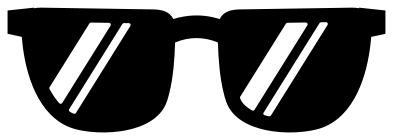 Classic sunglasses with glare Solid · one piece
 -
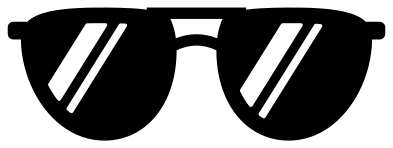 Aviator sunglasses Solid · one piece
 -
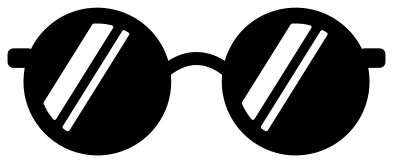 Round sunglasses Solid · one piece
 -
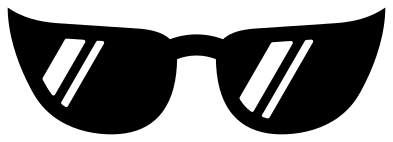 Cat eye sunglasses Solid · one piece
 -
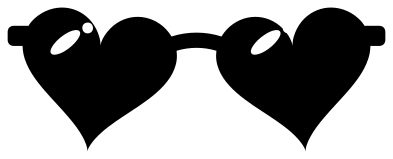 Heart sunglasses Solid · one piece
 -
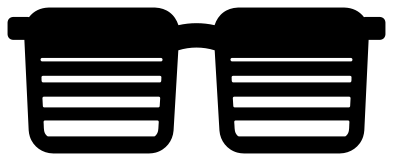 Square sunglasses with faded lenses Solid · one piece
 -
 Sunglasses with palm trees Solid · one piece
 -
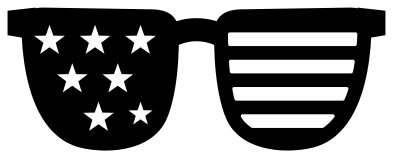 Stars and stripes sunglasses Solid · one piece
 -
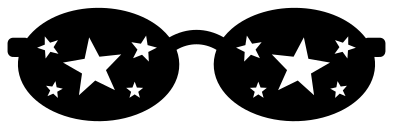 Sunglasses with stars Solid · one piece
 -
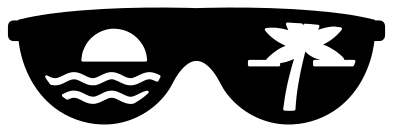 Beach sunglasses with a sunset Solid · one piece
 -
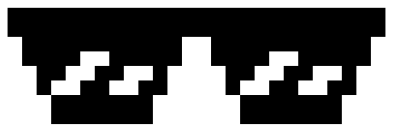 Pixel sunglasses Solid · one piece
 -
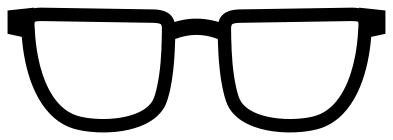 Sunglasses outline Outline · one piece
 -
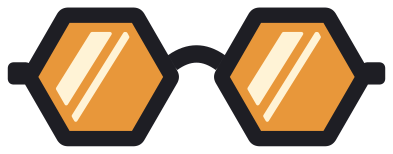 Layered hexagon sunglasses Layered · 9 pieces
Putting sunglasses on something
Most people who look for a sunglasses file want to put the pair on a face that is already there: a pumpkin, a sun, a pineapple, a dog, a baby’s name. That is why every pair here is drawn straight from the front, level, with the lenses solid and the bridge in the exact middle. Scale the pair until the lenses cover the eyes, and for an animal seen from the side, shear or turn it a few degrees in your software.
Every file is 100 mm wide. The lenses are about 42 mm across on most pairs, and the whole thing is roughly a third as tall as it is wide.
Glare, tint and what shows through
The stripes of glare, the palm trees, the stars and the fading slots are all holes in a dark lens, so the surface behind becomes the bright part. On a white shirt black sunglasses get white glare. For a mirrored look, put holographic or metallic vinyl under the whole pair, or cut the layered pair and choose your own lens colour. The aviators have the slimmest parts, two slim bridge bars, so they are the ones not to cut small.
How to open the files
- Cricut Design Space: choose Upload, pick the SVG, and add it to the canvas. Set the width you want; the shape is already welded.
- Silhouette Studio: Designer Edition and above open the SVG. The free Basic Edition does not, so open the DXF instead.
- LightBurn, xTool Creative Space and Glowforge: import the SVG, then set the layer to cut, score or engrave.
- Inkscape, Illustrator and Affinity: open the SVG. It is a plain filled path, so you can recolour it, add a stroke or combine it with your own work.
- Printing or sublimation: use the PNG, which has a transparent background.
Each design page lists the file’s narrowest part at seven sizes, so you can tell whether it will survive at the size you plan to cut.
Questions
How do I put sunglasses on another design?
Open both files in your cutting software, lay the sunglasses over the eyes and scale them to fit. If both are the same colour, weld the two; if not, use the sunglasses to slice a matching hole out of the face so the layers do not stack too thick.
Which pair is easiest to weed?
The pixel sunglasses and the cat eye pair. Both have only a few large cut-outs with no fine points. The palm tree and flag lenses have small pieces to pick out, so cut those at 90 mm wide or more.
Can I make the lenses a different colour from the frame?
Yes, with the layered pair: it has the lenses, the frame and the glare as three separate layers. For any other style, cut the outline design in the frame colour and a solid pair in the lens colour underneath.
 Camera SVG
  Guitar SVG
  Music note SVG
  Stethoscope SVG
  Tooth SVG
  Light bulb SVG