Free storefront SVG files
Free storefront SVG files: a shop with a striped awning, a bakery, a cafe, a coffee shop, a flower shop, a bookshop, a barber, a general store, a market stall, a lemonade stand and a row of three shops. Every sign board is left blank for your own name.
16 designs. Free for personal and commercial use, no sign-up. What you can do with them.
-
 Storefront with a striped awning Solid · one piece
 -
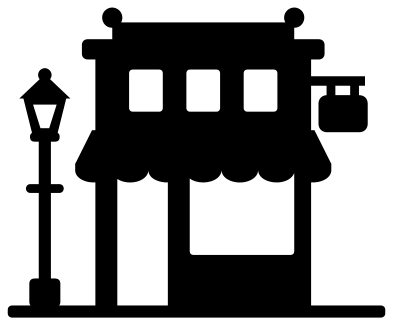 Storefront silhouette with a street lamp Solid · one piece
 -
 Bakery storefront with a cake in the window Solid · one piece
 -
 Cafe storefront with tables outside Solid · one piece
 -
 Coffee shop storefront with a cup on the roof Solid · one piece
 -
 Flower shop storefront with buckets of blooms Solid · one piece
 -
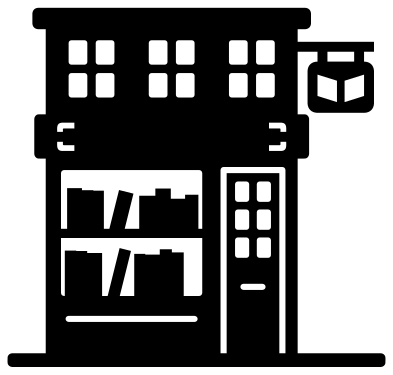 Bookshop storefront with shelves in the window Solid · one piece
 -
 Market stall storefront with fruit and vegetables Solid · one piece
 -
 Lemonade stand with a jug and glasses Solid · one piece
 -
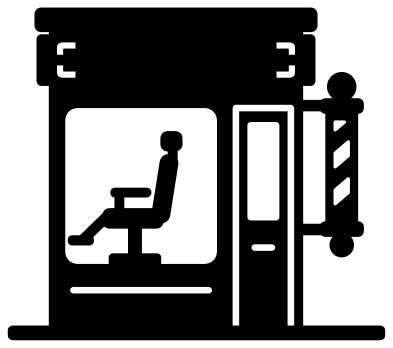 Barber shop storefront with a striped pole Solid · one piece
 -
 General store with a porch Solid · one piece
 -
 Row of three storefronts Solid · one piece
 -
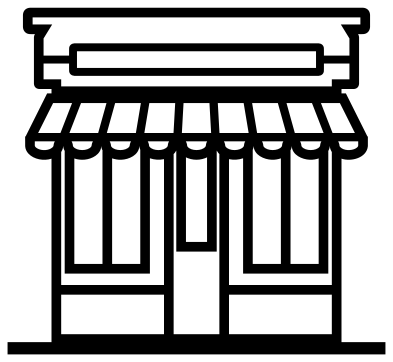 Storefront outline Outline · one piece
 -
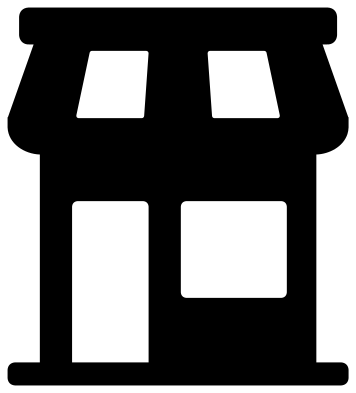 Simple storefront icon Solid · one piece
 -
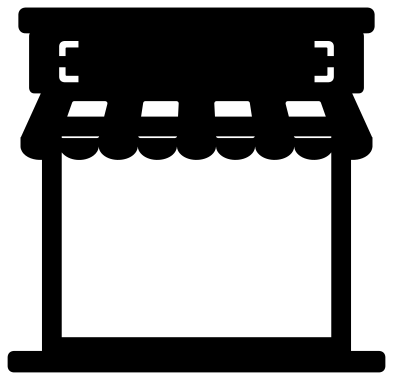 Storefront frame with a blank window Solid · one piece
 -
 Layered storefront in seven colours Layered · 19 pieces
Awnings, windows and what holds them together
Each awning is a sloping sheet with a hem and a scalloped edge. Every other stripe is cut out of the slope and stops about 2.5 mm short of the top, so the awning stays one piece and the stripes show in the colour of whatever is underneath. The shop windows run up behind the scallops, which is why the edge of the awning shows so clearly against the glass.
The cakes, books, pot plants and the barber’s chair all stand on the window sill, so they stay joined to the wall and nothing drops out when you weed. Doors are cut round the sides only and stay attached at the step. The finest parts are the glazing bars and the stems, a little over 2 mm wide when the shop is 100 mm across: fine in card and vinyl at that size, and better at 150 mm or more in wood.
Blank signs for your own shop name
No shop here has lettering on it. The sign board above each awning is marked only by four small corner cuts, and the hanging signs are plain plates, so you can add a name in your cutting software, write it in paint pen, or leave it empty for a play street. The storefront frame is the one to pick for a price list or an opening-hours card: its whole front is an open window.
How to open the files
- Cricut Design Space: choose Upload, pick the SVG, and add it to the canvas. Set the width you want; the shape is already welded.
- Silhouette Studio: Designer Edition and above open the SVG. The free Basic Edition does not, so open the DXF instead.
- LightBurn, xTool Creative Space and Glowforge: import the SVG, then set the layer to cut, score or engrave.
- Inkscape, Illustrator and Affinity: open the SVG. It is a plain filled path, so you can recolour it, add a stroke or combine it with your own work.
- Printing or sublimation: use the PNG, which has a transparent background.
Each design page lists the file’s narrowest part at seven sizes, so you can tell whether it will survive at the size you plan to cut.
Questions
How do I add my shop name to the blank sign?
Open the file in your cutting software, type the name and place it between the corner cuts of the sign board. On the classic storefront the board is about 67 mm wide and 10 mm tall when the shop is 100 mm across, so cut the shop at 200 mm or more if the name is to be cut out rather than drawn.
Which storefronts work for a paper village or a shadow box?
The storefront silhouette, the row of three storefronts and the simple storefront icon have a flat foot and only large openings, so they stand up well as scenery. Back the windows with vellum or yellow paper and they glow when lit from behind.
Can I make the awning stripes a second colour?
Yes. Cut a single-colour shop from one colour and stick it on a backing of another, and the stripes show through. For red and white stripes with coloured glass and trim, use the layered storefront, where the awning and its stripes are separate layers.
 Camera SVG
  Guitar SVG
  Music note SVG
  Stethoscope SVG
  Tooth SVG
  Light bulb SVG