Free squiggly line SVG files
Squiggly lines as a hand draws them: brush pen waves, loops, scribbles, underlines, dashes and dots, with frames, a border that joins and a set of eight dividers. The strokes swell and thin as a pen’s do, and every file is closed outlines that a blade or a laser can follow.
22 designs. Free for personal and commercial use, no sign-up. What you can do with them.
Or choose one below for its PNG, DXF and cutting sizes.
-
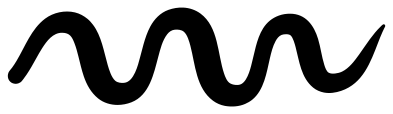 Squiggly line from a brush pen Solid · one piece
-
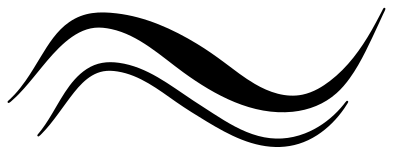 Curved line, thick and thin Solid · 2 pieces
-
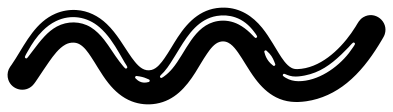 Wavy line with a light along it Solid · one piece
-
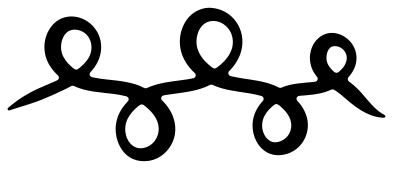 Curly line with five loops Solid · one piece
-
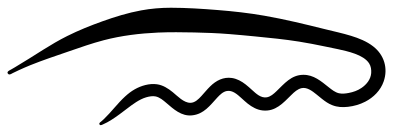 Squiggly underline Solid · one piece
-
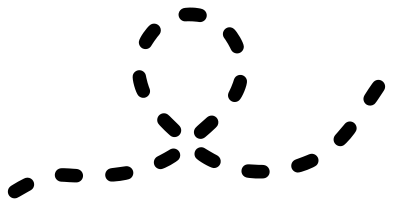 Dashed squiggly line with a loop Solid · 16 pieces
-
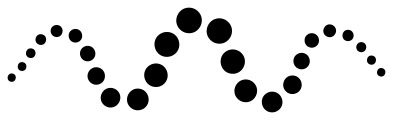 Dotted squiggly line Solid · 25 pieces
-
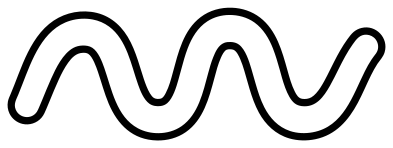 Squiggly line outline Outline · one piece
-
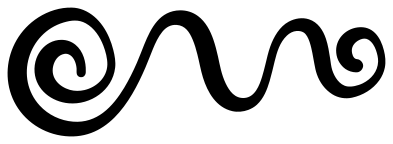 Fancy squiggle with curled ends Solid · one piece
-
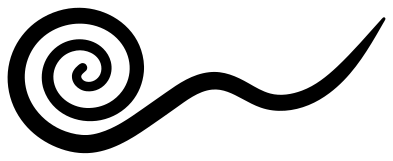 Squiggly line uncoiling from a spiral Solid · one piece
-
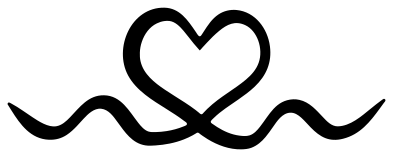 Squiggle with a heart in the middle Solid · one piece
-
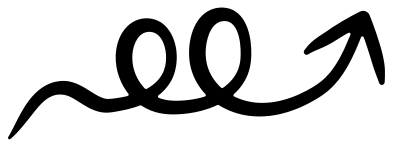 Squiggle arrow with two loops Solid · one piece
-
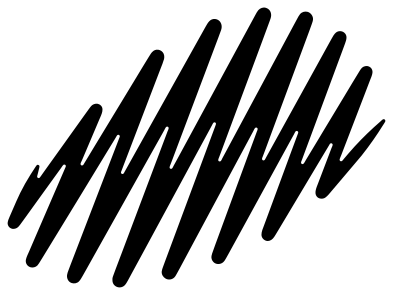 Scribble patch in one squiggly line Solid · one piece
-
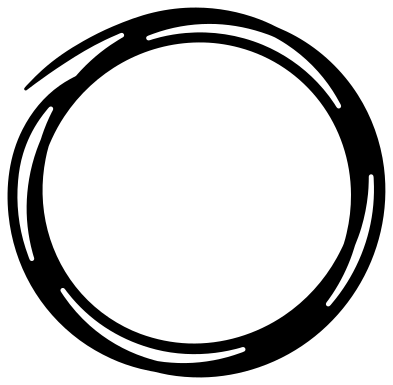 Scribble circle, gone round three times Solid · one piece
-
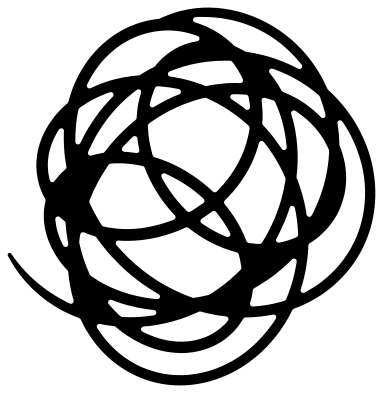 Tangled ball of squiggly line Solid · one piece
-
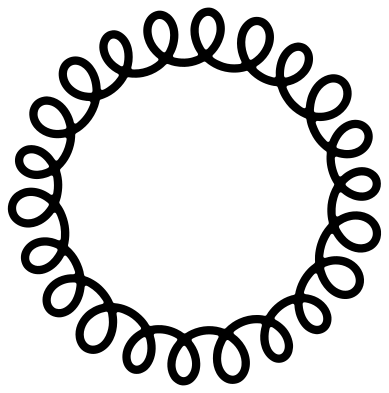 Doodle circle frame of loops Solid · one piece
-
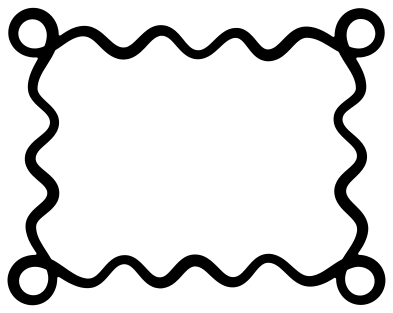 Squiggly line frame with corner loops Solid · one piece
-
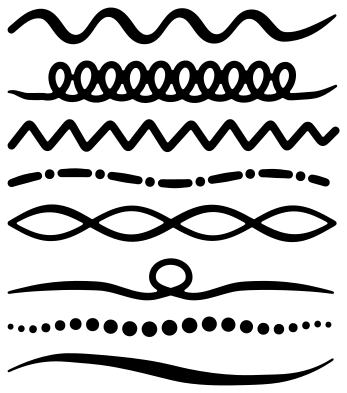 Set of eight squiggly line dividers Solid · 40 pieces
-
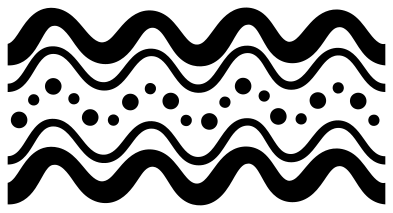 Squiggly line border that joins Solid · 24 pieces
-
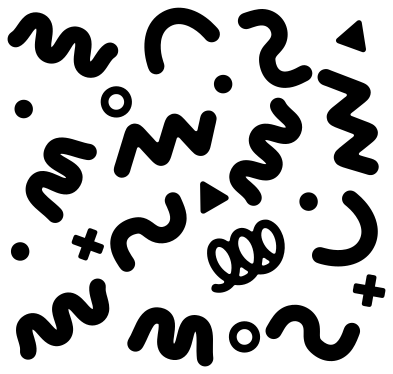 Scatter of short squiggly lines Solid · 23 pieces
-
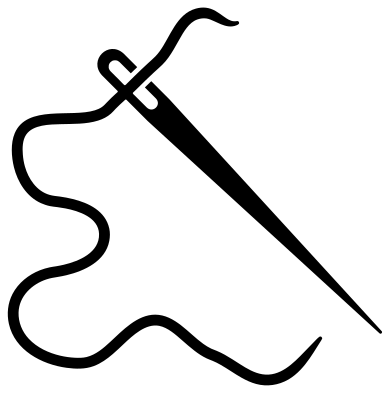 Squiggly line of thread and a needle Solid · one piece
-
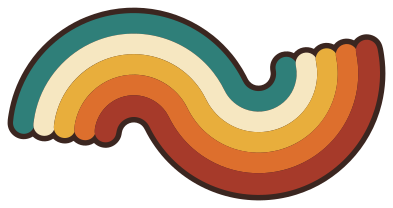 Retro squiggly line in five stripes Layered · 6 pieces
Using squiggly lines
A squiggle does a quiet job: it sits under a name, parts two lines of lettering, fills the empty corner of a planner page or turns a plain mug into a patterned one. Choose by weight first. A bold wave holds its own beside thick script, and the thin ones belong under small type. Pull only on a corner handle when you change the size, because a wave that is stretched to fit loses the swell of the pen and looks typed.
All of these are shapes with an inside, not single strokes, so a cutter goes round both sides of the line. At 100 mm wide the finest parts are between 1 and 2 mm, which is easy in vinyl and heat transfer vinyl. For paper and card keep a thin line at 120 mm or more, use a fresh blade and slow down on the tight bends. A pen plotter will draw the edges of each line; fill them with a hatch if you want solid strokes.
Lines in several pieces, such as the dashes, the dots and the set of eight, hold their spacing on transfer tape. The border repeats: place copies end to end and weld them, and the lines run on across the join. The two frames and the scribble circle are open in the middle, ready for a name or a monogram.
How to open the files
- Cricut Design Space: choose Upload, pick the SVG, and add it to the canvas. Set the width you want; the shape is already welded.
- Silhouette Studio: Designer Edition and above open the SVG. The free Basic Edition does not, so open the DXF instead.
- LightBurn, xTool Creative Space and Glowforge: import the SVG, then set the layer to cut, score or engrave.
- Inkscape, Illustrator and Affinity: open the SVG. It is a plain filled path, so you can recolour it, add a stroke or combine it with your own work.
- Printing or sublimation: use the PNG, which has a transparent background.
Each design page lists the file’s narrowest part at seven sizes, so you can tell whether it will survive at the size you plan to cut.
Questions
How do I make a squiggly line longer?
Use the border, which is drawn to join end to end, or copy a wave, turn the copy round and weld the two tails together. Stretching one line sideways makes its bends flat and its ends fat.
Which of these work as an underline?
The squiggly underline is drawn for it, with a long sweep on top and a small squiggle beneath. The curved line and several of the eight dividers suit a name too. Make the line a little shorter than the word and let it start under the second letter.
Can a pen plotter draw the squiggles as single lines?
The files hold the outline of each stroke, so a plotter draws both edges. With a pen about as wide as the stroke that looks like one thick line. Otherwise add a hatch fill in your plotting software.
 Heart SVG
 Star SVG
 Arrow SVG
 Diamond SVG
 Triangle SVG
 Square SVG