Free speech bubble SVG files
Free speech bubble SVG files, all blank for your own words: an oval, a rounded box, a cloud, a thought bubble, a spiked shout, a comic burst, pairs in conversation, and bubbles with a heart, stars or typing dots cut out. Solid shapes and open outlines are both here.
16 designs. Free for personal and commercial use, no sign-up. What you can do with them.
-
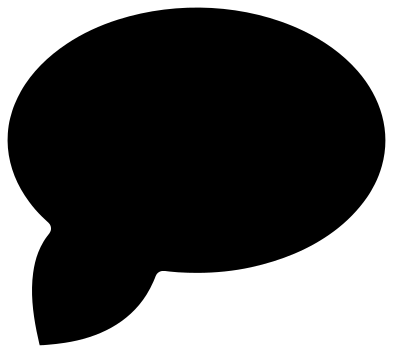 Oval speech bubble Solid · one piece
 -
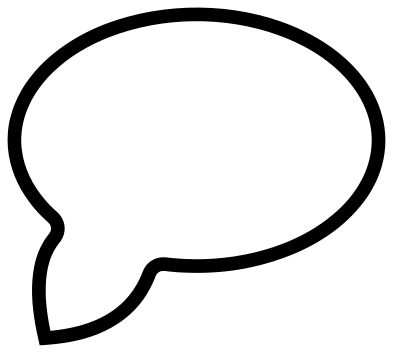 Speech bubble outline Outline · one piece
 -
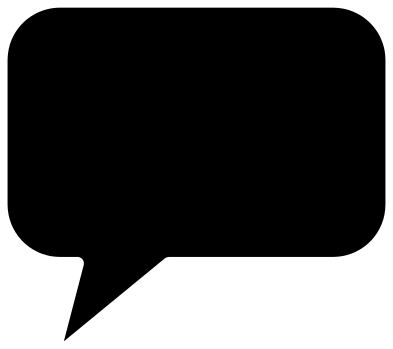 Text speech bubble with rounded corners Solid · one piece
 -
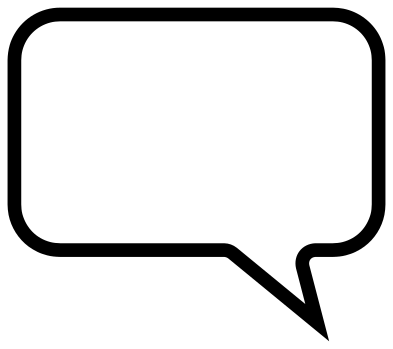 Square speech bubble frame for a quote Outline · one piece
 -
 Cloud speech bubble Solid · one piece
 -
 Thought speech bubble with dots Solid · 4 pieces
 -
 Comic speech bubble for a shout Solid · one piece
 -
 Comic burst speech bubble with an echo line Solid · one piece
 -
 Conversation speech bubbles Solid · one piece
 -
 Chat speech bubbles Solid · one piece
 -
 Speech bubble with a heart Solid · one piece
 -
 Speech bubble with three stars Solid · one piece
 -
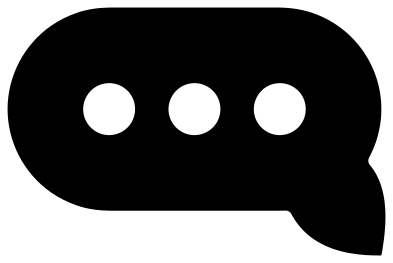 Typing speech bubble with three dots Solid · one piece
 -
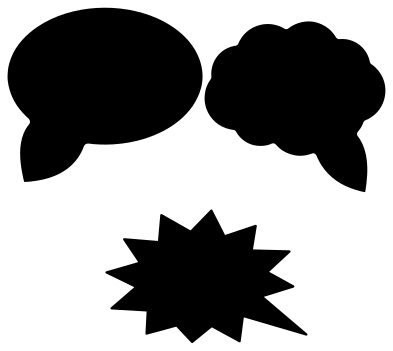 Set of three speech bubbles Solid · 3 pieces
 -
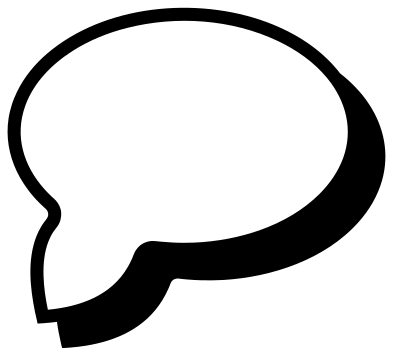 Speech bubble with a drop shadow Solid · one piece
 -
 Colourful speech bubbles in three colours Layered · 6 pieces
Blank on purpose
A speech bubble is a frame for words, so every one of these is left empty. There are two ways to use them. The solid bubbles are for layering: cut the bubble from white or a pale colour, cut your lettering from a dark one, and press the words on top. The outline bubbles are for a single colour: the oval outline and the square frame are bold lines about 3.5 mm wide at 100 mm, and the words go straight on to the wall, card or shirt inside them.
Leave room when you set the words. Lettering looks best when it fills about two thirds of the width of the bubble and sits a little above the middle, away from the tail. The rounded box takes two or three lines most easily. The oval suits one or two short lines, and the spiked shout has the least usable room, so keep it for a single word.
Which bubble says what
Comics settled the meanings long ago. A smooth oval is ordinary talk. A cloud with a tail is a soft or dreamy voice, and a cloud with a trail of dots is a thought that is not spoken. Spikes mean volume: a shout, a bang or a sale. Rounded boxes and pills come from phone screens, and three dots in a pill mean someone is typing. The burst with an echo line has no tail at all, because a sound effect belongs to nobody.
How to open the files
- Cricut Design Space: choose Upload, pick the SVG, and add it to the canvas. Set the width you want; the shape is already welded.
- Silhouette Studio: Designer Edition and above open the SVG. The free Basic Edition does not, so open the DXF instead.
- LightBurn, xTool Creative Space and Glowforge: import the SVG, then set the layer to cut, score or engrave.
- Inkscape, Illustrator and Affinity: open the SVG. It is a plain filled path, so you can recolour it, add a stroke or combine it with your own work.
- Printing or sublimation: use the PNG, which has a transparent background.
Each design page lists the file’s narrowest part at seven sizes, so you can tell whether it will survive at the size you plan to cut.
Questions
How do I add words to a speech bubble?
Open the file in your cutting software, type your words over the bubble in a bold typeface and size them to about two thirds of its width. For a solid bubble, cut the words from a second colour and layer them on top. For an outline bubble, cut both in one colour and keep the words inside the line.
Are the dots of the thought bubble joined to it?
No. The cloud and its three dots are four separate pieces, as they are in a comic. In vinyl, weed the sheet and lift all four together with one piece of transfer tape so that the spacing is kept. In card, glue them down one at a time using the file as a guide.
Which speech bubbles work as photo booth props?
The oval, the cloud, the shout and the bubble with a heart, cut from stiff card at 200 to 250 mm wide and taped to a stick. Cut the solid versions, not the outlines, because a prop needs a surface to write on and the stiffness of the whole shape.
 Heart SVG
  Star SVG
  Arrow SVG
  Diamond SVG
  Triangle SVG
  Square SVG