Free sewing machine SVG files
Free sewing machine SVG files: a modern machine, a vintage cast-iron one, a fancy one with flowers and an outline, plus needle and thread, a spool, a bobbin, buttons, a thimble, a safety pin, a dress form and a monogram ring of thread.
16 designs. Free for personal and commercial use, no sign-up. What you can do with them.
-
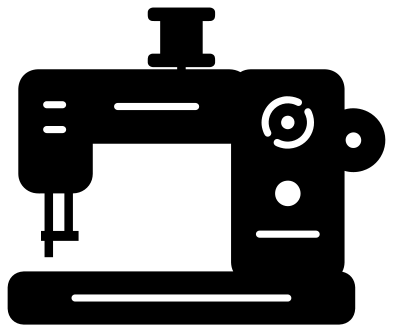 Sewing machine Solid · one piece
 -
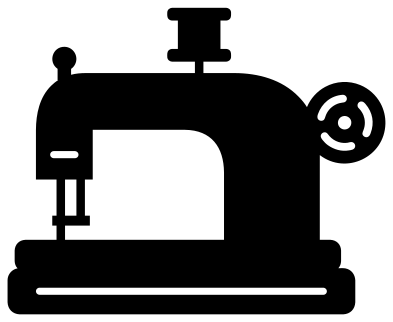 Vintage sewing machine Solid · one piece
 -
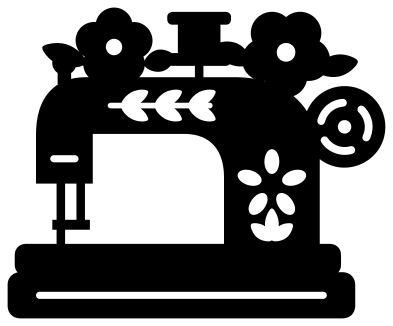 Fancy sewing machine with flowers Solid · one piece
 -
 Sewing machine outline Outline · one piece
 -
 Sewing needle and thread Solid · one piece
 -
 Sewing needle with a heart of thread Solid · one piece
 -
 Sewing thread spool Solid · one piece
 -
 Sewing button with four holes Solid · one piece
 -
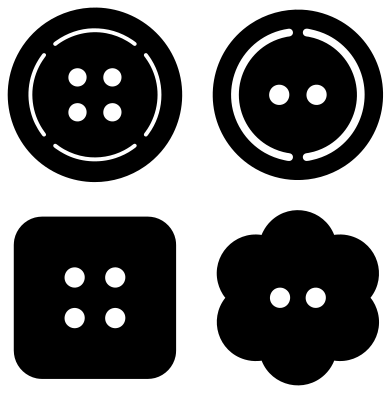 Sewing buttons, set of four Solid · 4 pieces
 -
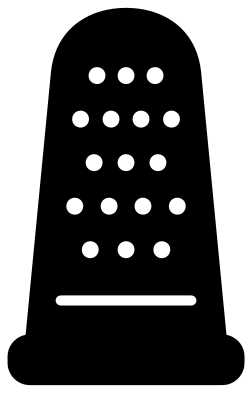 Sewing thimble Solid · one piece
 -
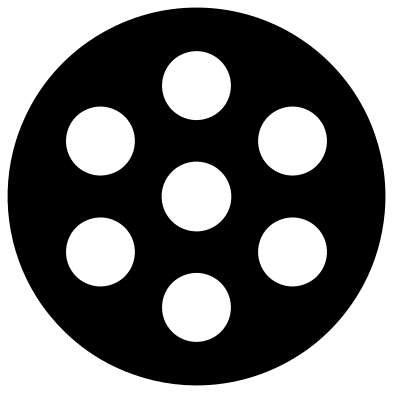 Sewing machine bobbin Solid · one piece
 -
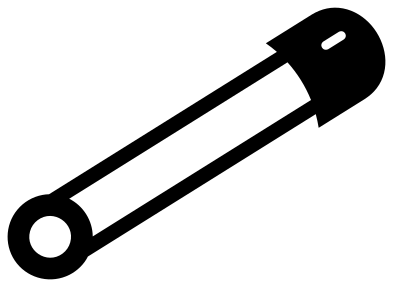 Sewing safety pin Solid · one piece
 -
 Sewing dress form Solid · one piece
 -
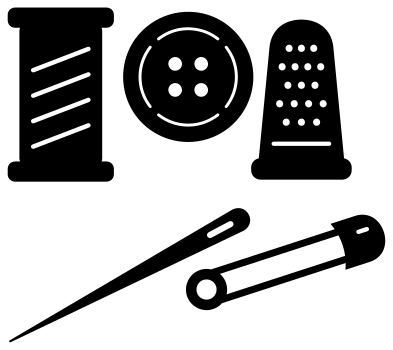 Sewing kit of five notions Solid · 5 pieces
 -
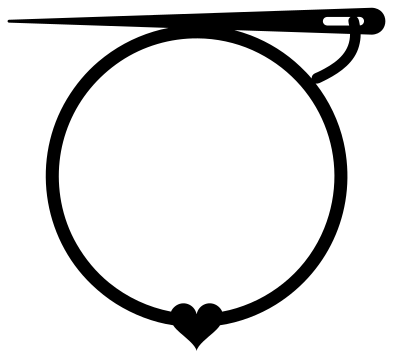 Sewing monogram frame of thread Solid · one piece
 -
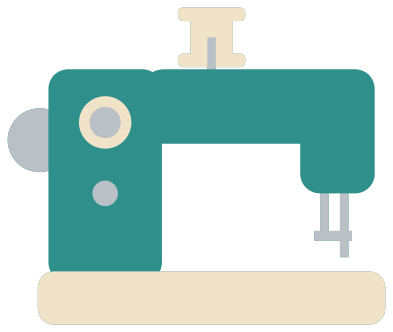 Layered sewing machine in three colours Layered · 9 pieces
The needle, the thread and how small to cut
A real thread is far too fine to cut, so the thread in these designs is drawn about 2.5 mm wide when a design is 100 mm across. That weeds cleanly in vinyl down to about 70 mm. Below that, choose the designs with no thread in them: the button, the bobbin, the thimble or one of the machines. The needle on each machine is drawn about 2.5 mm wide for the same reason, and it joins the machine at its top end only, so lift that part of the vinyl last.
In wood or acrylic, the button and the bobbin are the sturdy ones. Cut a button at 60 mm and its holes are about 6 mm across, big enough to sew through with wool, which makes a working giant button for a cushion or a coat for a snowman.
Old machine or new
The vintage machine has the curved cast-iron arm, the spoked hand wheel and the wooden base of a machine from the early 1900s, and it is the one quilters and collectors ask for. The fancy version cuts leaf and flower decals into it and adds two blooms on top. The modern machine is squarer, with dials on the pillar, and suits a sewing school, a repair shop or a first machine for a child.
How to open the files
- Cricut Design Space: choose Upload, pick the SVG, and add it to the canvas. Set the width you want; the shape is already welded.
- Silhouette Studio: Designer Edition and above open the SVG. The free Basic Edition does not, so open the DXF instead.
- LightBurn, xTool Creative Space and Glowforge: import the SVG, then set the layer to cut, score or engrave.
- Inkscape, Illustrator and Affinity: open the SVG. It is a plain filled path, so you can recolour it, add a stroke or combine it with your own work.
- Printing or sublimation: use the PNG, which has a transparent background.
Each design page lists the file’s narrowest part at seven sizes, so you can tell whether it will survive at the size you plan to cut.
Questions
How do I show the gold decals on the fancy sewing machine?
The leaves and the flower are cut out of the machine, so whatever lies behind shows through. Cut the machine in black and lay it over a piece of gold vinyl or gold card, and the decals appear in gold, as they were on an old machine.
Can I use the button design as a real button?
Yes, in wood or acrylic on a laser. The four holes go right through. Scale the file to the size you need and check that the holes are still at least 2 mm across, which they are for any button 20 mm wide or more.
What goes inside the ring of thread?
An initial, a name or a short line such as the name of a sewing room. The opening is about 73 mm across when the design is 100 mm wide. The needle lies across the top of the ring, clear of the lettering.
 Camera SVG
  Guitar SVG
  Music note SVG
  Stethoscope SVG
  Tooth SVG
  Light bulb SVG