Free rhinestone template SVG files
Free rhinestone SVG templates with real hole sizes: 2.4 mm for SS6 stones, 3.3 mm for SS10 and 4.5 mm for SS16. A filled heart, a star, a paw, a tiara, a cheer bow, a butterfly, a horse, letters, numbers, frames and a hem, with every stone counted. They open at the size they are meant to be.
24 designs. Free for personal and commercial use, no sign-up. What you can do with them.
Or choose one below for its PNG, DXF and cutting sizes.
-
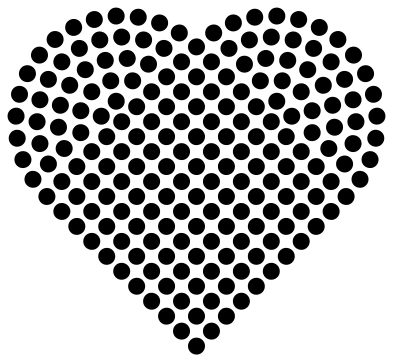 Filled heart rhinestone template Solid · 201 pieces
-
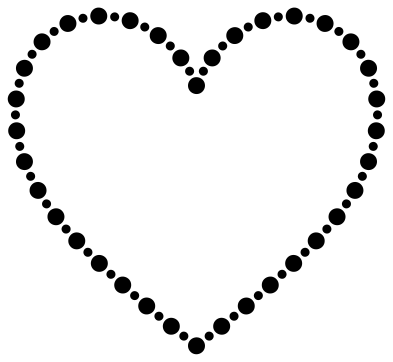 Heart outline rhinestone template Solid · 72 pieces
-
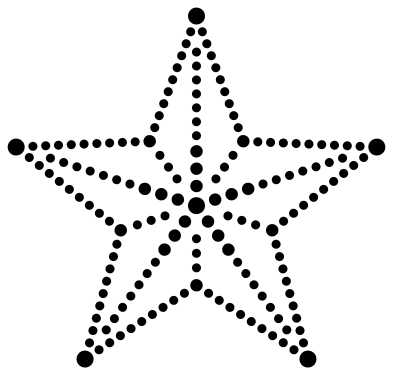 Barn star rhinestone template Solid · 166 pieces
-
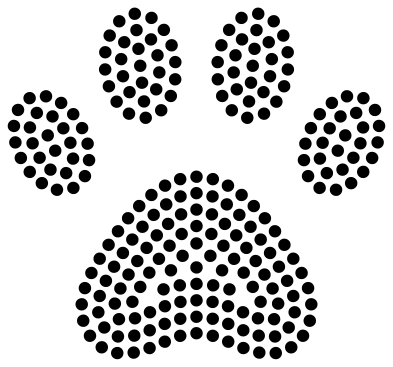 Paw print rhinestone template Solid · 240 pieces
-
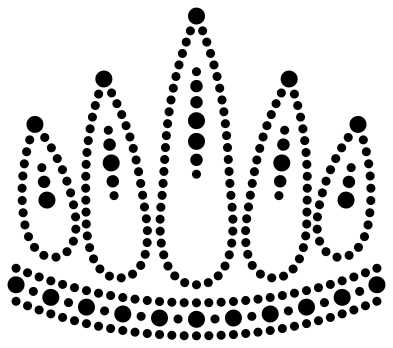 Tiara rhinestone template Solid · 274 pieces
-
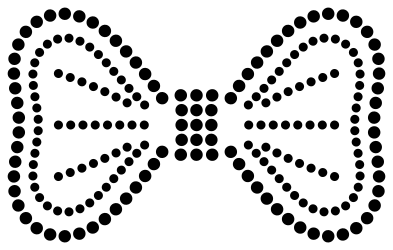 Cheer bow rhinestone template without tails Solid · 211 pieces
-
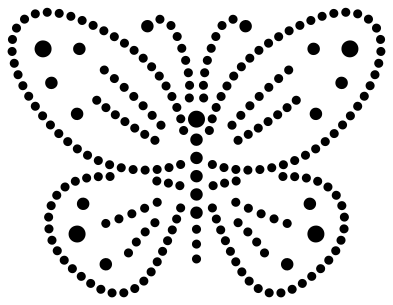 Butterfly rhinestone template Solid · 229 pieces
-
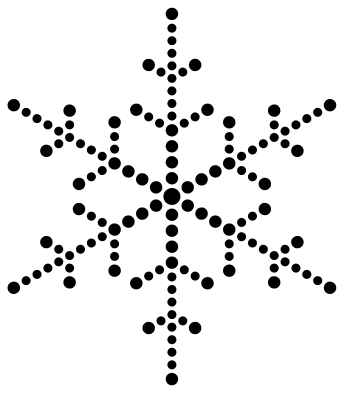 Snowflake rhinestone template Solid · 139 pieces
-
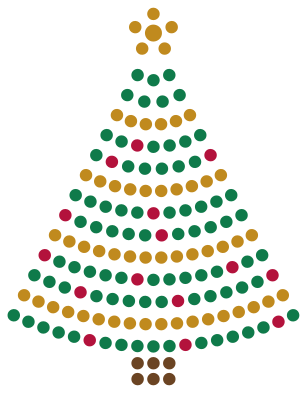 Christmas tree rhinestone template in colours Layered · 155 pieces
-
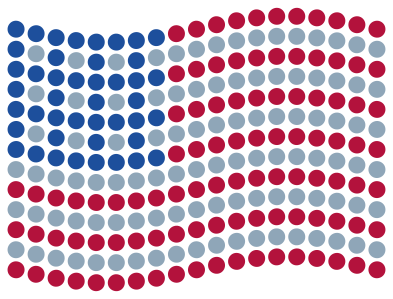 Flag rhinestone template in three colours Layered · 247 pieces
-
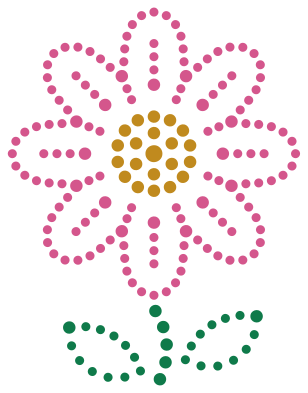 Daisy rhinestone template in three colours Layered · 194 pieces
-
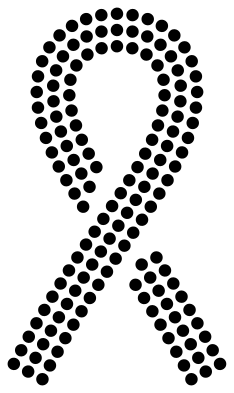 Awareness ribbon rhinestone template Solid · 149 pieces
-
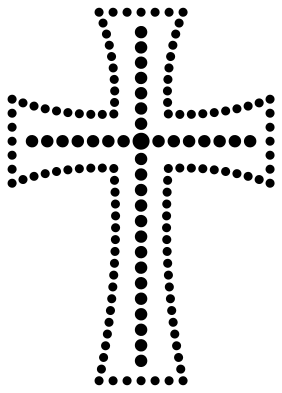 Cross rhinestone template Solid · 150 pieces
-
 Sunburst rhinestone template for an initial Solid · 156 pieces
-
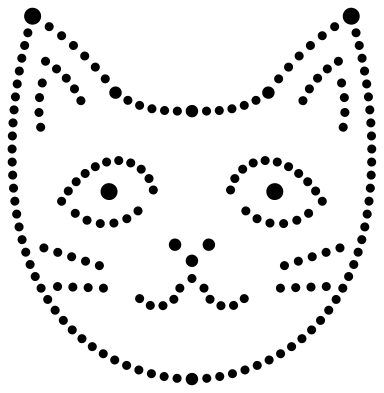 Cat face rhinestone template Solid · 182 pieces
-
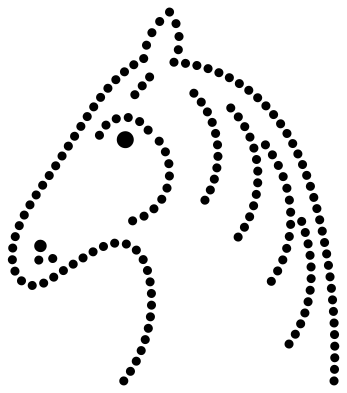 Horse head rhinestone template Solid · 160 pieces
-
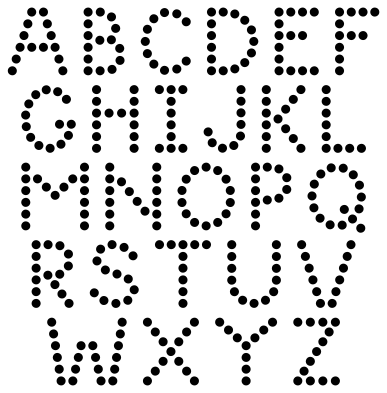 Rhinestone template alphabet, A to Z Solid · 343 pieces
-
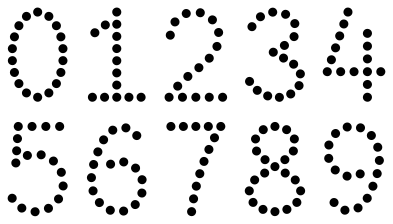 Rhinestone template numbers, 0 to 9 Solid · 164 pieces
-
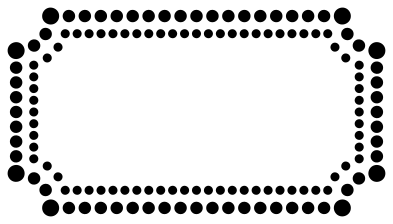 Name frame rhinestone template Solid · 136 pieces
-
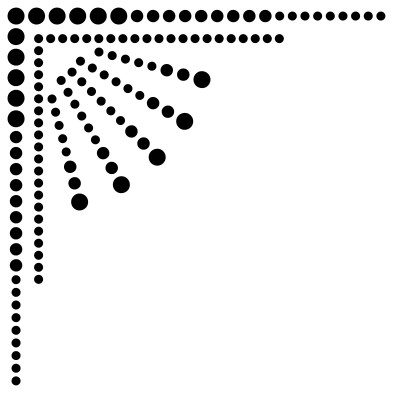 Art deco corner rhinestone template Solid · 131 pieces
-
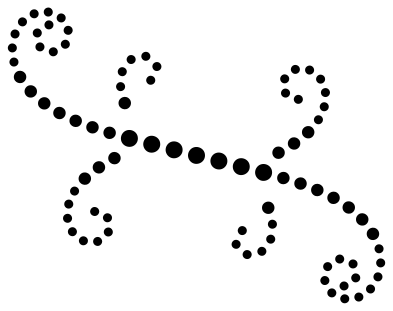 Scroll rhinestone template Solid · 85 pieces
-
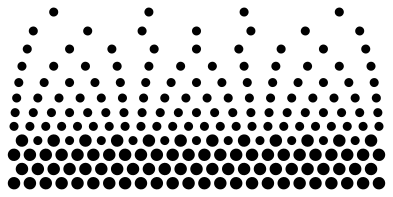 Fading hem rhinestone template Solid · 204 pieces
-
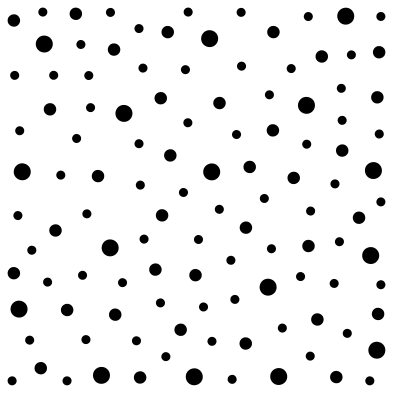 Scattered rhinestone template Solid · 114 pieces
-
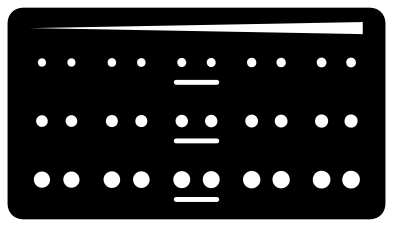 Rhinestone template hole test card Solid · one piece
Cut the holes, brush in the stones
Cut the sheet in a template film or flock made for rhinestones. Peel it off slowly so that the dots stay behind on its liner, then lay the holes on a smooth board. Scatter hotfix stones over them and brush gently in small circles: each stone drops into a hole with its flat back down. Cover the sheet with transfer tape, lift the stones away together and press them where you want them, for as long and as hot as the maker of the stones asks.
The holes are a little wider than the stones so that they fall in and stay in: 2.4 mm for SS6 (stones of about 2 mm), 3.3 mm for SS10 (about 2.8 mm) and 4.5 mm for SS16 (about 4 mm). There is never less than 0.6 mm of film between two holes. Stones differ from one maker to the next, so cut the hole test card first.
Sizes, counts and colours
Every template is 100 mm on its longer side and opens that way, so nothing has to be scaled. Each note gives the stones to have ready, counted from the file. Where a drawing needs two or three sizes, brush in the largest first, so that small stones find only small holes left.
The daisy, the flag and the tree come in layers, one for each colour of stone. Cut each layer as a sheet of its own, add the same mark in two corners of every sheet, and press one colour after another.
How to open the files
- Cricut Design Space: choose Upload, pick the SVG, and add it to the canvas. Set the width you want; the shape is already welded.
- Silhouette Studio: Designer Edition and above open the SVG. The free Basic Edition does not, so open the DXF instead.
- LightBurn, xTool Creative Space and Glowforge: import the SVG, then set the layer to cut, score or engrave.
- Inkscape, Illustrator and Affinity: open the SVG. It is a plain filled path, so you can recolour it, add a stroke or combine it with your own work.
- Printing or sublimation: use the PNG, which has a transparent background.
Each design page lists the file’s narrowest part at seven sizes, so you can tell whether it will survive at the size you plan to cut.
Questions
Can I use another size of stone?
Yes, by scaling the whole file. A sheet that is all SS6 takes SS10 stones at 137.5% and SS16 stones at 187.5%, because the holes grow with the drawing. A sheet that is all SS10 takes SS16 at 136.4%. In a sheet of two sizes both holes grow, so check each against your stones.
Do I need a rhinestone machine?
No. A cutting machine with a sharp fine blade cuts the holes; the stones are brushed in by hand. Cut slowly, because small circles drag, and cut three holes as a trial before a whole sheet. A laser cuts them cleanly in thin card for a template that is used once, but never put vinyl or PVC film in a laser.
Can the dots be cut from vinyl instead?
Yes. Cut the same file from glitter or foil vinyl, weed the sheet away and leave the dots. The smallest are 2.4 mm across, which small cutters manage in adhesive vinyl when the blade is new.
 Camera SVG
 Guitar SVG
 Music note SVG
 Stethoscope SVG
 Tooth SVG
 Light bulb SVG