Free quilt SVG files
Free quilt SVG files: a sampler of nine blocks, log cabin, flying geese, bear’s paw, lone star, wedding ring, Dresden plate, hexagon flowers and more, as one-piece cut-outs and in layers of colour, with quilting lines for pens and stencils.
25 designs. Free for personal and commercial use, no sign-up. What you can do with them.
Or choose one below for its PNG, DXF and cutting sizes.
-
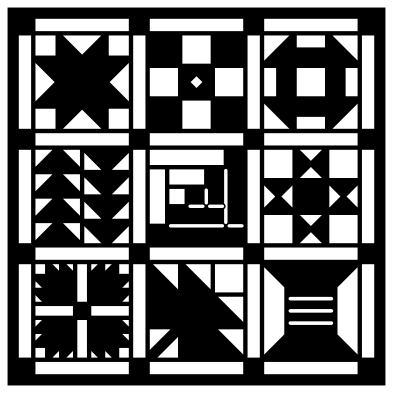 Sampler quilt of nine blocks Solid · one piece
-
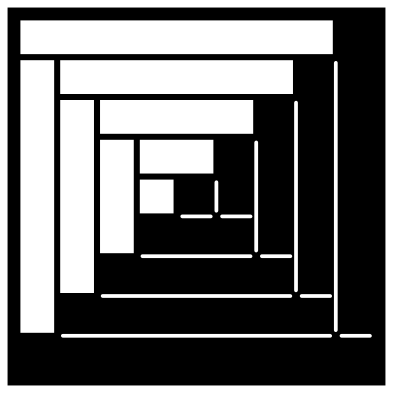 Log cabin quilt block Solid · one piece
-
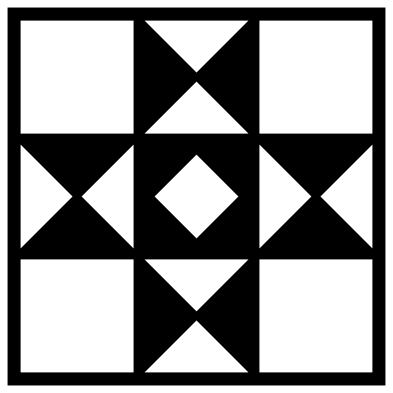 Ohio star quilt block Solid · one piece
-
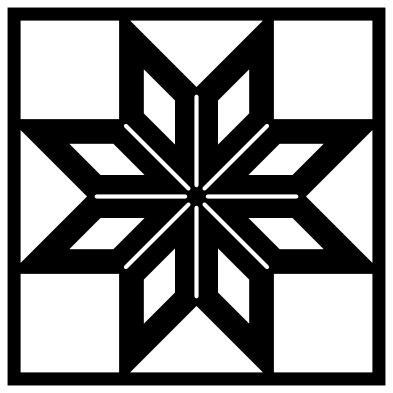 Eight-pointed star quilt block Solid · one piece
-
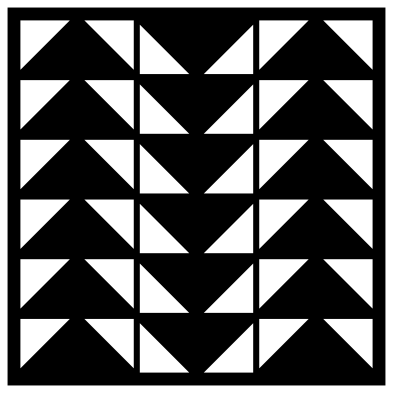 Flying geese quilt block Solid · one piece
-
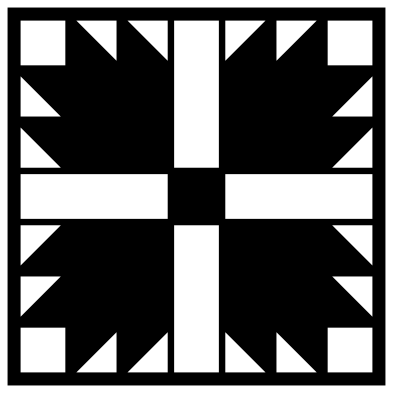 Bear’s paw quilt block Solid · one piece
-
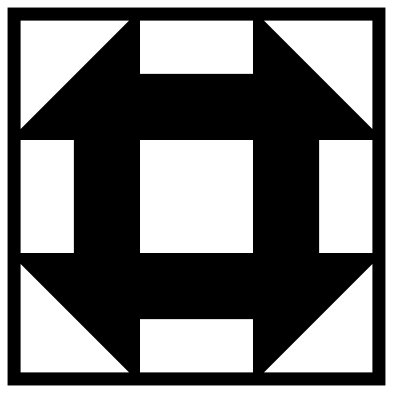 Churn dash quilt block Solid · one piece
-
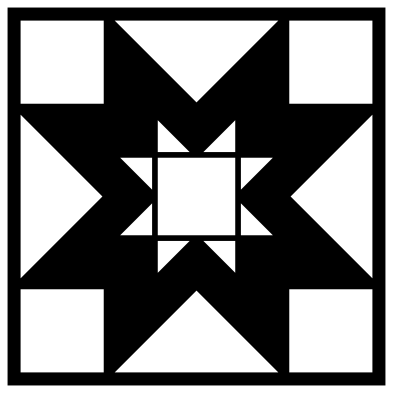 Sawtooth star quilt block Solid · one piece
-
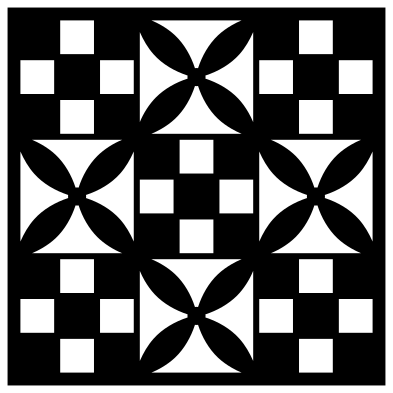 Nine patch quilt with petals Solid · one piece
-
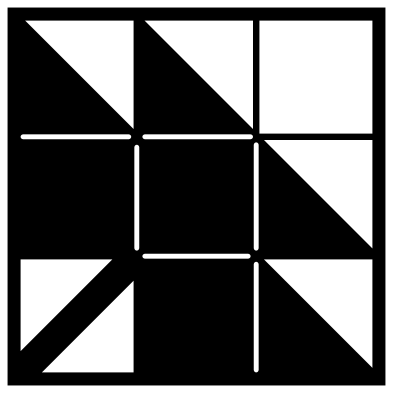 Maple leaf quilt block Solid · one piece
-
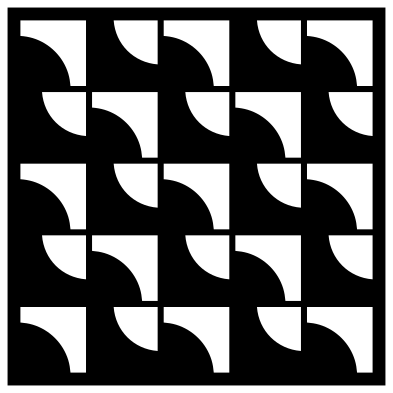 Drunkard’s path quilt block Solid · one piece
-
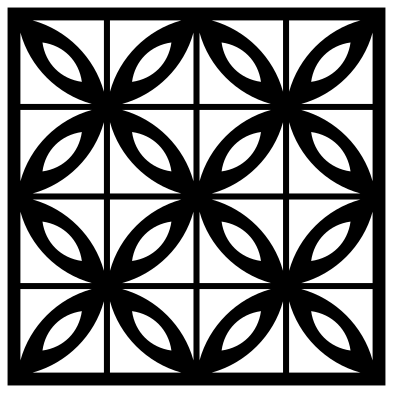 Orange peel quilt block Solid · one piece
-
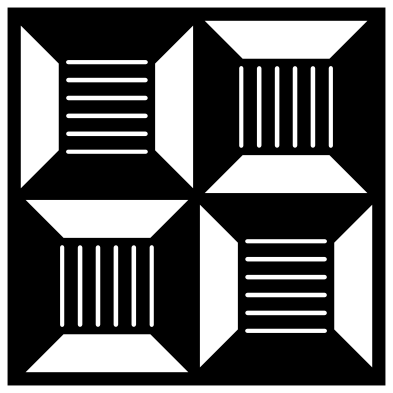 Spool quilt block Solid · one piece
-
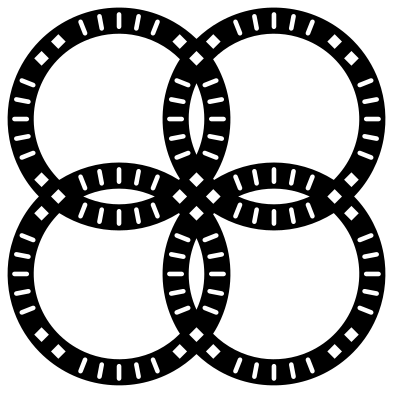 Double wedding ring quilt Solid · one piece
-
 Dresden plate quilt block Solid · one piece
-
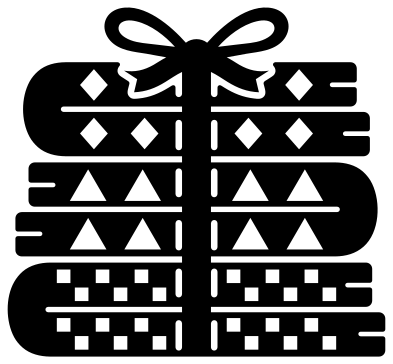 Stack of folded quilts Solid · one piece
-
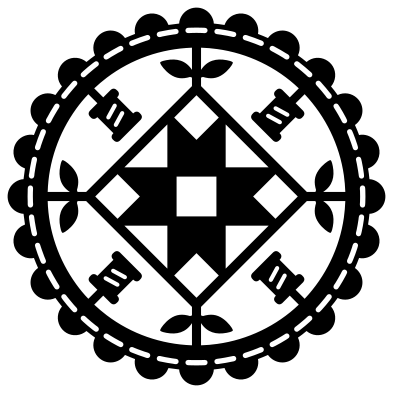 Quilting bee badge Solid · one piece
-
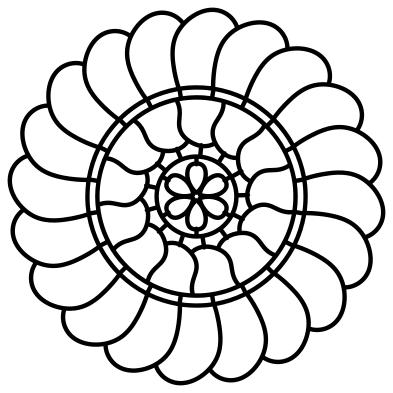 Feather wreath quilting pattern Outline · one piece
-
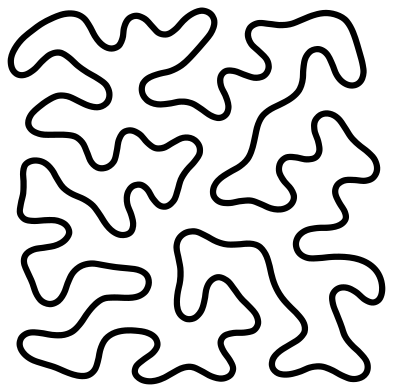 Stippling quilting stencil Outline · one piece
-
 Lone star quilt block Layered · 129 pieces
-
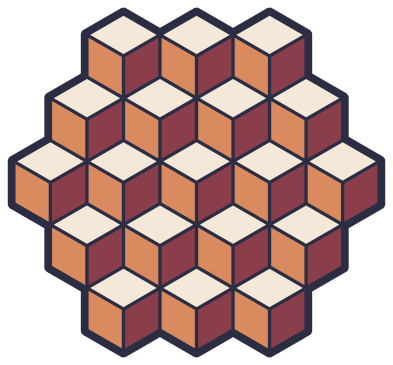 Tumbling blocks quilt Layered · 58 pieces
-
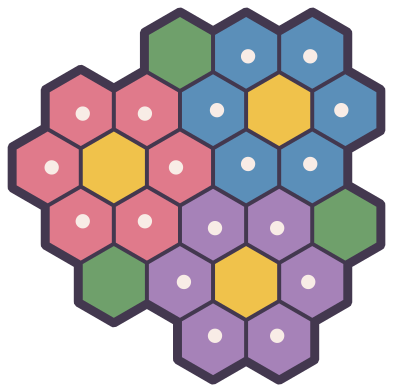 Hexagon flower quilt Layered · 43 pieces
-
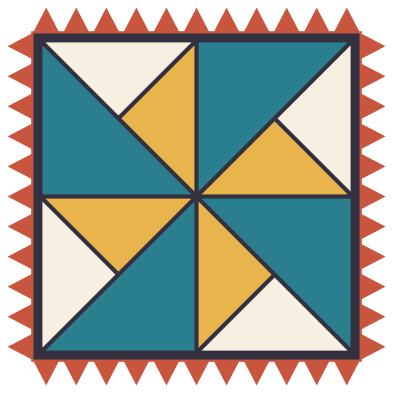 Pinwheel quilt block Layered · 14 pieces
-
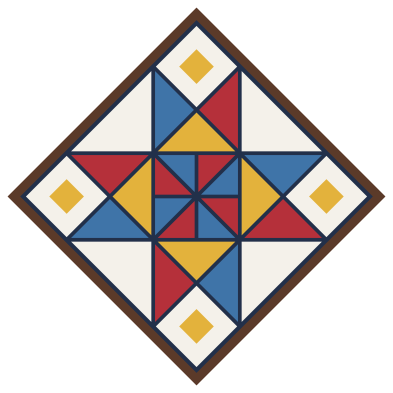 Barn quilt with star Layered · 34 pieces
-
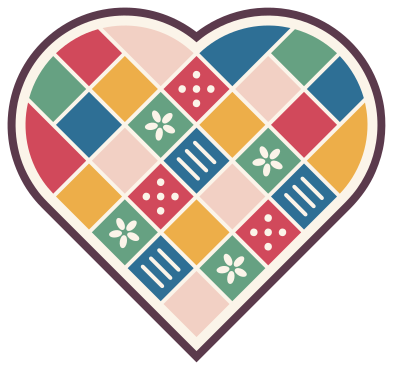 Patchwork heart quilt Layered · 74 pieces
How the blocks are drawn
A block in one colour is a single square of card: the light patches are windows, the dark ones stay, and a seam of the same width runs round every window. Lay it over patterned paper and the paper becomes the light fabric. Nothing falls out, so the same file works as a stencil for a painted barn quilt or as a template for marking cloth.
The blocks in several colours are patches on a backing. Each patch is cut a hair smaller than its place, about half a millimetre all round at the 100 mm size, so the backing shows between them as the seam lines.
Sizes
All the geometry is on the block’s own grid: a nine-patch is three equal units, a bear’s paw seven, a flying goose twice as wide as it is tall. Scale a block to any size and the seams still meet at their points. At 100 mm the seams are about 1.7 mm wide, at 300 mm a little over 5 mm, which suits a painted board. The sampler has nine small blocks, so cut it at 200 mm or more.
Paper quilts and stencils
For a paper quilt, cut each colour from card, glue the backing down first and place the patches with tweezers, working out from the middle. The feather wreath and the stippling are lines for a pen plotter, for engraving, or for a stencil that marks a quilt top with chalk before it is quilted. For cloth patches, add your own seam allowance: the files have none.
How to open the files
- Cricut Design Space: choose Upload, pick the SVG, and add it to the canvas. Set the width you want; the shape is already welded.
- Silhouette Studio: Designer Edition and above open the SVG. The free Basic Edition does not, so open the DXF instead.
- LightBurn, xTool Creative Space and Glowforge: import the SVG, then set the layer to cut, score or engrave.
- Inkscape, Illustrator and Affinity: open the SVG. It is a plain filled path, so you can recolour it, add a stroke or combine it with your own work.
- Printing or sublimation: use the PNG, which has a transparent background.
Each design page lists the file’s narrowest part at seven sizes, so you can tell whether it will survive at the size you plan to cut.
Questions
Do the quilt blocks include a seam allowance?
No. They are drawn at finished size, for card, vinyl and paint. To cut fabric patches, offset each shape outwards by your seam allowance, usually 6.35 mm (a quarter of an inch), in your cutting software.
Can I use these for a painted barn quilt?
Yes. Cut a one-colour block in stencil film at the size of your board, or cut it in paper and trace it. The barn quilt design shows one worked out in red, blue, gold and white.
Do the blocks repeat?
The square blocks have the same narrow binding on all four sides, so copies set side by side make a quilt with even sashing. The orange peel and the drunkard’s path look best that way.
 Halftone patterns
 Spiral vectors
 Leopard print
 Cow print
 Zebra print
 Mermaid scales