Free puzzle piece SVG files
Free puzzle piece SVG files: single pieces solid and in outline, pairs that lock together, a heart and a circle cut into pieces, a twelve-piece jigsaw and a twenty-piece template. Neighbouring pieces share one drawn edge, so every tab fits its blank exactly.
13 designs. Free for personal and commercial use, no sign-up. What you can do with them.
-
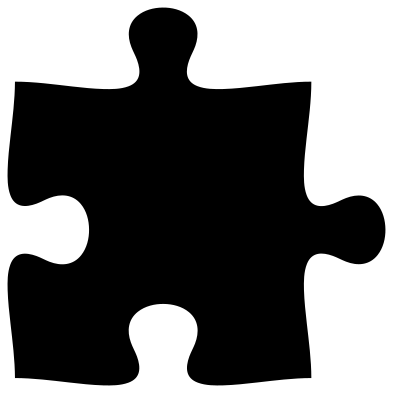 Single puzzle piece Solid · one piece
 -
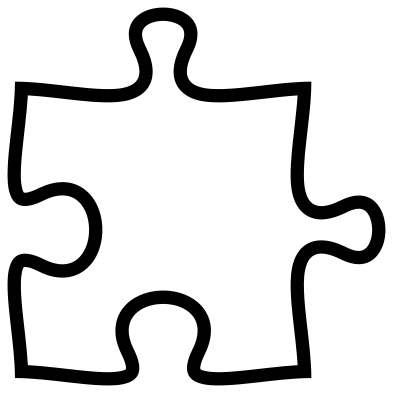 Puzzle piece outline Outline · one piece
 -
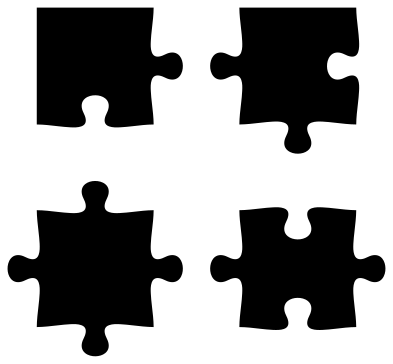 Corner, edge and middle puzzle pieces Solid · 4 pieces
 -
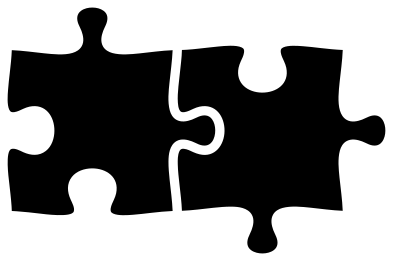 Two puzzle pieces that fit together Solid · 2 pieces
 -
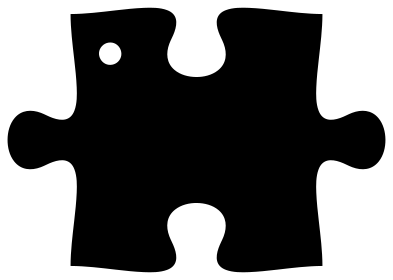 Puzzle piece keyring with a hole Solid · one piece
 -
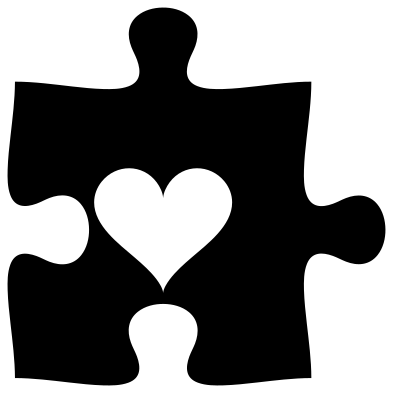 Puzzle piece with a heart cut out Solid · one piece
 -
 Four puzzle pieces in autism awareness colours Layered · 4 pieces
 -
 Round puzzle of four pieces Layered · 4 pieces
 -
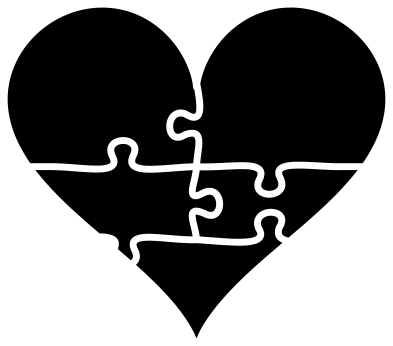 Heart puzzle in five pieces Solid · 5 pieces
 -
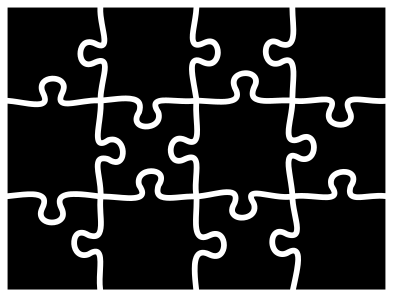 Jigsaw puzzle of twelve pieces Solid · 12 pieces
 -
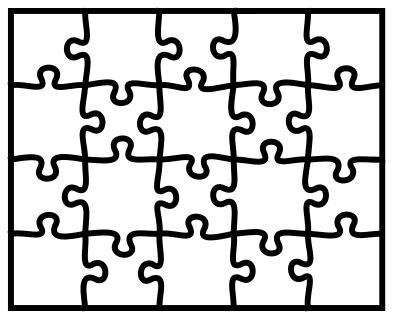 Jigsaw puzzle template of twenty pieces Outline · one piece
 -
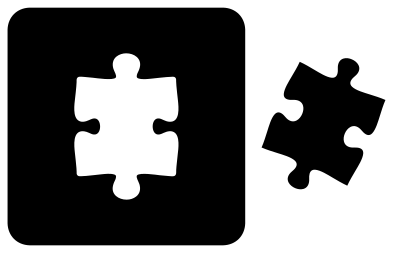 Missing puzzle piece Solid · 2 pieces
 -
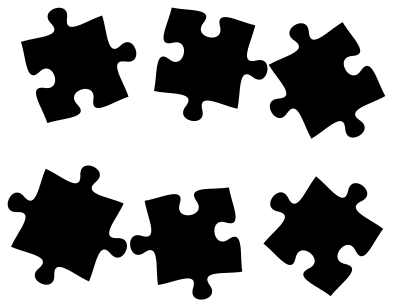 Scattered puzzle pieces Solid · 6 pieces
Tabs, blanks and fit
A jigsaw piece has four sides, and each is a tab that sticks out, a blank that takes a tab, or a flat edge. The single piece here has two tabs and two blanks on opposite corners, the commonest shape in a real puzzle, so copies of it tile in rows and columns without turning. On the full jigsaw, the heart and the round puzzle, each inner edge is drawn once and used by both pieces that meet there.
Loose pieces are then drawn in by a small amount, which leaves a gap of about 1.5 mm between neighbours at file size. For vinyl that gap is what you weed. For a wooden puzzle cut on a laser, the beam removes material anyway, so use the template, which has single shared lines.
Making a real puzzle
For a photo puzzle on a cutting machine, print the picture on sticker paper or card, lay the twelve-piece jigsaw over it at the same size, and cut. Chipboard of 1.5 to 2 mm makes pieces that feel right in the hand. The necks of the knobs are the narrowest part, 2.6 mm on the twelve-piece jigsaw at 100 mm wide, so cut that one at 150 mm or more for pieces that will be handled.
The single piece, the keyring and the pair are solid shapes that work at any size in vinyl, acrylic and wood. The keyring has its hole already; at 50 mm across the hole is 3 mm.
How to open the files
- Cricut Design Space: choose Upload, pick the SVG, and add it to the canvas. Set the width you want; the shape is already welded.
- Silhouette Studio: Designer Edition and above open the SVG. The free Basic Edition does not, so open the DXF instead.
- LightBurn, xTool Creative Space and Glowforge: import the SVG, then set the layer to cut, score or engrave.
- Inkscape, Illustrator and Affinity: open the SVG. It is a plain filled path, so you can recolour it, add a stroke or combine it with your own work.
- Printing or sublimation: use the PNG, which has a transparent background.
Each design page lists the file’s narrowest part at seven sizes, so you can tell whether it will survive at the size you plan to cut.
Questions
How do I make a puzzle with more pieces?
Place copies of the twelve-piece jigsaw or the template side by side: the outer edges are straight, so the blocks butt together. For one continuous puzzle, weld the template copies and delete the border lines between them.
Do the single pieces lock together?
Yes. The single piece has tabs on two sides and matching blanks on the other two, so copies placed about 78 mm apart at file size fit in a grid. The keyring piece links in a row through its side tabs.
Which colours are used for autism awareness puzzle pieces?
Bright primary colours, most often red, yellow, blue and a light blue. The four-piece square and the round puzzle are already split into those four layers. Many people now prefer other symbols, so check what the person you are making it for likes.
 Cross SVG
  Paw print SVG
  Shamrock SVG
  Anchor SVG
  Compass SVG
  Gear SVG