Free play button SVG files
Free play button SVG files: the triangle on its own, on round and square buttons, in a ring and in outline, with matching pause, rewind, fast forward, skip and replay signs, a row of five controls and a player bar for a song plaque. Plain geometry in black, with no site’s or app’s button copied.
18 designs. Free for personal and commercial use, no sign-up. What you can do with them.
-
 Round play button Solid · one piece
 -
 Play button triangle Solid · one piece
 -
 Play button in a ring Outline · 2 pieces
 -
 Square play button Solid · one piece
 -
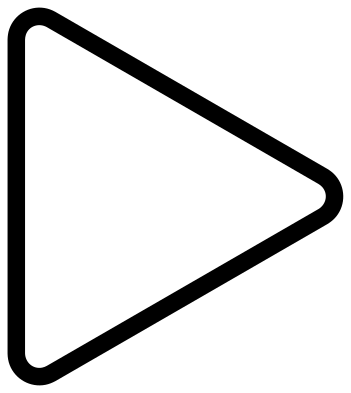 Play button outline Outline · one piece
 -
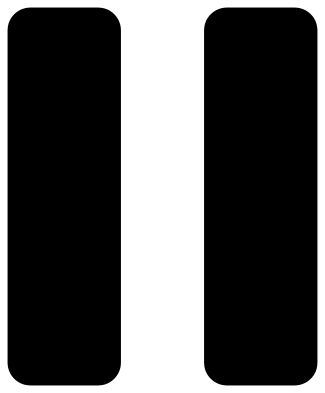 Pause bars to pair with a play button Solid · 2 pieces
 -
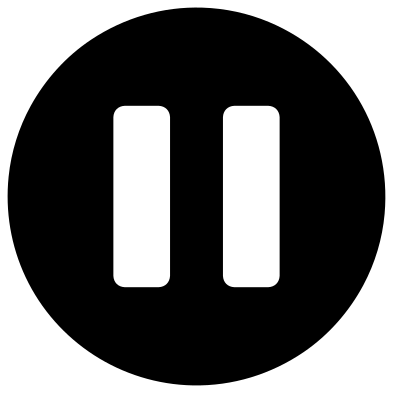 Round pause button for a play button set Solid · one piece
 -
 Play button and pause on one bar Solid · one piece
 -
 Fast forward double play button Solid · one piece
 -
 Rewind double play button outline Outline · one piece
 -
 Skip button: a play button against a bar Solid · one piece
 -
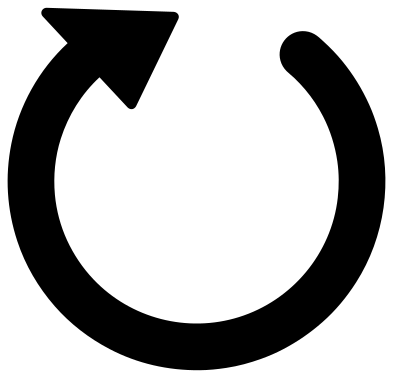 Replay button arrow Solid · one piece
 -
 Play button with rewind, pause, stop and forward Solid · 6 pieces
 -
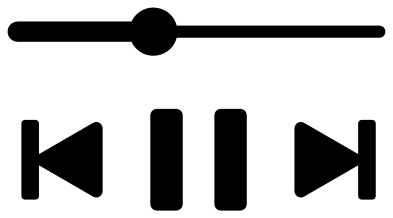 Play button bar for a song plaque Solid · 5 pieces
 -
 Play button on a strip of film Solid · one piece
 -
 Play button in a speech bubble Solid · one piece
 -
 Play button in a heart Solid · one piece
 -
 Layered play button in two colours Layered · 3 pieces
Why the triangle is not in the middle of its box
A triangle that points right carries most of its area on the left. Centre it by its box inside a circle and it looks as if it has slid to the left. In these files the triangle is centred by its centre of area, which puts its upright side a little nearer the middle of the button than its tip. That is why the round, square and heart buttons look balanced.
The round play and pause buttons are drawn to one size and one weight, so they can be cut as a matching pair. The signs on their own (the triangle, the pause bars, fast forward, skip and replay) are solid shapes with nothing to weed, and they stay clear down to about 10 mm.
Song plaques, labels and stickers
The player bar is made for the clear acrylic song plaque: a photograph at the top, a title under it, then a progress line and three controls. Cut it from black or white permanent vinyl at 90 to 120 mm wide and apply it to the back of the acrylic in mirror image, so the front stays smooth. The progress line is a little over 3 mm wide at 100 mm, so weed it slowly from one end.
The row of five controls is 100 mm wide with signs about 15 mm tall. Scale it up for a media shelf label, or cut it apart for planner stickers.
How to open the files
- Cricut Design Space: choose Upload, pick the SVG, and add it to the canvas. Set the width you want; the shape is already welded.
- Silhouette Studio: Designer Edition and above open the SVG. The free Basic Edition does not, so open the DXF instead.
- LightBurn, xTool Creative Space and Glowforge: import the SVG, then set the layer to cut, score or engrave.
- Inkscape, Illustrator and Affinity: open the SVG. It is a plain filled path, so you can recolour it, add a stroke or combine it with your own work.
- Printing or sublimation: use the PNG, which has a transparent background.
Each design page lists the file’s narrowest part at seven sizes, so you can tell whether it will survive at the size you plan to cut.
Questions
Why does the play triangle point to the right?
It comes from tape recorders of the 1960s, where an arrow showed the direction the tape ran when playing. Two arrows meant the tape ran fast, and the square and the double bar were added for stop and pause. The signs outlived the tape and are now standard symbols that anyone may draw.
Can I use these on a video thumbnail or a website?
Yes. They are plain geometric signs in black, drawn from scratch, and they copy no company’s button. Recolour them as you like. If you need the look of one particular service, use that service’s own brand files and follow its rules instead.
How do I get the ring and the triangle to stay in place?
The play button in a ring is two loose pieces. On vinyl, weed the waste between them and lift both together with transfer tape. For wood or acrylic, where loose pieces are a nuisance, use the round or the square button, which have the triangle cut out of one solid piece.
 Cross SVG
  Paw print SVG
  Shamrock SVG
  Anchor SVG
  Compass SVG
  Gear SVG