Free piano SVG files
Free piano SVG files: a concert grand with its lid open, a grand from above, an upright, and keyboards that bend into a ring, a heart and a spiral or run away into the distance. Every keyboard has its black keys in their groups of two and three.
18 designs. Free for personal and commercial use, no sign-up. What you can do with them.
Or choose one below for its PNG, DXF and cutting sizes.
-
 Grand piano with the lid open Solid · one piece
-
 Grand piano seen from above Solid · one piece
-
 Upright piano with an open book Solid · one piece
-
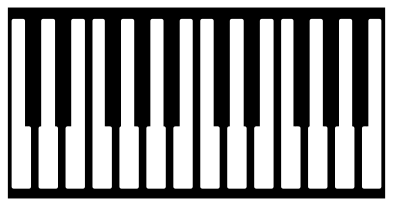 Keyboard strip that joins end to end Solid · one piece
-
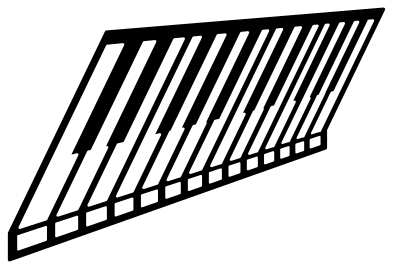 Piano keys running into the distance Solid · one piece
-
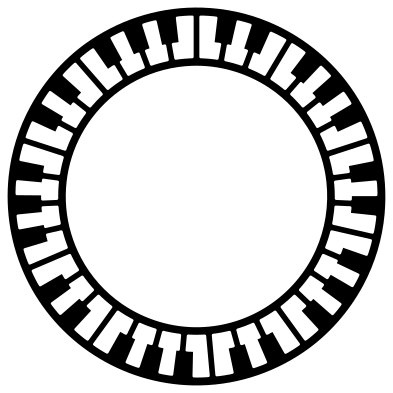 Round frame of piano keys Solid · one piece
-
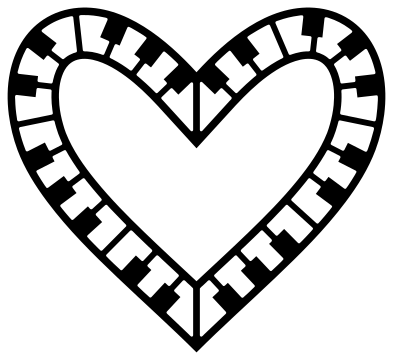 Heart drawn with piano keys Solid · one piece
-
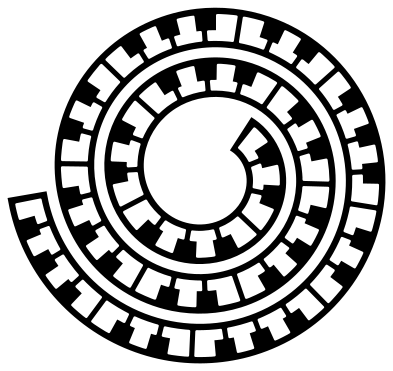 Spiral of piano keys Solid · one piece
-
 Tree of music notes on piano keys Solid · 17 pieces
-
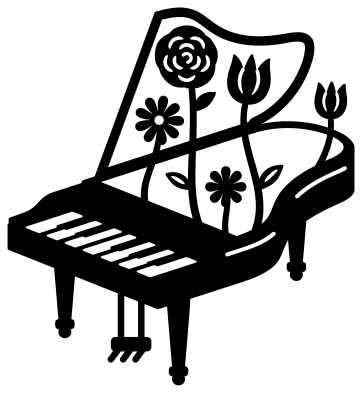 Grand piano with flowers under its lid Solid · one piece
-
 Toy piano with stars Solid · one piece
-
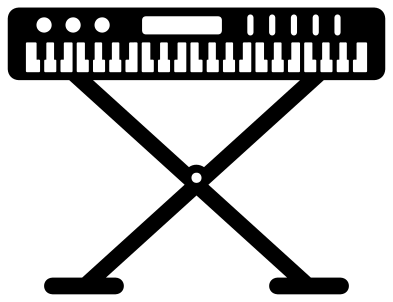 Synthesiser on a folding stand Solid · one piece
-
 Metronome Solid · one piece
-
 Music stand with open pages Solid · one piece
-
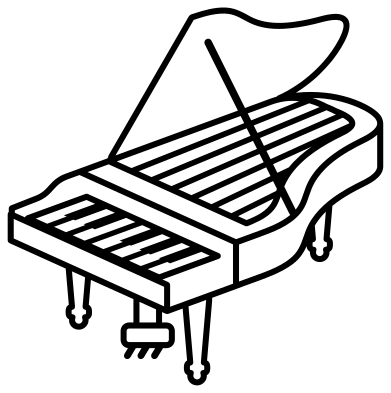 Grand piano line drawing Outline · one piece
-
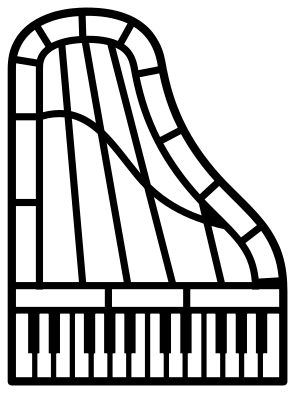 Grand piano in stained glass Solid · one piece
-
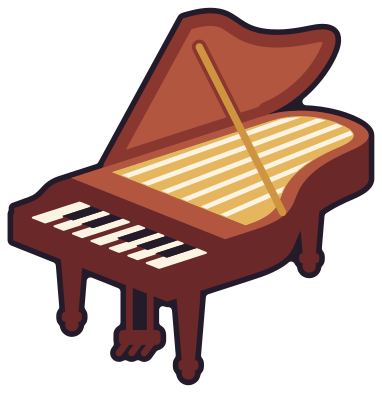 Layered grand piano in eight sheets Layered · 25 pieces
-
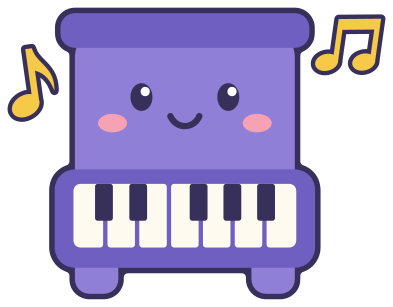 Cute piano with a smiling face Layered · 22 pieces
Keys that are in the right order
A keyboard in a drawing is only right if its black keys fall in groups of two and three, in the order they do on a real piano. In every design here they do, and the octaves run from C to B. That is why copies of the strip join end to end, the round frame has no seam, and a piano teacher can point to a note on any of them.
The white keys are the openings and the lines between them are the material, all joined to the rim of the keyboard. At 100 mm those lines are about 1.1 to 2 mm wide, which a fine blade and a light material handle well. Cut the spiral, the ring and the synthesiser at 150 mm or more in wood.
A piano for each wall
The grand piano with its lid open is drawn from the plan of a real one, turned into a three-quarter view, so its rim, lid, prop and legs agree. The grand from above suits a coaster, a sign or a key fob, since its harp shape is bold and simple. The upright is the one for a home, a school or a church hall, and the toy piano is for a child.
For something more drawn, the tree grows notes from a strip of keys, the flowers rise out of the open case, and the stained glass piano takes tinted paper behind its panes. The layered grand and the cute piano are stacks of coloured sheets.
How to open the files
- Cricut Design Space: choose Upload, pick the SVG, and add it to the canvas. Set the width you want; the shape is already welded.
- Silhouette Studio: Designer Edition and above open the SVG. The free Basic Edition does not, so open the DXF instead.
- LightBurn, xTool Creative Space and Glowforge: import the SVG, then set the layer to cut, score or engrave.
- Inkscape, Illustrator and Affinity: open the SVG. It is a plain filled path, so you can recolour it, add a stroke or combine it with your own work.
- Printing or sublimation: use the PNG, which has a transparent background.
Each design page lists the file’s narrowest part at seven sizes, so you can tell whether it will survive at the size you plan to cut.
Questions
Can I repeat the keyboard strip to make a longer border?
Yes. The strip is two octaves, fourteen white keys from C to B. Its end lines are half the width of the others, so when you snap a copy to its end and weld the two, the line between them is as wide as every other line.
Where do the black keys belong?
Each octave from C to B has seven white keys and five black keys. The black keys sit between C and D, D and E, then after a gap between F and G, G and A, and A and B. No black key sits between E and F or between B and C, which is how the groups of two and three appear.
Do the round frame and the heart have a join I can see?
The ring has none: it is five whole octaves, so the pattern ends where it begins. The heart is four octaves, two on each side, with a mitre at its point and one at its cleft, like the corners of a picture frame.
 Camera SVG
 Guitar SVG
 Music note SVG
 Stethoscope SVG
 Tooth SVG
 Light bulb SVG