Free panther SVG files
Free panther SVG files: the black big cat itself, prowling, crouching, pouncing, sitting and standing, with a head in profile, a face, a pair of eyes in the dark and a panther in front of the moon. Solid shapes with very few inside cuts, so they weed in seconds.
12 designs. Free for personal and commercial use, no sign-up. What you can do with them.
-
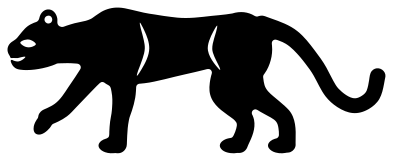 Black panther prowling Solid · one piece
 -
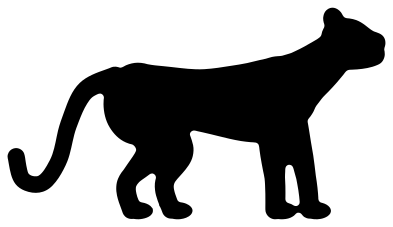 Black panther silhouette Solid · one piece
 -
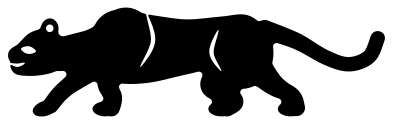 Crouching panther Solid · one piece
 -
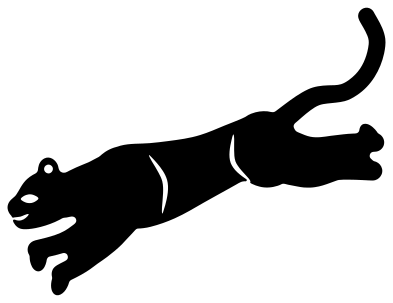 Pouncing panther Solid · one piece
 -
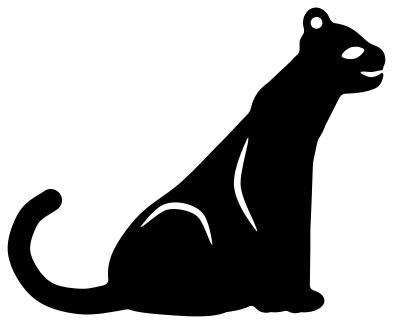 Sitting panther Solid · one piece
 -
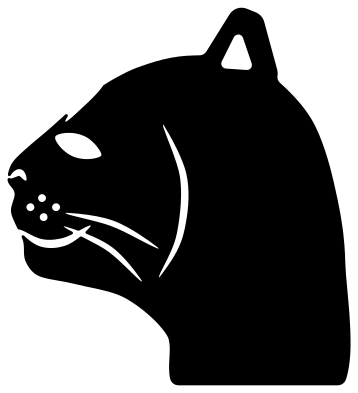 Panther head from the side Solid · one piece
 -
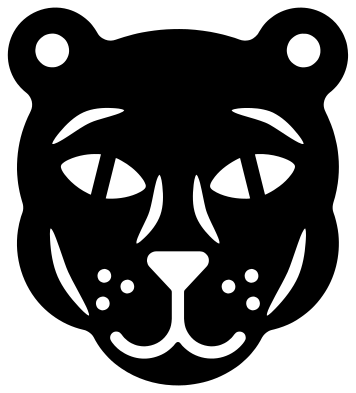 Panther face Solid · one piece
 -
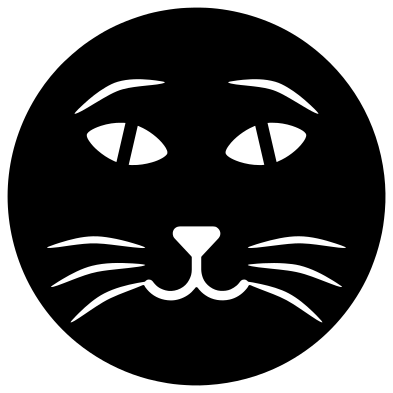 Panther eyes in the dark Solid · one piece
 -
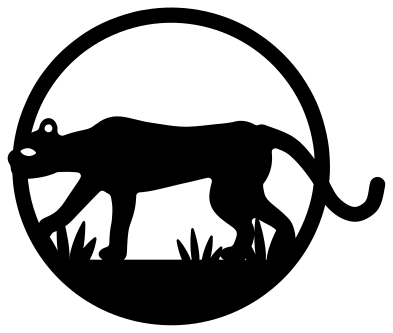 Panther and full moon Solid · one piece
 -
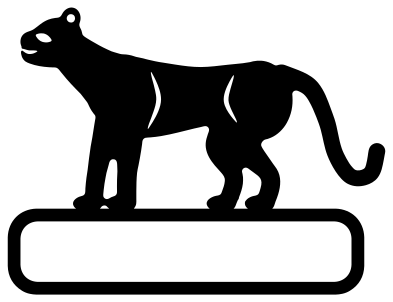 Panther on a name plate Solid · one piece
 -
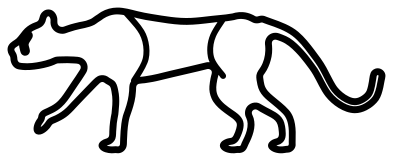 Panther outline Outline · one piece
 -
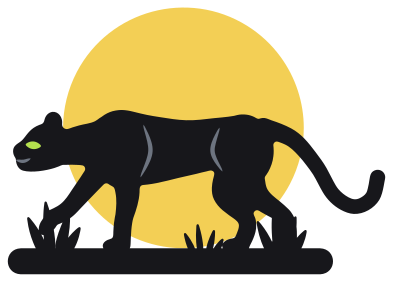 Layered black panther with a moon Layered · 6 pieces
A solid animal: easy to cut, so the outline has to be right
A black panther is not a species of its own. It is a leopard or a jaguar born with a black coat, so it has the same build: a long body, a deep chest, a tucked-up flank, a heavy head and a tail nearly as long as the body. With no spots to show, the whole drawing rests on the outline, which is why these are drawn as clean solid shapes with only an eye, the inside of an ear, the mouth and one or two thin muscle lines cut out.
That makes them some of the easiest files in the library to cut. Every one is 100 mm on its longer side. On the black panther silhouette nothing is narrower than 4.4 mm, so vinyl holds down to 40 mm long and 3 mm plywood from about 90 mm. On the detailed side views the thinnest material is the 1.4 mm left between the eye and the brow, and the muscle lines are slits about 1.3 mm wide: for wood, delete those cuts in your software or engrave them.
Making the eyes glow
Black on a dark shirt disappears, so think about what sits behind the cuts. The eye is a hole: put yellow, green or reflective vinyl under it and it glows. The panther eyes in the dark is made for this: a black disc over a bright backing. On the panther face the pupils are bars of black left across each eye, so the eyes read as a cat’s even in one colour.
How to open the files
- Cricut Design Space: choose Upload, pick the SVG, and add it to the canvas. Set the width you want; the shape is already welded.
- Silhouette Studio: Designer Edition and above open the SVG. The free Basic Edition does not, so open the DXF instead.
- LightBurn, xTool Creative Space and Glowforge: import the SVG, then set the layer to cut, score or engrave.
- Inkscape, Illustrator and Affinity: open the SVG. It is a plain filled path, so you can recolour it, add a stroke or combine it with your own work.
- Printing or sublimation: use the PNG, which has a transparent background.
Each design page lists the file’s narrowest part at seven sizes, so you can tell whether it will survive at the size you plan to cut.
Questions
Which panther should I use for a shadow box?
The black panther silhouette. It stands with all four paws on one level line, has no inside cuts, and nothing on it is narrower than 4.4 mm at 100 mm long. The crouching panther is a good second layer: it is low enough to sit behind grass at the front of the box.
Can I cut a panther from a colour other than black?
Yes. The files are shapes, not colours. Cut the prowling panther from tan and it reads as a puma or a lioness, since nothing in the outline says black. For a spotted cat, use the leopard or cheetah sets, which have the coat cut in.
How do I use the panther on a name plate?
The plate under the panther is an open frame about 88 mm long and 16 mm tall inside when the design is 100 mm wide. Type a name, size it to touch the top and bottom of the frame, and weld so that the letters and the frame cut as one piece.
 Owl SVG
  Bird SVG
  Cat SVG
  Dog SVG
  Elephant SVG
  Fish SVG