Free musical instrument SVG files
Free musical instrument SVG files drawn to real proportions: a violin with its bow, brass from the trumpet to the tuba, woodwinds, strings and percussion, each its own drawing. There is line art, an engraving, a stained glass window, a frame for a name, layered colour and a set of nine for a whole band.
25 designs. Free for personal and commercial use, no sign-up. What you can do with them.
Or choose one below for its PNG, DXF and cutting sizes.
-
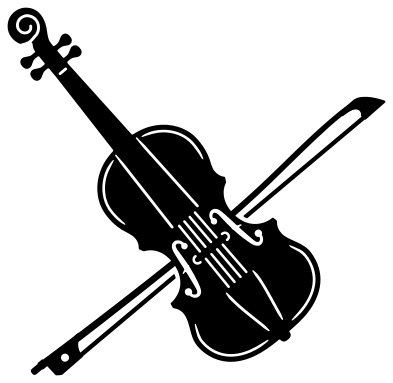 Violin with a bow Solid · one piece
-
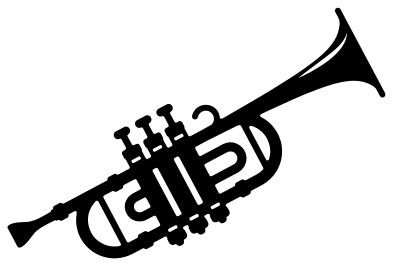 Trumpet, bell raised Solid · one piece
-
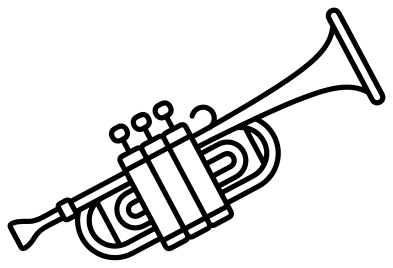 Trumpet outline Outline · one piece
-
 Saxophone Solid · one piece
-
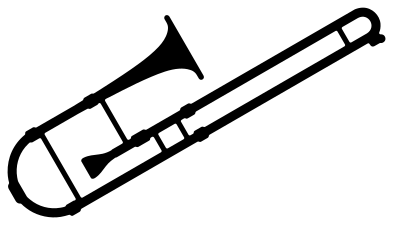 Trombone with the slide out Solid · one piece
-
 French horn Solid · one piece
-
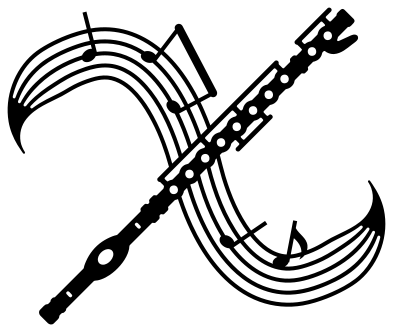 Flute across a ribbon of music Solid · one piece
-
 Clarinet in a ribbon of music Solid · one piece
-
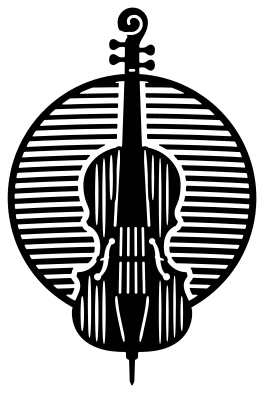 Cello engraving Solid · one piece
-
 Concert harp Solid · one piece
-
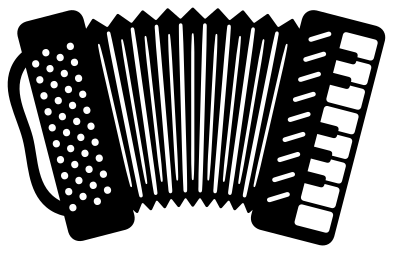 Piano accordion Solid · one piece
-
 Ukulele with four strings Solid · one piece
-
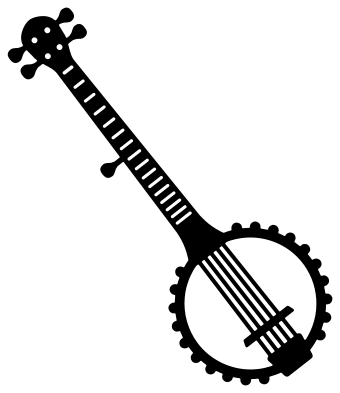 Five-string banjo Solid · one piece
-
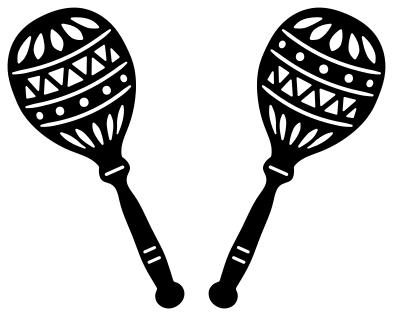 Pair of maracas Solid · 2 pieces
-
 Tambourine Solid · one piece
-
 Set of nine musical instruments Solid · 9 pieces
-
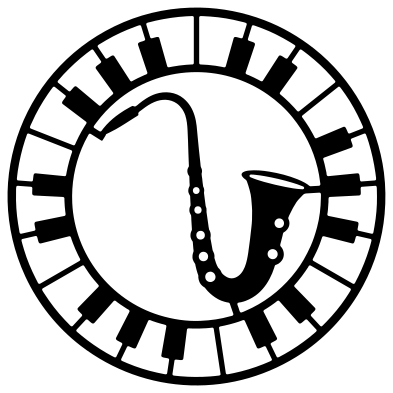 Saxophone in a ring of piano keys Solid · one piece
-
 Tuba with its bell up Solid · one piece
-
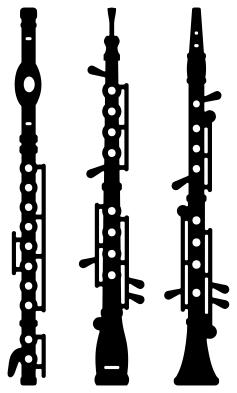 Flute, oboe and clarinet Solid · 3 pieces
-
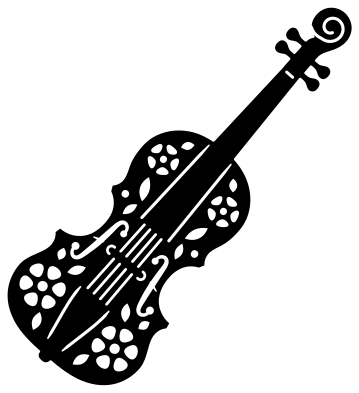 Violin with cut flowers Solid · one piece
-
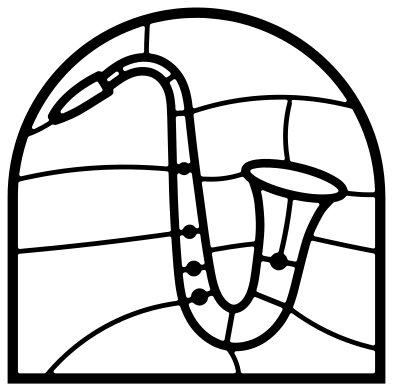 Saxophone in a stained glass window Solid · one piece
-
 Herald’s trumpet with a banner for a name Solid · one piece
-
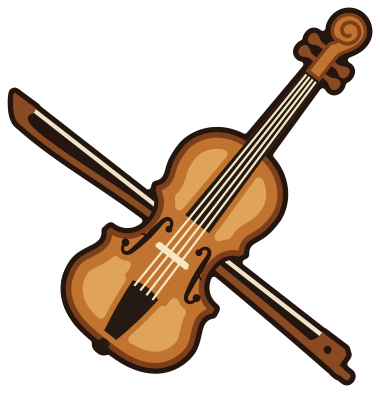 Layered violin and bow in eight sheets Layered · 22 pieces
-
 Cute drum with a smile Layered · 19 pieces
-
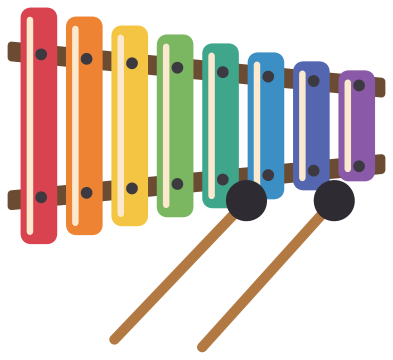 Layered xylophone with eight coloured bars Layered · 38 pieces
Which instrument for which job
For a music room wall or a recital programme, the cello, the harp and the French horn read well large, because their shapes are broad. The flute and the clarinet are long and thin, so each has a ribbon of music that fills the space. The trombone, with its slide out, is the narrowest of the set and suits a strip of wall or a sign over a door.
For a small decal on a case or a key fob, use the trumpet, the saxophone, the tuba or one piece of the set of nine: these are plain shapes with few openings. The violin, the accordion and the tambourine carry finer lines, about a millimetre at 100 mm, so keep those at 90 mm or wider in vinyl.
Cutting the fine parts
The harp and the banjo are the ones to watch: their strings are thin bars across an opening, so cut them at 150 mm or more. The ukulele’s strings cross its sound hole in the same way. In wood or acrylic, use the violin with cut flowers, the maracas or the tambourine, which are solid shapes with openings inside them.
For colour, the layered violin, the little drum and the xylophone are stacks of sheets. The xylophone’s bars are separate pieces, so they can be cut from eight papers. The stained glass window is one sheet of dark card with tinted paper laid behind its panes.
How to open the files
- Cricut Design Space: choose Upload, pick the SVG, and add it to the canvas. Set the width you want; the shape is already welded.
- Silhouette Studio: Designer Edition and above open the SVG. The free Basic Edition does not, so open the DXF instead.
- LightBurn, xTool Creative Space and Glowforge: import the SVG, then set the layer to cut, score or engrave.
- Inkscape, Illustrator and Affinity: open the SVG. It is a plain filled path, so you can recolour it, add a stroke or combine it with your own work.
- Printing or sublimation: use the PNG, which has a transparent background.
Each design page lists the file’s narrowest part at seven sizes, so you can tell whether it will survive at the size you plan to cut.
Questions
Are these instruments based on any real maker’s model?
No. The outlines, headstocks, scrolls and bells are our own drawings from general proportions, with no maker’s shape, name or logo. They are meant to be recognised as the instrument and not as a brand.
Is the violin in one piece with its bow?
Yes. The bow lies behind the violin and its stick is joined to the wood at both sides of the waist, so the file cuts as one piece. The layered version has the bow on sheets of its own, if you want it apart.
How should I cut the set of nine?
The set is one file with nine separate pieces. Cut it as it is for stickers or a border, or ungroup it in your software to scale one instrument up. Eight of the nine also have a page of their own with a larger, more detailed version; the snare drum is only in the set.
 Camera SVG
 Guitar SVG
 Music note SVG
 Stethoscope SVG
 Tooth SVG
 Light bulb SVG