Free moose SVG files
Free moose SVG files: a bull moose in profile, a head from the side and from the front, antlers on their own, a cute moose, a calf, a Christmas moose, a buffalo plaid moose, hoof prints and two scenes with pines. Each is drawn by code as clean closed shapes.
12 designs. Free for personal and commercial use, no sign-up. What you can do with them.
-
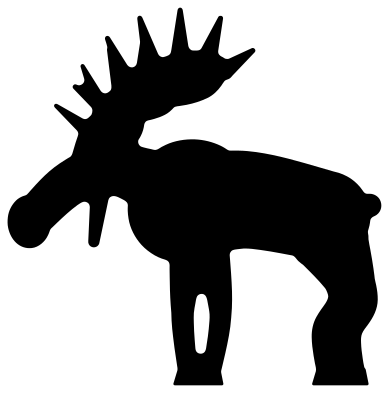 Moose silhouette Solid · one piece
 -
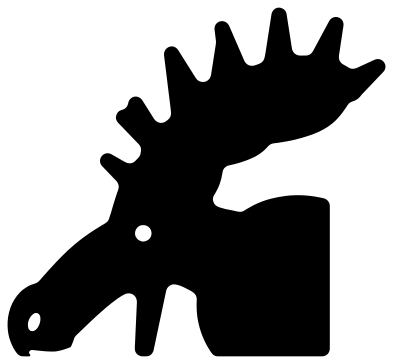 Moose head from the side Solid · one piece
 -
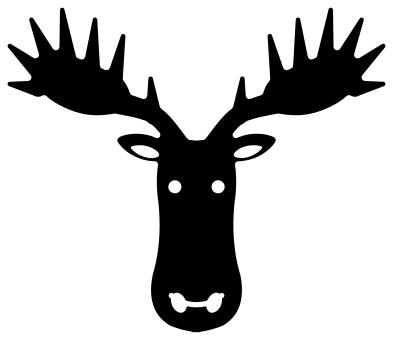 Moose head from the front Solid · one piece
 -
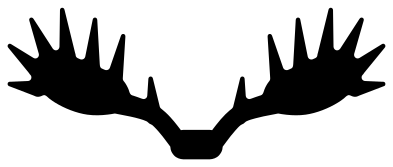 Moose antlers Solid · one piece
 -
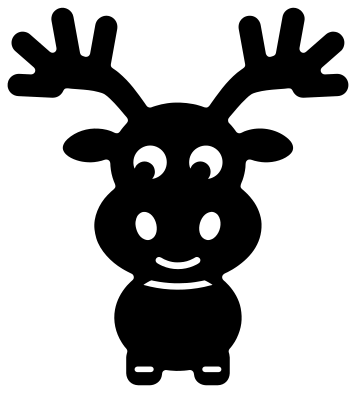 Cute moose with a round nose Solid · one piece
 -
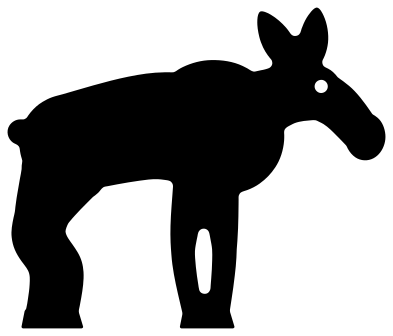 Baby moose calf Solid · one piece
 -
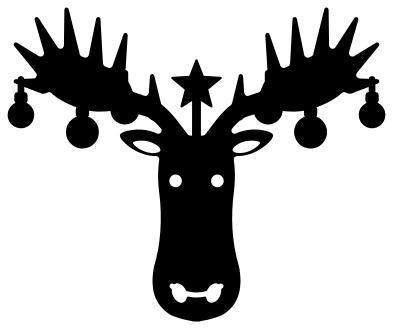 Christmas moose with baubles Solid · one piece
 -
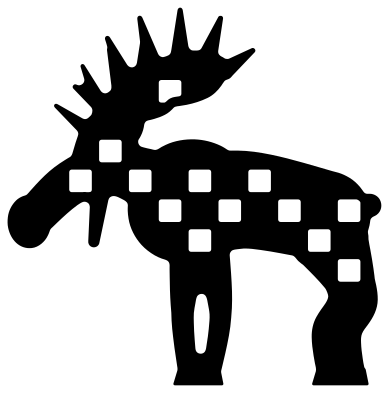 Buffalo plaid moose Solid · one piece
 -
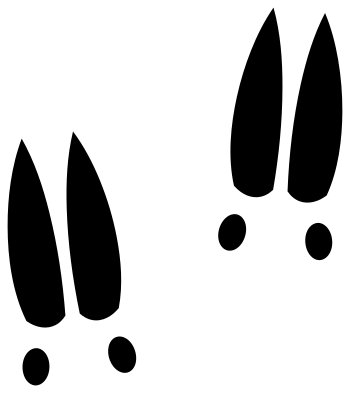 Moose tracks Solid · 8 pieces
 -
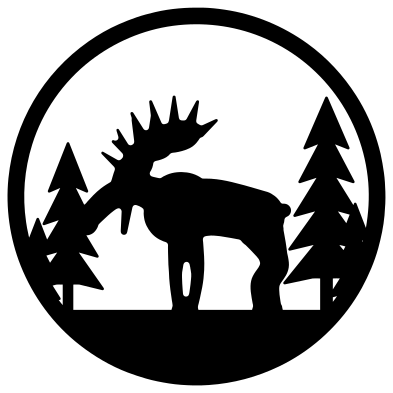 Moose in a forest ring Solid · one piece
 -
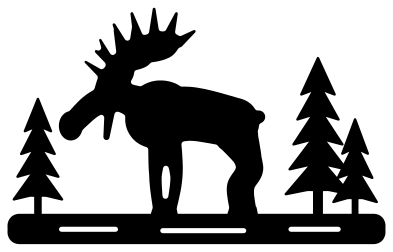 Moose by the lake Solid · one piece
 -
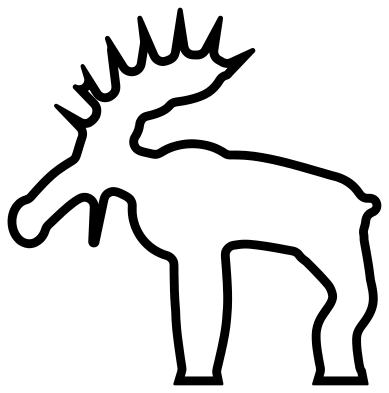 Moose outline Outline · one piece
Antlers and legs
A moose is unmistakable because of three things: antlers shaped like open hands, a long face with a nose that hangs over the lip, and legs that seem too long for the body. All three are thin compared with the body, and they set the smallest size you can cut. Every file is 100 mm on its longer side. On the moose silhouette the legs are about 5 mm wide above the hoof and the tines of the antlers taper from about 5 mm to a rounded point. That is sturdy enough for vinyl and card at 60 mm and for 3 mm plywood at 120 mm.
The moose in profile is a solid shape with nothing inside it, which is how a moose is usually seen: a dark outline against water or snow. Cut it from black, dark brown or rust.
Cabins, camps and Christmas
The moose head from the front and the moose antlers are symmetrical and sit well over a family name on a cabin sign. The forest ring and the lake scene are for mugs, coasters and camper decals. For Christmas, the moose with baubles hangs three ornaments from each antler, and the buffalo plaid moose has a check of square windows through its body: back it with red felt or card.
How to open the files
- Cricut Design Space: choose Upload, pick the SVG, and add it to the canvas. Set the width you want; the shape is already welded.
- Silhouette Studio: Designer Edition and above open the SVG. The free Basic Edition does not, so open the DXF instead.
- LightBurn, xTool Creative Space and Glowforge: import the SVG, then set the layer to cut, score or engrave.
- Inkscape, Illustrator and Affinity: open the SVG. It is a plain filled path, so you can recolour it, add a stroke or combine it with your own work.
- Printing or sublimation: use the PNG, which has a transparent background.
Each design page lists the file’s narrowest part at seven sizes, so you can tell whether it will survive at the size you plan to cut.
Questions
What is the difference between moose antlers and deer antlers?
A bull moose grows palmate antlers: each one spreads into a broad flat plate with short tines along its edge, like an open hand. A deer or an elk has branching antlers made of round beams and long points. The antlers here are the moose kind.
How do I get the buffalo plaid effect?
The plaid moose has square windows cut through its body in a check. Cut it from black and put red behind it for red and black plaid, or white behind it for a black and white check. The squares stop short of the outline, so the moose stays in one piece.
Can I add a name under the antlers?
Yes. The moose antlers are joined by a small plate at the centre and are open below. Scale them to a little wider than the name, set the name under the plate and weld the two, or keep them apart on a sign.
 Owl SVG
  Bird SVG
  Cat SVG
  Dog SVG
  Elephant SVG
  Fish SVG