Free messy bun SVG files
Free messy bun SVG files: the faceless head with a loose bun and sunglasses, versions with a bandana, glasses, a fringe or two buns, a profile silhouette, a view from the back and the bun on its own. Each is a generic head, not a portrait. Download as SVG, PNG or DXF.
11 designs. Free for personal and commercial use, no sign-up. What you can do with them.
-
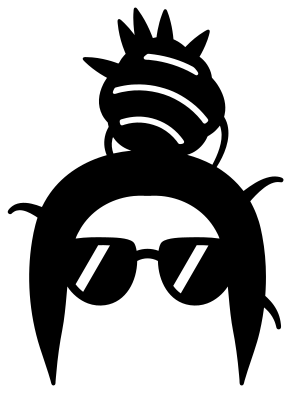 Messy bun with sunglasses Solid · one piece
 -
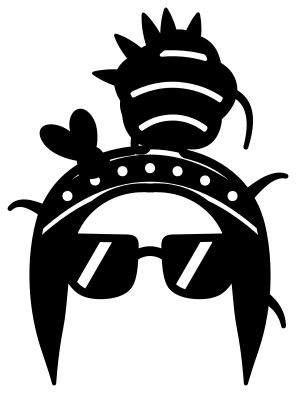 Messy bun with a bandana and sunglasses Solid · one piece
 -
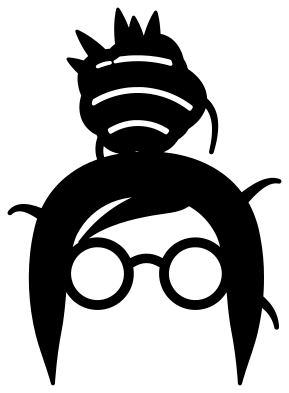 Messy bun with glasses Solid · one piece
 -
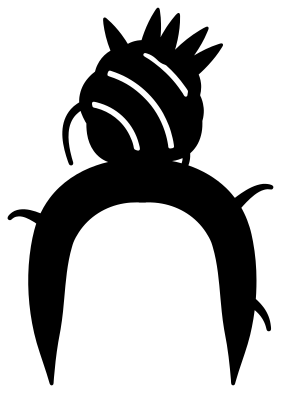 Messy hair bun from the front Solid · one piece
 -
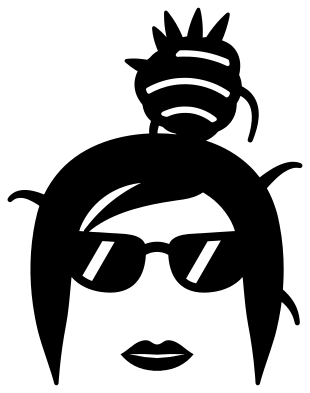 Messy bun girl with cat eye sunglasses and lips Solid · 2 pieces
 -
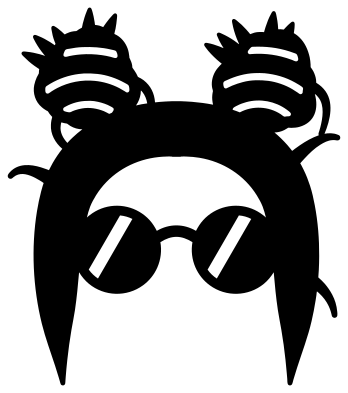 Two messy buns Solid · one piece
 -
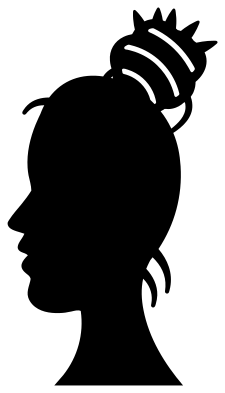 Messy bun silhouette from the side Solid · one piece
 -
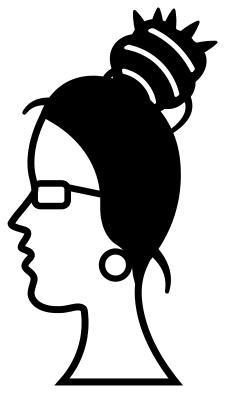 Side view messy bun with glasses Solid · one piece
 -
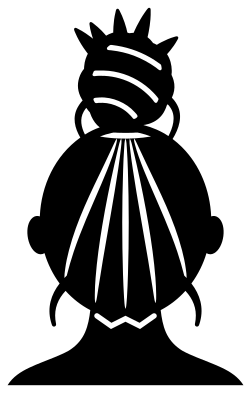 Messy bun from the back Solid · one piece
 -
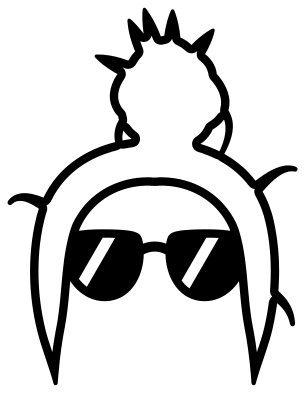 Messy bun outline Outline · one piece
 -
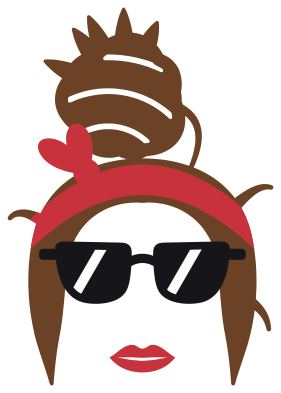 Layered messy bun with a bandana Layered · 4 pieces
A head with no face
The messy bun design works because it leaves the face out. All you see is hair scraped up into a knot, its ends sticking out, and a pair of sunglasses, and anyone who has done the school run in a hurry recognises herself. The front views here follow that pattern. The arms of the sunglasses run into the hair at both temples, so the head and the glasses come off the mat as a single piece and stay lined up.
The lips, where a design has them, are a small separate piece. Leave them off for a plainer look or cut them in red.
Sizes, strands and adding words
The pointed ends and loose hairs are what make the bun look messy, and with the tendrils by the ears they are also the finest parts: the tendrils thin to a tip about 1.2 mm across when the head is 100 mm tall. For a shirt, where the design is usually 200 mm or more, that is no trouble at all. For a tumbler or a car decal, keep the head at 75 mm tall or more and press the fine ends down well. Most people add a few words underneath in their own software; leave a gap of about a tenth of the height between the tendrils and the first line.
How to open the files
- Cricut Design Space: choose Upload, pick the SVG, and add it to the canvas. Set the width you want; the shape is already welded.
- Silhouette Studio: Designer Edition and above open the SVG. The free Basic Edition does not, so open the DXF instead.
- LightBurn, xTool Creative Space and Glowforge: import the SVG, then set the layer to cut, score or engrave.
- Inkscape, Illustrator and Affinity: open the SVG. It is a plain filled path, so you can recolour it, add a stroke or combine it with your own work.
- Printing or sublimation: use the PNG, which has a transparent background.
Each design page lists the file’s narrowest part at seven sizes, so you can tell whether it will survive at the size you plan to cut.
Questions
Can I change the hair colour?
Yes. Every single-colour design can be cut from any vinyl you like, and the layered design has the hair, bandana, sunglasses and lips as four separate layers so each can have its own colour.
How do I put the bun on something else?
Use the messy bun on its own. Place it on top of a pumpkin, a skull, a letter or an animal’s head, scale it to about half the width of the head and overlap it a little so the two weld or stack cleanly.
Is the profile a real person?
No. It is a generic outline drawn for this set, with an ordinary forehead, nose and chin, and it is not based on a photograph or on anyone in particular.
 Camera SVG
  Guitar SVG
  Music note SVG
  Stethoscope SVG
  Tooth SVG
  Light bulb SVG