Free medical assistant SVG files
Free medical assistant SVG files with no lettering to work around: a medical assistant with a clipboard, a silhouette on a flat base, a clipboard with a heartbeat, a blood pressure cuff, a badge reel, a rosette for the newly certified, a set of scrubs, a pocket of tools and a monogram frame.
14 designs. Free for personal and commercial use, no sign-up. What you can do with them.
Or choose one below for its PNG, DXF and cutting sizes.
-
 Medical assistant with a clipboard Solid · one piece
 -
 Medical assistant silhouette by the scale Solid · one piece
 -
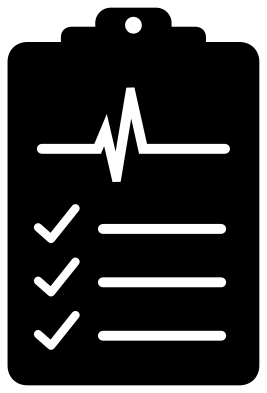 Medical assistant clipboard with a heartbeat Solid · one piece
 -
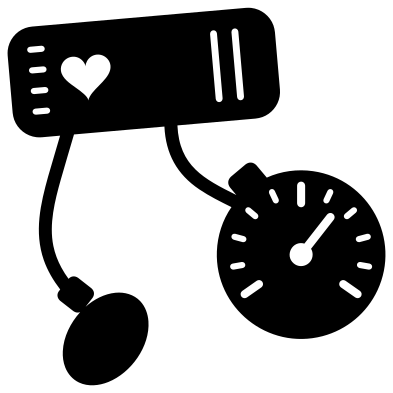 Medical assistant blood pressure cuff Solid · one piece
 -
 Medical assistant badge reel with a blank name panel Solid · one piece
 -
 Certified medical assistant rosette Solid · one piece
 -
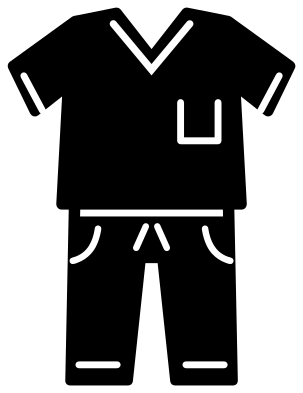 Medical assistant scrubs, top and trousers Solid · one piece
 -
 Medical assistant pocket of tools Solid · one piece
 -
 Medical assistant otoscope and reflex hammer Solid · one piece
 -
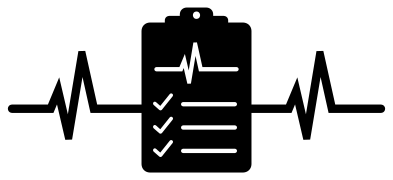 Medical assistant heartbeat line with a clipboard Solid · one piece
 -
 Medical assistant head and shoulders Solid · one piece
 -
 Medical assistant monogram frame Solid · one piece
 -
 Medical assistant outline Outline · one piece
 -
 Layered medical assistant in six colours Layered · 10 pieces
Sizes, fine lines and what to cut them from
The figure is drawn from the front in simple, heavy parts, so it holds together in vinyl, card and thin plywood. The stethoscope, the hem and the pocket are cut lines a little under 2 mm wide when the design is 100 mm tall, which sets the smallest useful size: keep the medical assistant with a clipboard at 80 mm tall or more for iron-on. The silhouette has no lines inside the figure and stands on a straight strip, so it can go much smaller or be stood upright in a shadow box.
The clipboard, the rosette and the pocket of tools are the sturdy ones for small stickers, badge reels and water bottles. The blood pressure cuff has two tubes about 3 mm wide at 100 mm: weed along each tube from the cuff outwards and peel the transfer tape back in the same direction.
Adding a name or a title
Nothing here carries wording, so you can set the name, the clinic or the letters after the name yourself. The badge has a clear band about 12 mm tall between two lines for a first name, the monogram ring is open in the middle, and the front of the clipboard takes a short line of text in place of the ticked rows if you fill them in your cutting software.
How to open the files
- Cricut Design Space: choose Upload, pick the SVG, and add it to the canvas. Set the width you want; the shape is already welded.
- Silhouette Studio: Designer Edition and above open the SVG. The free Basic Edition does not, so open the DXF instead.
- LightBurn, xTool Creative Space and Glowforge: import the SVG, then set the layer to cut, score or engrave.
- Inkscape, Illustrator and Affinity: open the SVG. It is a plain filled path, so you can recolour it, add a stroke or combine it with your own work.
- Printing or sublimation: use the PNG, which has a transparent background.
Each design page lists the file’s narrowest part at seven sizes, so you can tell whether it will survive at the size you plan to cut.
Questions
Is there a cross or a medical emblem on these designs?
No. The designs use a heart, a tick and a heartbeat trace in place of a cross or a staff and serpent, so there is no protected emblem to worry about. If your clinic has its own badge, lay it on top yourself.
How do I put a name on the badge reel design?
Type the name in your cutting software and place it in the clear band under the photo window, between the two cut lines. At 100 mm tall the band is about 12 mm high and 38 mm wide. Cut the name from a second colour, or subtract it from the card for a single layer.
Which design suits a graduation or pinning gift?
The certified medical assistant rosette was drawn for that: a seal, a heart, a tick and two ribbon tails. It weeds quickly at any size from about 50 mm tall, and the year or initials can be added below the tails.
 Camera SVG
  Guitar SVG
  Music note SVG
  Stethoscope SVG
  Tooth SVG
  Light bulb SVG