Free lunch lady SVG files
Free lunch lady SVG files with no lettering: a lunch lady with a ladle, a silhouette behind the counter, a cafeteria tray, serving tools on a rail, a soup pot, an oven mitt, a lunch box, a packed lunch, a carton of milk and a monogram frame with a ladle and a spoon.
14 designs. Free for personal and commercial use, no sign-up. What you can do with them.
-
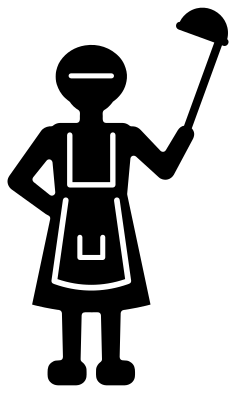 Lunch lady with a ladle Solid · one piece
 -
 Lunch lady silhouette behind the counter Solid · one piece
 -
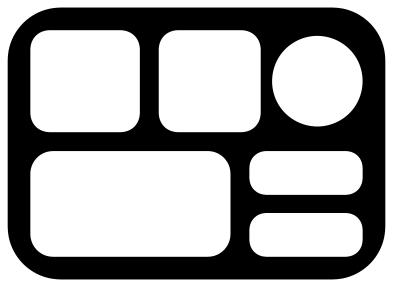 Lunch lady cafeteria tray Solid · one piece
 -
 Lunch lady ladle with hearts Solid · one piece
 -
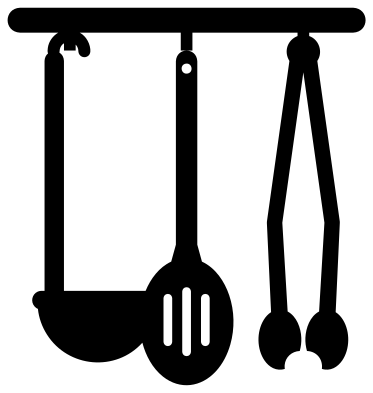 Lunch lady serving tools on a rail Solid · one piece
 -
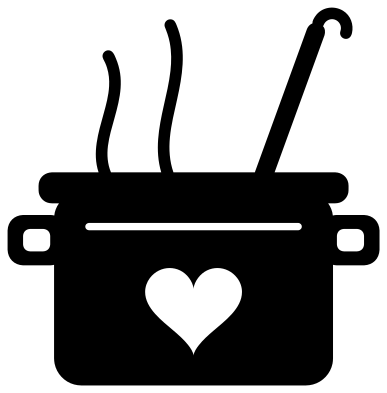 Lunch lady soup pot with a heart Solid · one piece
 -
 Lunch lady in a hair net Solid · one piece
 -
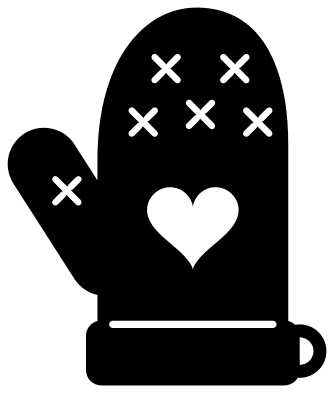 Lunch lady oven mitt with a heart Solid · one piece
 -
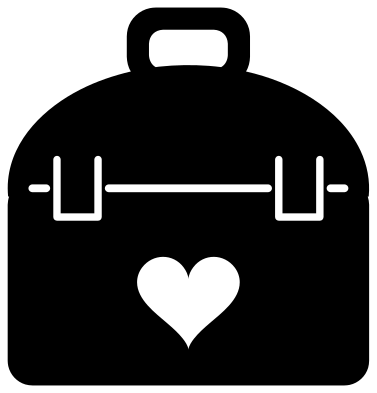 Lunch lady’s lunch box with a heart Solid · one piece
 -
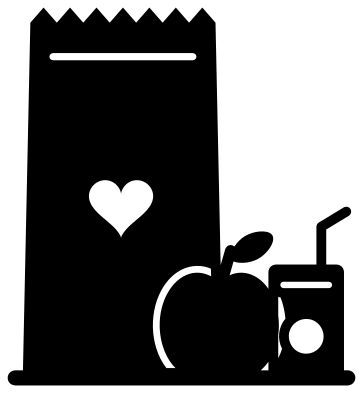 Lunch lady’s packed lunch with an apple Solid · one piece
 -
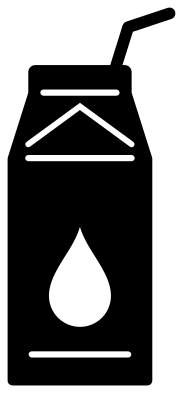 Lunch lady’s carton of milk with a straw Solid · one piece
 -
 Lunch lady monogram frame with a ladle and a spoon Solid · one piece
 -
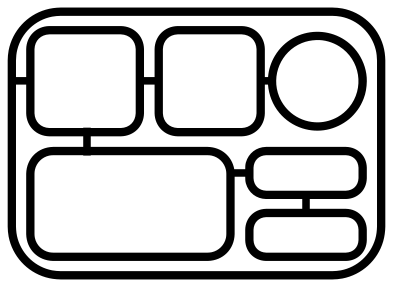 Lunch lady tray outline Outline · one piece
 -
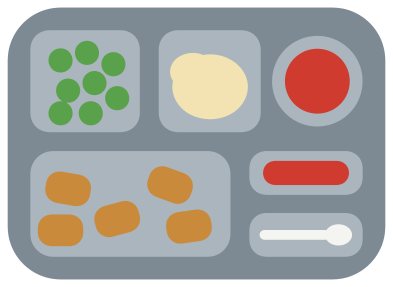 Layered lunch lady tray with a school dinner Layered · 23 pieces
Sizes and what to cut them from
The cafeteria tray is the simplest shape in the set: six openings in a rounded board, with rims of 5 mm or more when the tray is 100 mm wide. It cuts cleanly in vinyl down to about 40 mm and makes a good stencil in card. The lunch lady with a ladle has fine apron lines about 1.5 mm wide at 100 mm tall, so keep her at 80 mm or more for iron-on, or use the silhouette, which has no lines inside the figure.
The serving tools on a rail are the delicate ones. The handles are about 5 mm wide when the design is 100 mm tall, but the hooks are 3 mm, so cut the rail at 90 mm or more and weed from the rail downwards. The oven mitt, the lunch box, the soup pot and the carton of milk are solid shapes with a few openings and suit tote bags, aprons and thank you cards.
A thank you with a name on it
Nothing here carries wording, so you can add a name, a school or a line of your own. The lunch box has a plain domed lid above its heart, the monogram ring is open in the middle, and the soup pot has room for a short word under its rim if you fill the heart in your cutting software. For the end of a school year, the layered tray with its peas, mash and nuggets makes a card front that children can help to stick down.
How to open the files
- Cricut Design Space: choose Upload, pick the SVG, and add it to the canvas. Set the width you want; the shape is already welded.
- Silhouette Studio: Designer Edition and above open the SVG. The free Basic Edition does not, so open the DXF instead.
- LightBurn, xTool Creative Space and Glowforge: import the SVG, then set the layer to cut, score or engrave.
- Inkscape, Illustrator and Affinity: open the SVG. It is a plain filled path, so you can recolour it, add a stroke or combine it with your own work.
- Printing or sublimation: use the PNG, which has a transparent background.
Each design page lists the file’s narrowest part at seven sizes, so you can tell whether it will survive at the size you plan to cut.
Questions
Can I use the cafeteria tray as a real divider or a stencil?
As a stencil, yes: cut it from stencil film or card at any size and the six wells are the open parts. It is a flat drawing of a tray seen from above, so it will not make a tray that holds food.
How big is the opening in the lunch lady monogram frame?
About 49 mm across when the frame is 100 mm wide, which takes two or three bold initials. The ring is about 5 mm wide, so letters that overlap it can be welded to it.
Does the lunch lady have a face?
No. The figure and the head and shoulders design are left blank, with only the hair net and the apron drawn, so the design can stand for any member of the kitchen team you want to thank.
 Camera SVG
  Guitar SVG
  Music note SVG
  Stethoscope SVG
  Tooth SVG
  Light bulb SVG