Free keychain SVG files
Free keychain SVG files: nine blanks with a hole, a lace round, a folk heart, a new home, a dog and a cat, a pet memorial, a car, a teacher’s apple, frames for a name or an initial, snap tabs and wristlet straps that fold, a bezel for resin, pairs that join, an old motel key and two in layered colour.
24 designs. Free for personal and commercial use, no sign-up. What you can do with them.
Or choose one below for its PNG, DXF and cutting sizes.
-
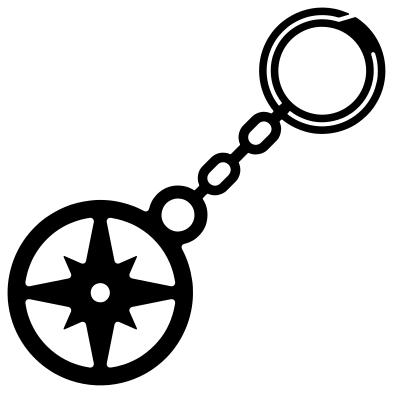 Keychain with a ring, a chain and a compass Solid · one piece
-
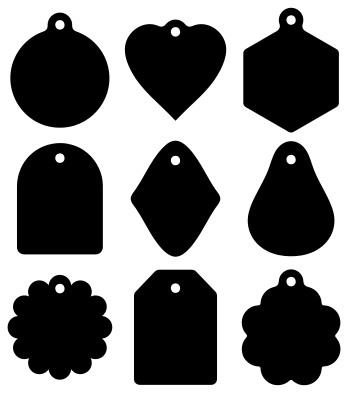 Keychain template with nine blanks Solid · 9 pieces
-
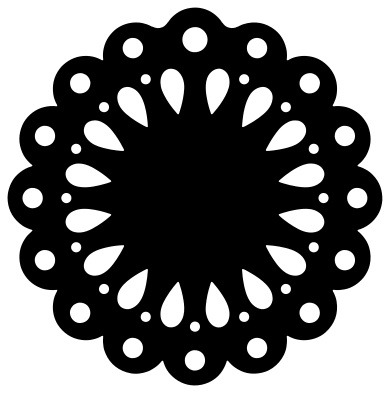 Round keychain with a lace edge Solid · one piece
-
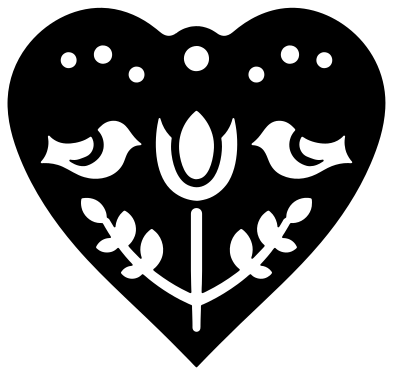 Folk heart keychain with two birds Solid · one piece
-
 New home keychain with a key in the doorway Solid · one piece
-
 Dog and cat keychain with a heart Solid · one piece
-
 Pet memorial keychain with a rainbow Solid · one piece
-
 Car keychain for a first set of keys Solid · one piece
-
 Apple keychain for a teacher Solid · one piece
-
 Daisy ring keychain for a letter Solid · one piece
-
 Name keychain frame with a daisy Solid · one piece
-
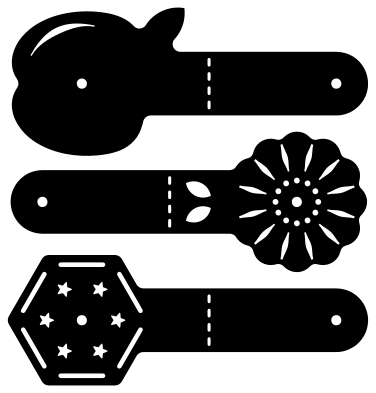 Three snap tab keychains to fold Solid · 3 pieces
-
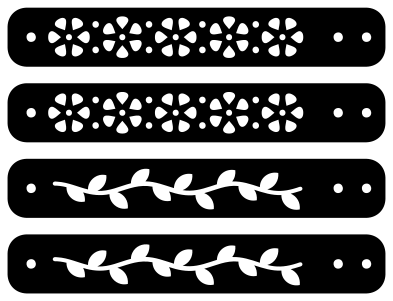 Wristlet keychain straps with daisies and leaves Solid · 4 pieces
-
 Mountain keychain bezel for resin Solid · one piece
-
 Sun and moon keychains that nest Solid · 2 pieces
-
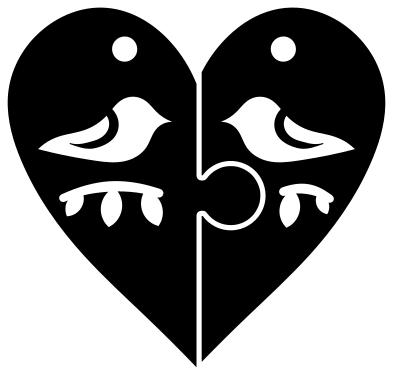 Lovebird keychains that join into a heart Solid · 2 pieces
-
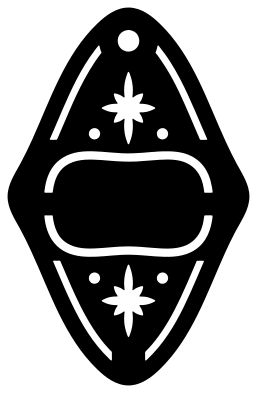 Retro hotel keychain with a number panel Solid · one piece
-
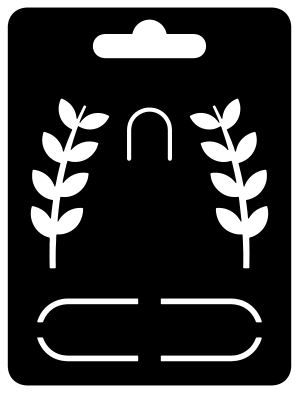 Keychain display card with a hang slot Solid · one piece
-
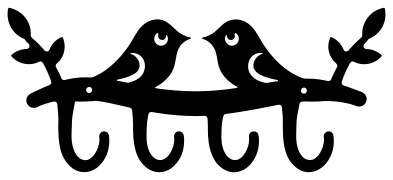 Keychain holder with two birds Solid · one piece
-
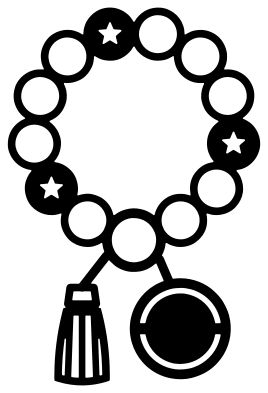 Beaded wristlet keychain with a tassel Solid · one piece
-
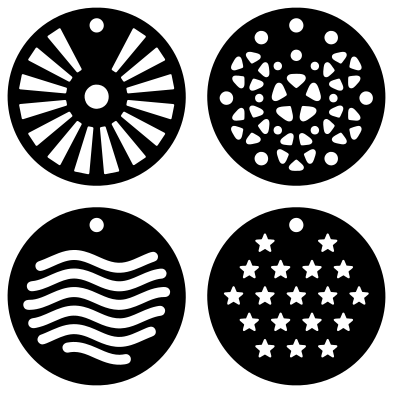 Keychain backgrounds on four discs Solid · 4 pieces
-
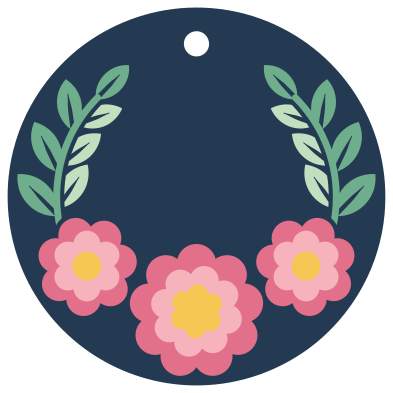 Acrylic keychain with flowers in six layers Layered · 18 pieces
-
 Layered bee keychain on honeycomb Layered · 29 pieces
-
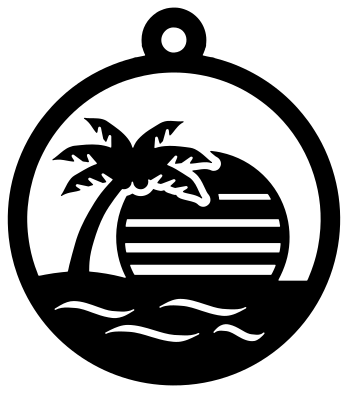 Sunset keychain with a palm tree Solid · one piece
Cut a keychain 60 mm long
The files open at 100 mm. Scale a single keychain to 60 mm on its longer side and its hole is 4 mm across, with 3 mm of material or more all round it and nothing in a one-colour drawing thinner than 1.2 mm. That is enough for 3 mm acrylic, plywood and firm leather. The motel key and the name frame are drawn for 70 mm, and every sheet says how wide or tall to cut it.
A drawing that is not the same on both sides has its hole over the point where it balances, so it hangs straight from a ring. Keep the hole where it is if you add a name or a picture to the middle, and put nothing heavy to one side.
Snap tabs, straps and pairs
The three snap tabs are drawn flat for faux leather. Cut the sheet 149 mm tall: each strap is 25 mm wide, the row of slits is the fold, and the two 4 mm holes are the same distance from it on either side, so one snap goes through both. A wristlet strap is two halves that lap by 28 mm, where two pairs of holes meet, which makes a loop 146 mm long and lets a strap be cut on a small mat.
Cut the sun and moon, or the two lovebirds, as they lie. At 60 mm wide the line between the lovebirds is 0.8 mm, so the knob slips into its socket, and the long rays of the sun stop 1.5 mm short of the moon.
How to open the files
- Cricut Design Space: choose Upload, pick the SVG, and add it to the canvas. Set the width you want; the shape is already welded.
- Silhouette Studio: Designer Edition and above open the SVG. The free Basic Edition does not, so open the DXF instead.
- LightBurn, xTool Creative Space and Glowforge: import the SVG, then set the layer to cut, score or engrave.
- Inkscape, Illustrator and Affinity: open the SVG. It is a plain filled path, so you can recolour it, add a stroke or combine it with your own work.
- Printing or sublimation: use the PNG, which has a transparent background.
Each design page lists the file’s narrowest part at seven sizes, so you can tell whether it will survive at the size you plan to cut.
Questions
What happens to the hole if I cut a keychain at another size?
It is scaled with the drawing. A keychain meant for 60 mm has a 3.3 mm hole at 50 mm and a 5.3 mm hole at 80 mm. At 50 mm the thinnest parts come down to about 1 mm, so keep to card and vinyl below that.
Which way up does the leather go for a snap tab?
Cut it with the good side facing you. Fold the strap back along the slits and the picture stays in front while the round end comes to lie behind it, hole over hole. The loop at the fold takes the key ring.
How do I put a name in the name frame?
Set the name about 14 mm tall so that its letters touch the frame above and below, then weld the two. The window is 35 mm by 12.6 mm when the frame is cut 70 mm long.
 Camera SVG
 Guitar SVG
 Music note SVG
 Stethoscope SVG
 Tooth SVG
 Light bulb SVG