Free fabric texture SVG patterns
Free fabric textures as vector files: linen, burlap, denim, canvas, knitting, cable, corduroy, tweed, leather, cane and more, drawn the way the cloth is made. Nineteen of them are tiles that repeat without a seam, with few enough points to open on any machine.
21 designs. Free for personal and commercial use, no sign-up. What you can do with them.
Or choose one below for its PNG, DXF and cutting sizes.
-
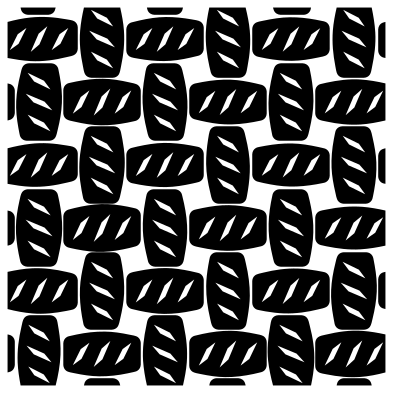 Burlap fabric texture Solid · 48 pieces
-
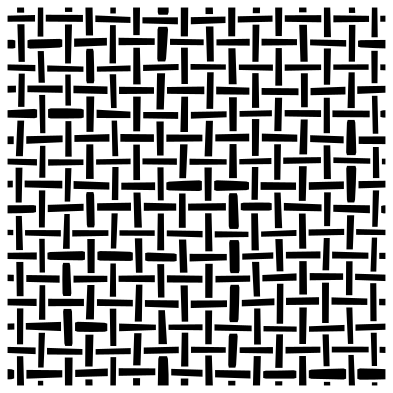 Linen fabric texture Solid · 288 pieces
-
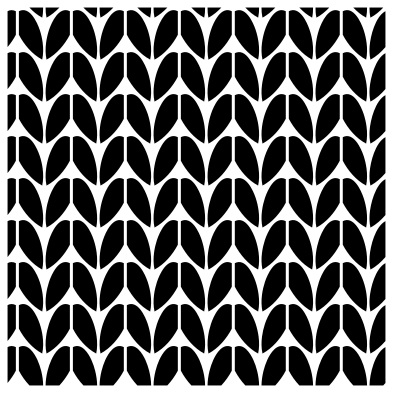 Knitted fabric texture Solid · 149 pieces
-
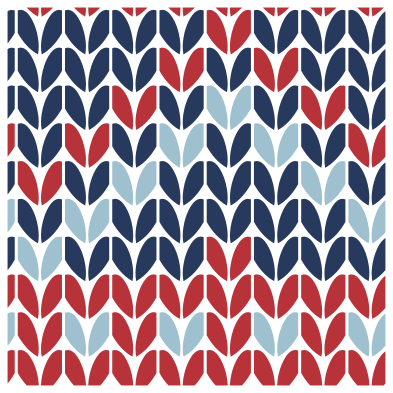 Fair Isle knitted fabric texture Layered · 186 pieces
-
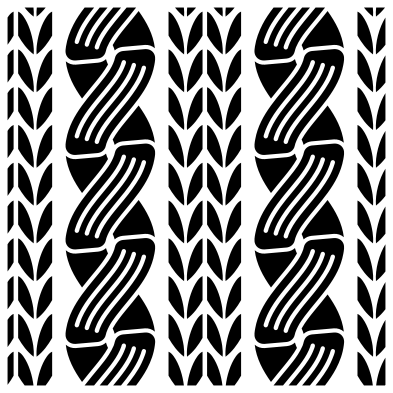 Cable knit fabric texture Solid · 124 pieces
-
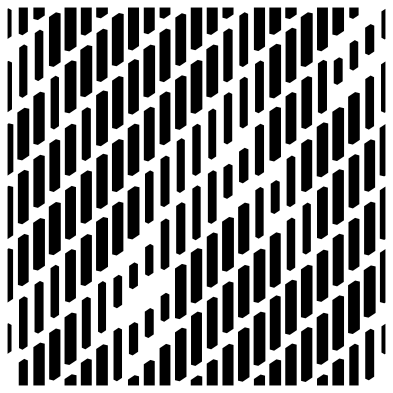 Denim fabric texture Solid · 167 pieces
-
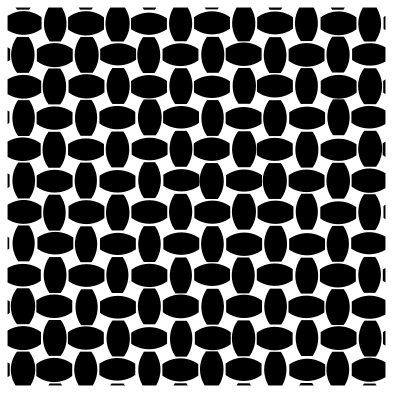 Canvas fabric texture Solid · 168 pieces
-
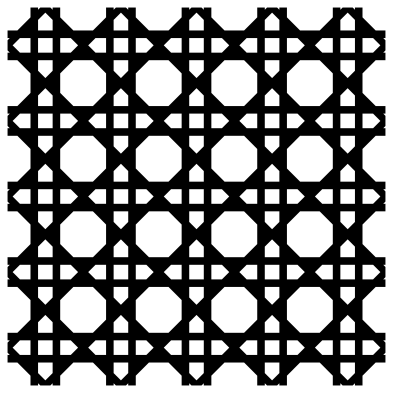 Cane webbing texture Solid · one piece
-
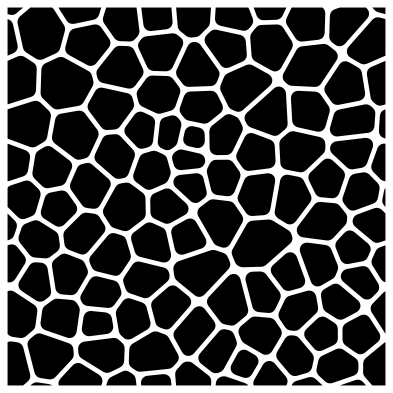 Leather grain texture Solid · 112 pieces
-
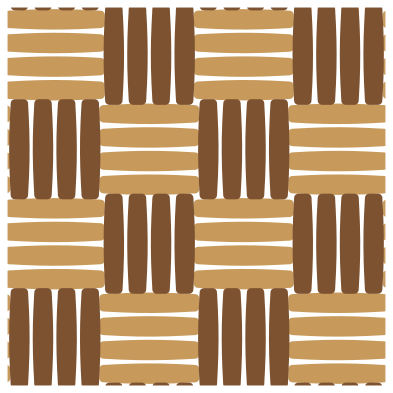 Basket weave fabric texture in two colours Layered · 96 pieces
-
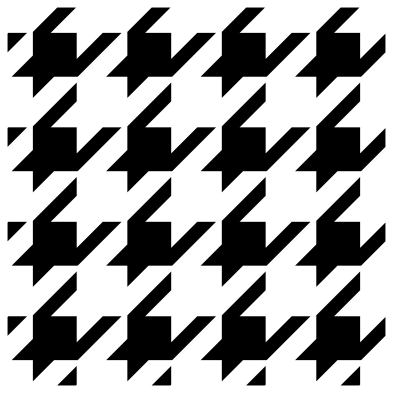 Houndstooth fabric texture Solid · 24 pieces
-
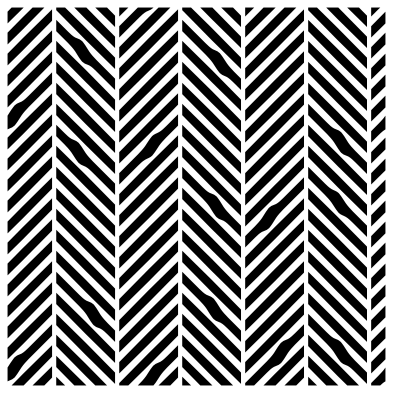 Herringbone tweed fabric texture Solid · 144 pieces
-
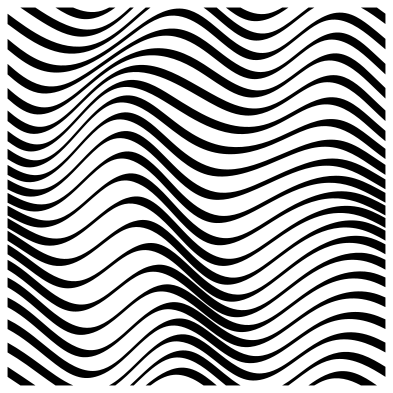 Satin fabric texture in folds Solid · 30 pieces
-
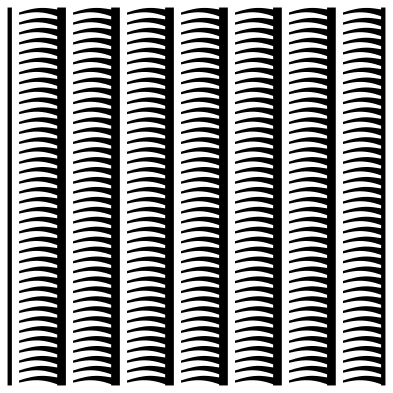 Corduroy fabric texture Solid · 8 pieces
-
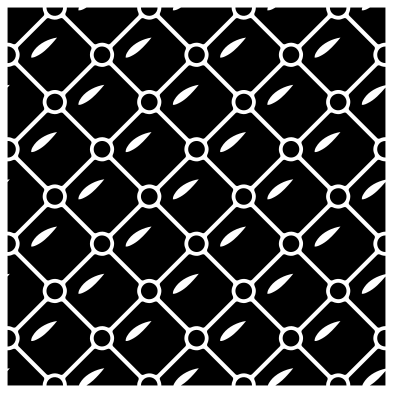 Tufted fabric texture Solid · 82 pieces
-
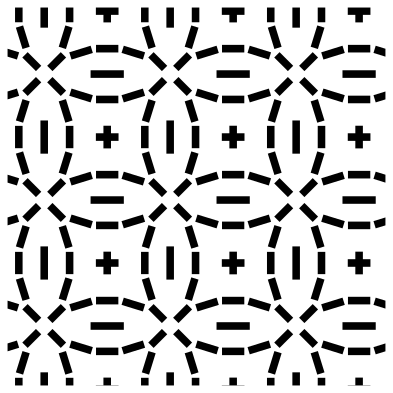 Sashiko stitched fabric texture Solid · 189 pieces
-
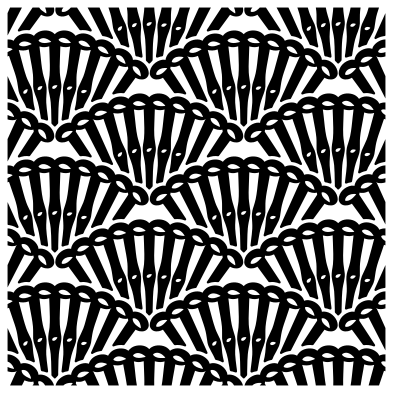 Crochet shell fabric texture Solid · 42 pieces
-
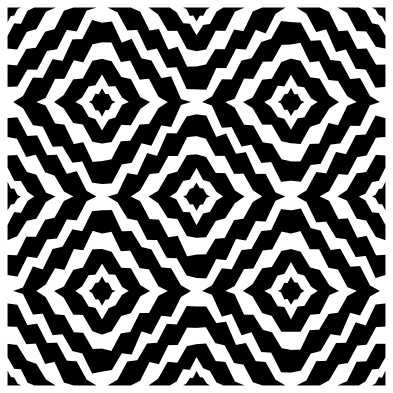 Ikat fabric texture Solid · 39 pieces
-
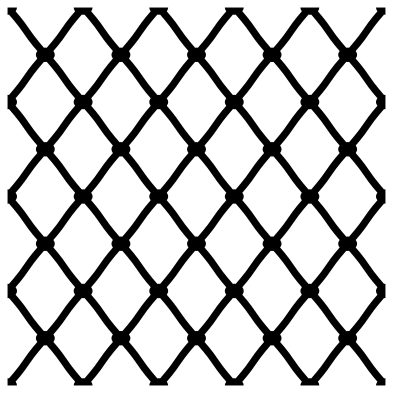 Net and mesh fabric texture Solid · one piece
-
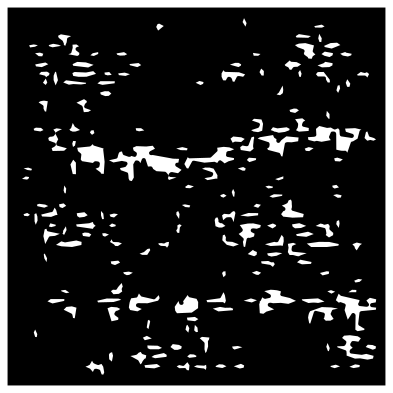 Worn fabric texture overlay Solid · one piece
-
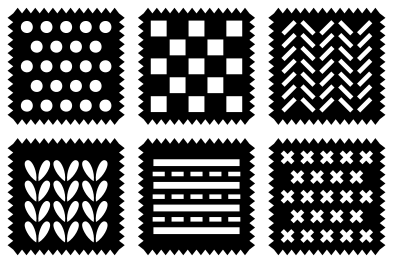 Six fabric swatches with pinked edges Solid · 6 pieces
Drawn as the cloth is made
A photograph traced into a vector has thousands of specks and cuts badly. These textures are built thread by thread instead. In the plain weaves every thread passes over one neighbour and under the next. The denim steps up one thread at each column, which gives it its slant. The knitted ones are made of single stitches that sit in the stitches below. That keeps each one to a few hundred clean shapes.
Nineteen are square tiles: what runs off one edge carries on at the opposite edge, so copies set side by side cover any area without a join. The worn print and the six swatches are single sheets.
Filling a shape with cloth
Weld as many tiles as you need, lay your shape over them, select both and use Slice in Cricut Design Space, Intersect in Silhouette Studio or Path, Intersection in Inkscape. A mug cosy, a pocket, a Christmas jumper or a letter then comes out in that cloth. For screens and print, change viewBox="0 0 104 104" in the file to viewBox="2 2 100 100" to take off the margin, and the tile repeats without a gap.
The worn print works in the same way: lay it over a finished design, keep only the part where the two overlap, and the design comes out faded. The cane webbing and the net hold together in one piece, so they can be cut from card, veneer or thin wood as well as vinyl.
Sizes
Each page gives the narrowest part at seven sizes. As a guide, keep it above 0.8 mm in adhesive vinyl and above 1.2 mm in iron-on. The weaves and knits are drawn large, so they can be cut at half size, and most look better small than large: a stitch of 6 to 8 mm reads as knitting, one of 30 mm reads as leaves.
How to open the files
- Cricut Design Space: choose Upload, pick the SVG, and add it to the canvas. Set the width you want; the shape is already welded.
- Silhouette Studio: Designer Edition and above open the SVG. The free Basic Edition does not, so open the DXF instead.
- LightBurn, xTool Creative Space and Glowforge: import the SVG, then set the layer to cut, score or engrave.
- Inkscape, Illustrator and Affinity: open the SVG. It is a plain filled path, so you can recolour it, add a stroke or combine it with your own work.
- Printing or sublimation: use the PNG, which has a transparent background.
Each design page lists the file’s narrowest part at seven sizes, so you can tell whether it will survive at the size you plan to cut.
Questions
Are the textures seamless?
Nineteen of the twenty-one are. Each is drawn on a square that wraps round, and its left edge has been compared with its right and its top with its bottom every tenth of a millimetre: they meet to within 0.02 mm on a tile of 100 mm. Keep the copies level and exactly one tile apart.
How do I make a knitted or denim letter?
Type the letter in a heavy font, put the texture behind it so that it covers the letter, select both and use Slice, Intersect or Path, Intersection, whichever your software calls it. Delete the pieces outside. Put a solid copy of the letter underneath in a second colour so that the gaps between threads show as cloth.
Which texture is best for laser engraving?
The satin folds, the linen and the sashiko are lines and dashes with white between them, so they engrave quickly. The leather, the knit and the canvas are mostly solid, which takes longer but gives a stronger mark.
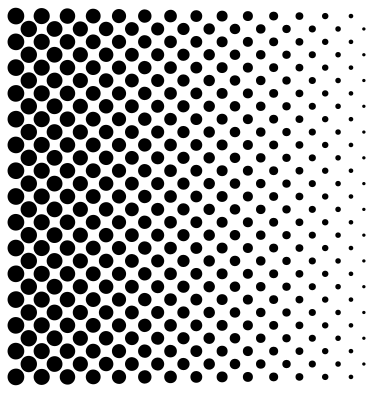 Halftone patterns
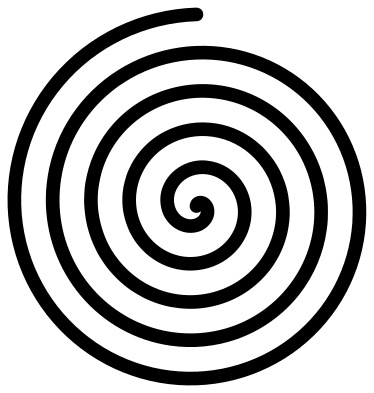 Spiral vectors
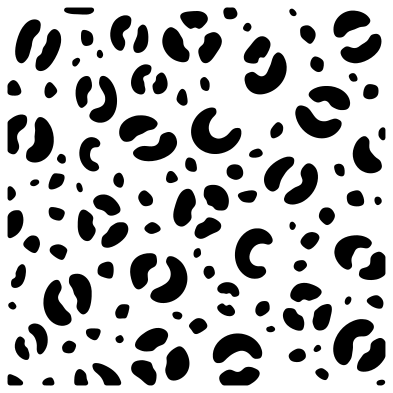 Leopard print
 Cow print
 Zebra print
 Mermaid scales