Free cleaning design SVG files
Free cleaning SVG files: a bucket of supplies, a mop, a broom and dustpan, a trigger bottle, gloves, a sponge, brushes, two vacuum cleaners, a squeegee at work, people cleaning, and frames and badges with room for a business name. Single colours and layered colours, as SVG, PNG and DXF.
22 designs. Free for personal and commercial use, no sign-up. What you can do with them.
Or choose one below for its PNG, DXF and cutting sizes.
-
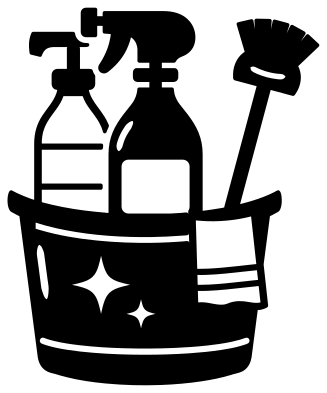 Cleaning supplies in a bucket Solid · one piece
-
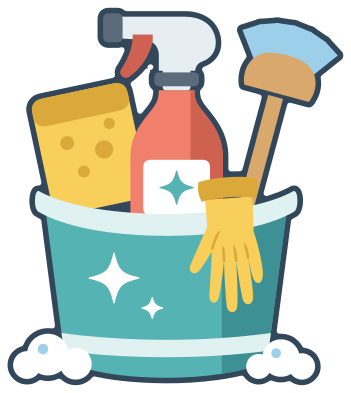 Layered cleaning bucket in colour Layered · 34 pieces
-
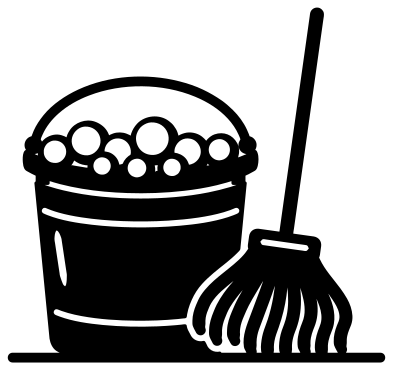 Cleaning mop and bucket Solid · one piece
-
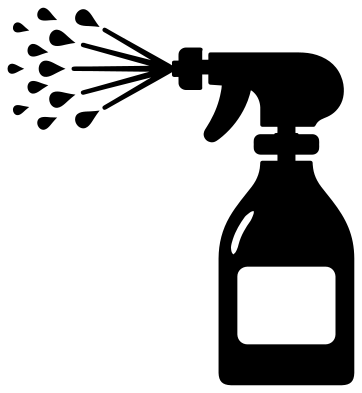 Cleaning trigger bottle with a blank label Solid · 13 pieces
-
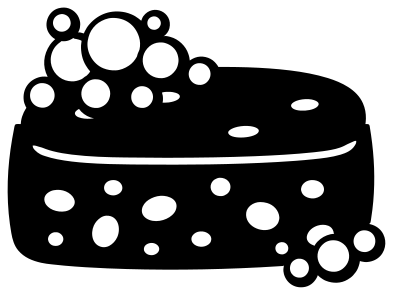 Cleaning sponge with suds Solid · one piece
-
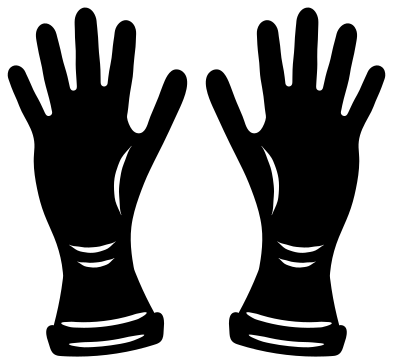 Cleaning gloves, a pair Solid · 2 pieces
-
 Cleaning brush in suds Solid · one piece
-
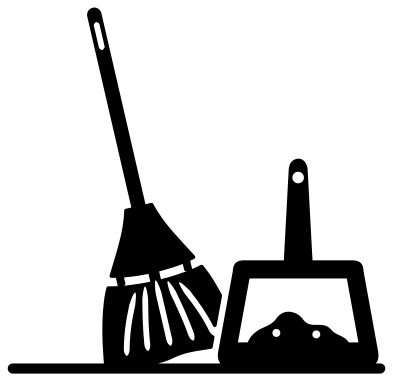 Cleaning broom and dustpan Solid · one piece
-
 Cleaning duster of feathers Solid · one piece
-
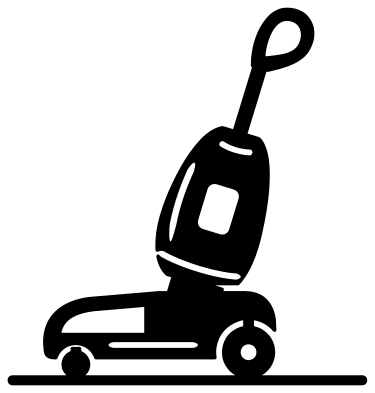 Cleaning vacuum, upright Solid · one piece
-
 Cleaning a carpet with a cylinder vacuum Solid · one piece
-
 Cleaning a window with a squeegee Solid · one piece
-
 Cleaning day window with curtains Solid · one piece
-
 House cleaning cottage with bubbles Solid · one piece
-
 Cleaning lady wiping a table Solid · one piece
-
 Cleaning the floor with a mop Solid · one piece
-
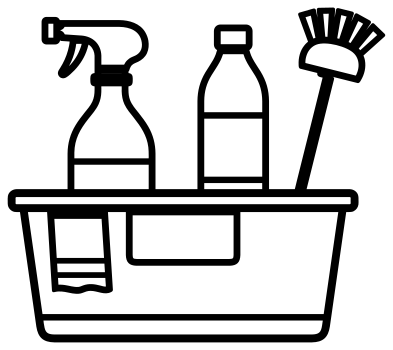 Cleaning caddy outline Outline · one piece
-
 Cleaning business frame shaped like a house Solid · one piece
-
 Cleaning badge with a blank ribbon Solid · one piece
-
 Cleaning broom with a posy Solid · one piece
-
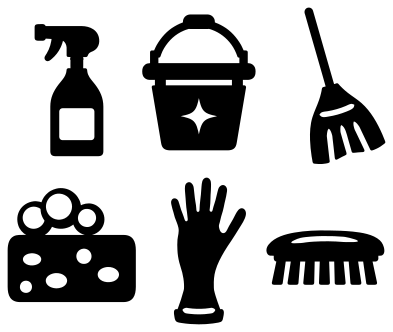 Cleaning tools, a set of six Solid · 6 pieces
-
 Cleaning mandala of brooms Solid · one piece
For a cleaning business
The house-shaped frame, the badge and the cottage were drawn for signs: their middles or ribbons are open, so a name can be set in them. On a van door cut them 400 to 600 mm wide from outdoor vinyl, where every line is 4 mm or more and nothing lifts in the wash. On a polo shirt, 90 mm across the chest is the usual size. At that width choose the badge or the mopping figure and leave the mop, whose strands are fine, for larger work.
For bottles that are filled again at home, put the trigger bottle or the sponge on the label with the name of the cleaner written beside it, and cover the paper with clear film. Always write what is in a bottle, and never keep a cleaner in one that held a drink.
Which cut best when small
The six tools in the set are the plainest, about 30 mm each at full size, and still read at 15 mm on a chore chart or a planner. The gloves, the two people and the upright vacuum have few openings and cut well from card. The sponge, the mandala and the window are all openings: weed them with a hook and a light behind, and go to 120 mm or more. White parts, such as the cloths and the suds, are openings with a line of about 2 mm round them, so a single dark sheet on a pale ground shows them white.
How to open the files
- Cricut Design Space: choose Upload, pick the SVG, and add it to the canvas. Set the width you want; the shape is already welded.
- Silhouette Studio: Designer Edition and above open the SVG. The free Basic Edition does not, so open the DXF instead.
- LightBurn, xTool Creative Space and Glowforge: import the SVG, then set the layer to cut, score or engrave.
- Inkscape, Illustrator and Affinity: open the SVG. It is a plain filled path, so you can recolour it, add a stroke or combine it with your own work.
- Printing or sublimation: use the PNG, which has a transparent background.
Each design page lists the file’s narrowest part at seven sizes, so you can tell whether it will survive at the size you plan to cut.
Questions
What can I put on a chore chart?
The set of six. Ungroup it, size the tools to about 25 mm, and place one beside each job. Cut from vinyl for a whiteboard, or draw them with a pen and leave them to be coloured in.
Will vinyl stay on a spray bottle?
Permanent vinyl holds on smooth plastic if the bottle is wiped with alcohol first and the vinyl has a day to settle. Cleaners that run down the side can lift its edge, so keep the design a finger’s width below the trigger.
Is there a design with people for my business card?
Two: one person wiping a table and one mopping, both seen from the side. They are silhouettes without features, so they can stand for anybody.
 Camera SVG
 Guitar SVG
 Music note SVG
 Stethoscope SVG
 Tooth SVG
 Light bulb SVG