Free chicken SVG files
Free chicken SVG files: a hen, a rooster with a sickle tail, a crowing rooster, baby chicks, a hen on her nest, a chicken face, chicken wire, tracks and an outline. Each is drawn by code as clean closed shapes and downloads as SVG, PNG or DXF.
17 designs. Free for personal and commercial use, no sign-up. What you can do with them.
-
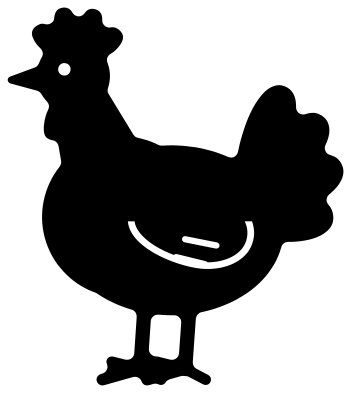 Chicken hen silhouette Solid · one piece
 -
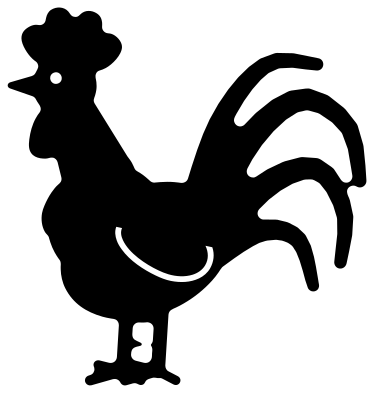 Rooster chicken with a sickle tail Solid · one piece
 -
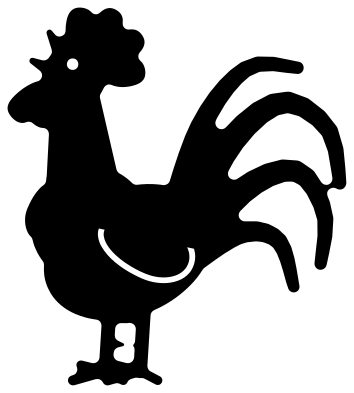 Crowing rooster chicken Solid · one piece
 -
 Chicken face Solid · one piece
 -
 Rooster chicken head from the side Solid · one piece
 -
 Baby chicken chick Solid · one piece
 -
 Easter chicken chick hatching Solid · one piece
 -
 Chicken butt Solid · one piece
 -
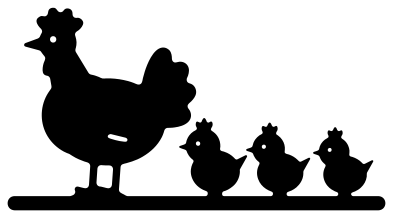 Chicken hen and chicks Solid · one piece
 -
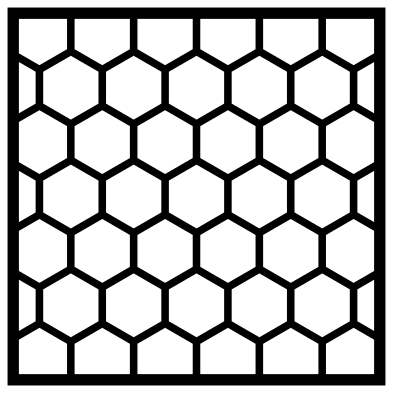 Chicken wire Solid · one piece
 -
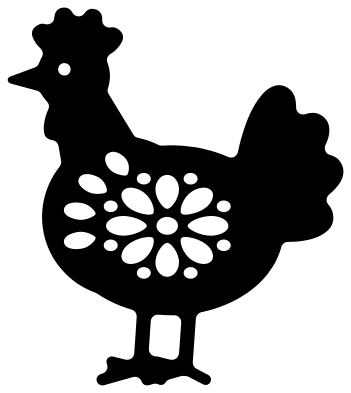 Chicken mandala Solid · one piece
 -
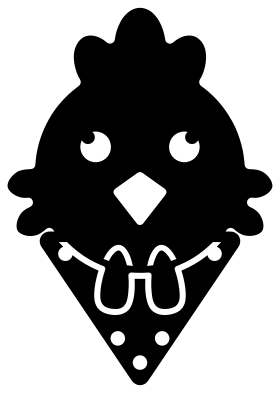 Chicken with a bandana Solid · one piece
 -
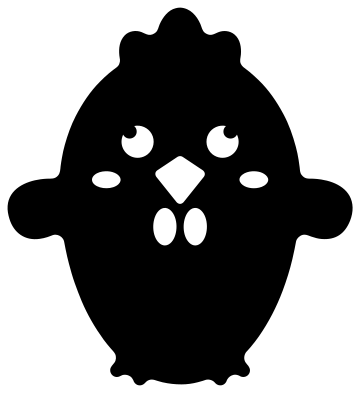 Cute chicken Solid · one piece
 -
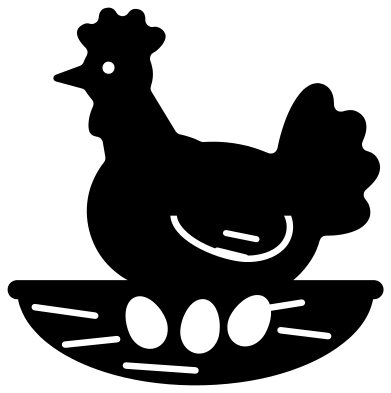 Chicken on a nest with eggs Solid · one piece
 -
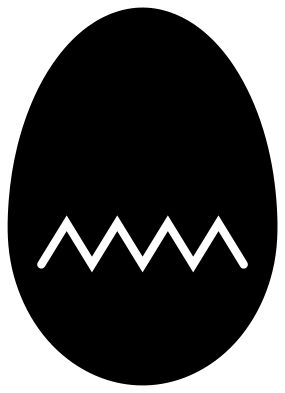 Cracked chicken egg Solid · one piece
 -
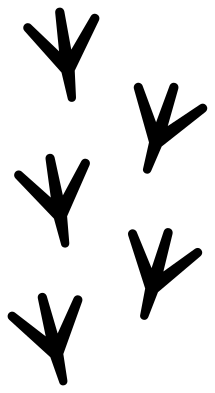 Chicken feet tracks Solid · 5 pieces
 -
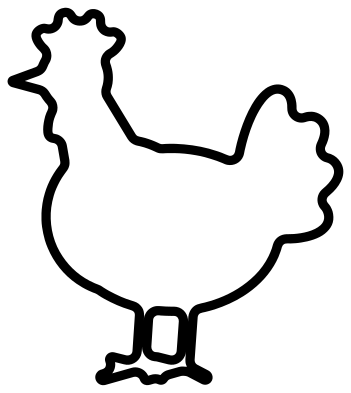 Chicken outline Outline · one piece
Thin legs, pointed feathers and how to cut them
Every file is 100 mm on its longer side. A chicken has two things that test a cutting machine: legs and toes about 3 mm wide, and feathers that end in points. In vinyl, weed towards the tips of the feathers and press the toes down last. In card, the legs are fine at full size and down to about 60 mm. In 3 mm plywood or acrylic, cut a standing bird at 150 mm or taller, or pick the hen on a nest, the face or the chicken butt, which have no long thin legs.
The rooster is the showpiece: his tail has four separate sickle feathers that taper to about 3 mm. Cut him at 100 mm or more and he makes a kitchen sign on his own. The crowing rooster has an open beak, which leaves two fine points; on a laser, lower the power for that corner or it will char.
Chicken wire as a background
The chicken wire file is a net of hexagons with lines 2 mm wide inside a square frame, all in one piece. Cut it from kraft card as a backing layer behind a hen, or use it as a stencil and sponge paint through it for a coop sign. To cover a larger area, cut several squares and butt the frames together, or delete the frame in your software and overlap the mesh.
How to open the files
- Cricut Design Space: choose Upload, pick the SVG, and add it to the canvas. Set the width you want; the shape is already welded.
- Silhouette Studio: Designer Edition and above open the SVG. The free Basic Edition does not, so open the DXF instead.
- LightBurn, xTool Creative Space and Glowforge: import the SVG, then set the layer to cut, score or engrave.
- Inkscape, Illustrator and Affinity: open the SVG. It is a plain filled path, so you can recolour it, add a stroke or combine it with your own work.
- Printing or sublimation: use the PNG, which has a transparent background.
Each design page lists the file’s narrowest part at seven sizes, so you can tell whether it will survive at the size you plan to cut.
Questions
What is the difference between the hen and the rooster files?
The hen is round and low, with a small comb and a short fan of tail feathers. The rooster stands upright, with a large comb, long wattles, pointed hackle feathers on his neck and long curved sickle feathers in his tail. Use the hen for egg boxes and the rooster for kitchen signs.
How do I colour the comb and beak?
The files are one colour, so cut the bird twice. Cut the whole bird in the body colour, then cut it again in red, trim away everything except the comb and wattles with your software’s Slice tool, and layer those on top. On the faces the beak is a hole: back it with yellow or orange.
Can I cut the chicken tracks as a stencil?
Yes. Cut the file from stencil film and keep the sheet rather than the footprints. Each print is about 25 mm long when the file is 100 mm tall. Tape the sheet down, dab paint through, lift, and repeat along a path, turning the sheet a little each time so the trail wanders.
 Owl SVG
  Bird SVG
  Cat SVG
  Dog SVG
  Elephant SVG
  Fish SVG