Free check mark SVG files
Free check mark SVG files: bold, rounded, thin, brush and outline ticks, and ticks in a circle, a ring, a box, a seal and a checklist. The plain marks are single strokes of even width with a clean elbow.
15 designs. Free for personal and commercial use, no sign-up. What you can do with them.
-
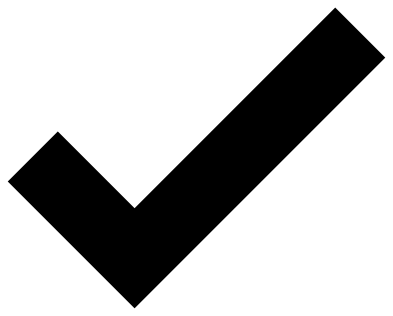 Bold check mark Solid · one piece
 -
 Rounded check mark Solid · one piece
 -
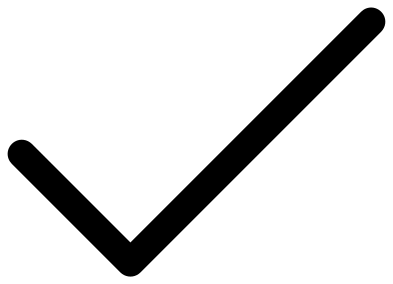 Thin check mark Solid · one piece
 -
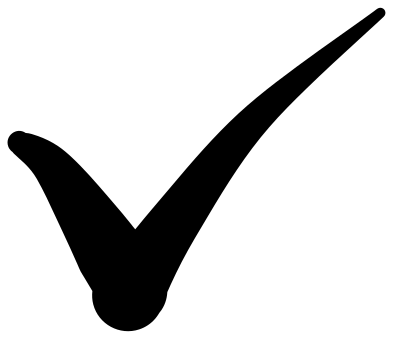 Brush stroke check mark Solid · one piece
 -
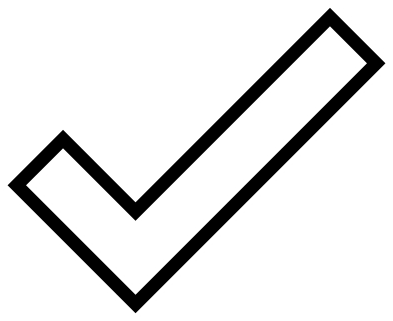 Check mark outline Outline · one piece
 -
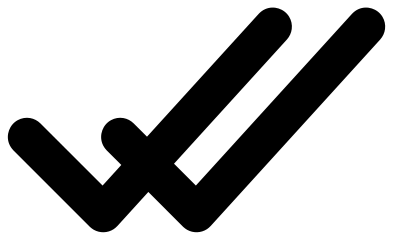 Double check mark Solid · one piece
 -
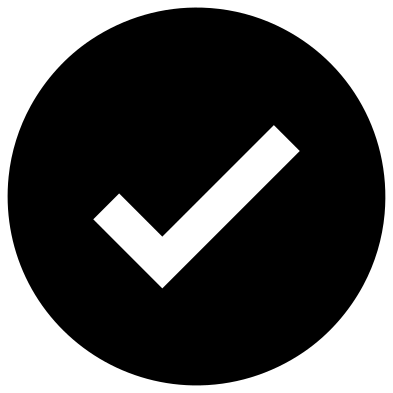 Check mark in a solid circle Solid · one piece
 -
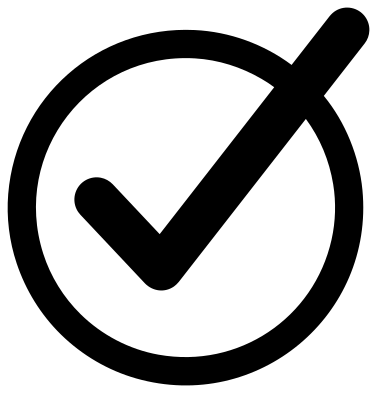 Check mark in a ring Solid · one piece
 -
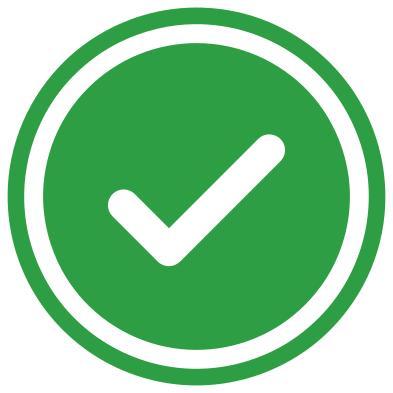 Green check mark in two layers Layered · 3 pieces
 -
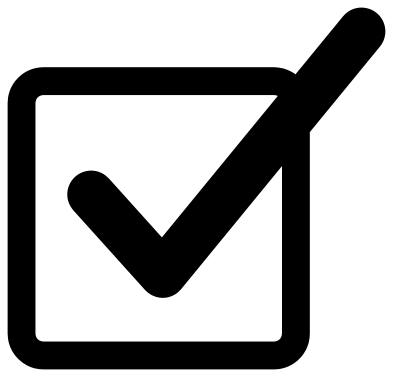 Check box with a tick Solid · one piece
 -
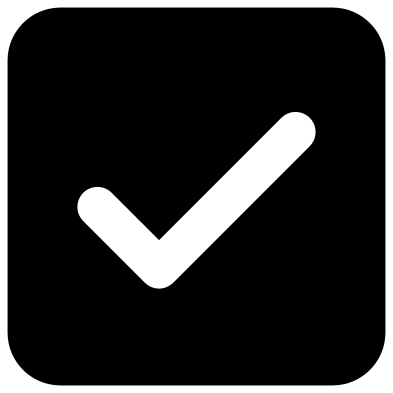 Ticked check box in solid Solid · one piece
 -
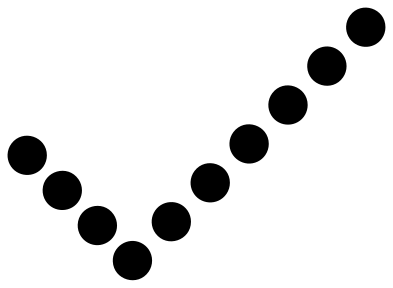 Dotted check mark Solid · 10 pieces
 -
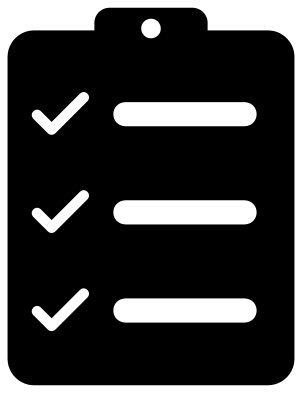 Checklist with three ticks Solid · one piece
 -
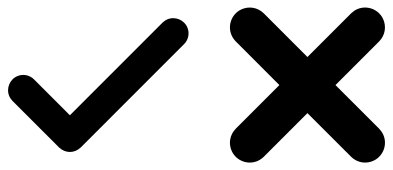 Check mark and cross Solid · 2 pieces
 -
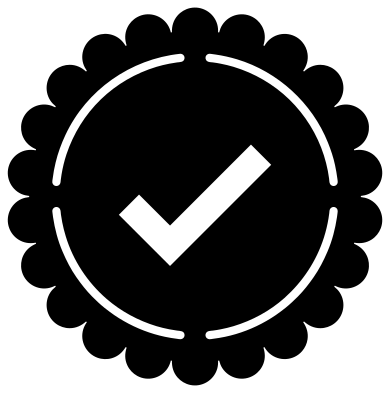 Check mark seal of approval Solid · one piece
One mark, many jobs
A check mark, or tick, is two strokes: a short one down to the right and a long one up to the right. Here the long stroke is a little over twice the length of the short one and the two meet at a right angle, which is the proportion most people draw by hand. The bold mark has square ends, the rounded and thin ones have round ends, and the brush mark thins out at its tip.
On its own a tick is a single solid piece with no inside to weed, so it can be cut tiny: the bold mark at 15 mm across still has strokes 2.8 mm wide. That makes it good for planner stickers, chore charts and labels.
Ticks in circles and boxes
The solid circle, the solid box and the seal have the tick cut out of them, so the surface behind shows through as the mark. They are one piece each. The green check mark is the same idea in two layers, for when you want a white tick on a green ground whatever the surface.
The check box with a tick and the tick in a ring are open shapes with the mark welded on. For a chart with many boxes, copy the empty part of the box in your cutting software and add ticks only where you need them.
How to open the files
- Cricut Design Space: choose Upload, pick the SVG, and add it to the canvas. Set the width you want; the shape is already welded.
- Silhouette Studio: Designer Edition and above open the SVG. The free Basic Edition does not, so open the DXF instead.
- LightBurn, xTool Creative Space and Glowforge: import the SVG, then set the layer to cut, score or engrave.
- Inkscape, Illustrator and Affinity: open the SVG. It is a plain filled path, so you can recolour it, add a stroke or combine it with your own work.
- Printing or sublimation: use the PNG, which has a transparent background.
Each design page lists the file’s narrowest part at seven sizes, so you can tell whether it will survive at the size you plan to cut.
Questions
What is the difference between a check mark and a tick?
Nothing but the name. Check mark is the usual American word and tick the British one. Both mean the same sign for yes, correct or done.
How small can I cut a check mark?
The bold and rounded marks cut cleanly at 10 to 15 mm across in vinyl, because they are single solid shapes. The thin mark needs about 25 mm. The seal and the checklist have finer detail and are better at 50 mm or more.
How do I make a green tick on a white circle instead?
Use the two-layer green check mark and swap the colours: cut the disc in white and the mark in green. Or cut the solid circle design in white and let a green surface show through the tick.
 Cross SVG
  Paw print SVG
  Shamrock SVG
  Anchor SVG
  Compass SVG
  Gear SVG