Free business hours sign SVG files
Free business hours sign SVG files: the days of the week with a blank after each for your own hours, a sheet of numerals with AM, PM and CLOSED to fill them, a sign plate in one piece, open and closed plates and a back-at clock. The hours are left for you to set.
10 designs. Free for personal and commercial use, no sign-up. What you can do with them.
Or choose one below for its PNG, DXF and cutting sizes.
-
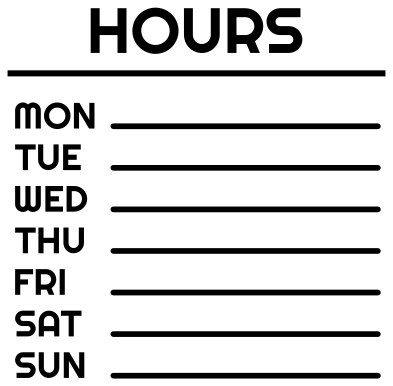 Business hours sign with seven days Solid · 34 pieces
 -
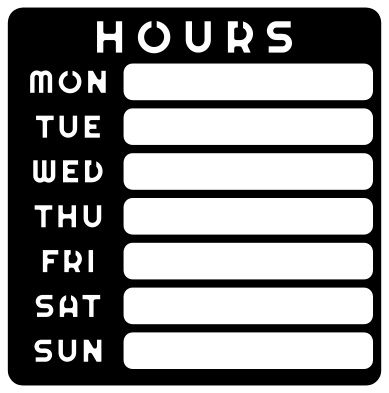 Business hours sign plate in one piece Solid · one piece
 -
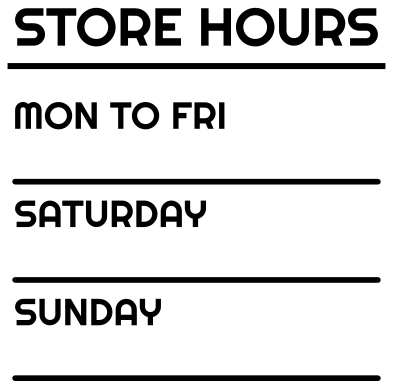 Store hours sign for weekdays and weekend Solid · 36 pieces
 -
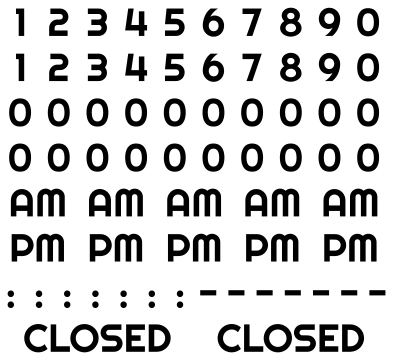 Business hours sign numerals, AM and PM Solid · 93 pieces
 -
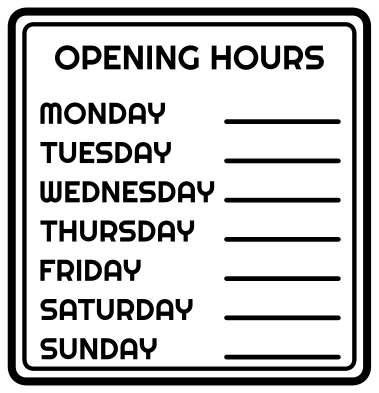 Business opening hours sign in a frame Outline · 71 pieces
 -
 Open sign for a business door Solid · one piece
 -
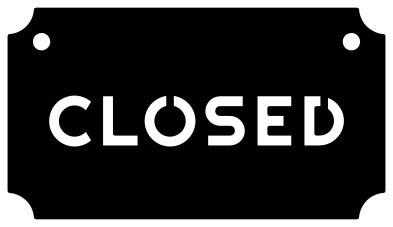 Closed sign for a business door Solid · one piece
 -
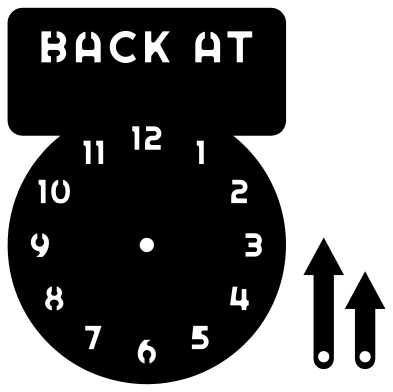 Back at clock for a business hours sign Solid · 3 pieces
 -
 By appointment only business sign lettering Solid · 19 pieces
 -
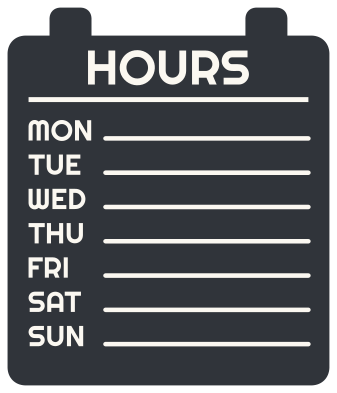 Layered business hours sign in two colours Layered · 35 pieces
Setting your own hours
No two businesses keep the same hours, so the signs here have the days and leave the times blank. The sheet of numerals is drawn in the same face as the day names. Its note gives the width that puts it at the same scale as the seven-day list, so that the numerals, AM, PM and CLOSED come out the same height as the days. At that size a blank holds a line such as 9 AM - 5 PM; a line with minutes, such as 9:00 AM - 5:00 PM, is longer than the blank, so cut the sheet at 80 per cent of that width for those, or use the store hours sign, whose lines run the full width. Then set each line by hand: the times go on the rule after each day, and a day off takes the word CLOSED. A line such as 9:00 AM - 5:00 PM uses four noughts and only two other numerals, so the sheet holds twenty-two noughts and two of each numeral from 1 to 9, with five each of AM and PM. Cut it again when you run out of a numeral.
Lay the lines out before you stick anything. Leave each line on its backing, tape the sheets to the door with masking tape, and stand outside to read it. The usual mistakes are a wrong day and a missing PM, and both are easier to see from where a customer stands.
Sizes for doors and windows
Hours on a shop door are usually read from about a metre away, and lettering 15 to 20 mm tall is comfortable at that distance. Cut the seven-day list 250 mm wide and the days are 17 mm tall. On glass, apply white or frosted vinyl to the outside, or cut everything mirrored and apply it inside, where it is out of the weather. The plate, the open and closed plates and the clock face are single pieces with the letters cut through, so they suit 3 mm acrylic or plywood.
How to open the files
- Cricut Design Space: choose Upload, pick the SVG, and add it to the canvas. Set the width you want; the shape is already welded.
- Silhouette Studio: Designer Edition and above open the SVG. The free Basic Edition does not, so open the DXF instead.
- LightBurn, xTool Creative Space and Glowforge: import the SVG, then set the layer to cut, score or engrave.
- Inkscape, Illustrator and Affinity: open the SVG. It is a plain filled path, so you can recolour it, add a stroke or combine it with your own work.
- Printing or sublimation: use the PNG, which has a transparent background.
Each design page lists the file’s narrowest part at seven sizes, so you can tell whether it will survive at the size you plan to cut.
Questions
How do I write hours that are the same every day?
Use the store hours design, which has one line for Monday to Friday and one each for Saturday and Sunday. If all seven days are the same, put the times once under the heading and leave the day lines off: cut the heading from the seven-day list and the times from the sheet of numerals.
Will the numerals match the day names?
Yes, at the sizes in the notes. The seven-day list cut 250 mm wide has day names 17 mm tall, and the sheet of numerals cut 235 mm wide has numerals of the same height. For another size, keep the two widths in that proportion. The store hours sign and the one-piece plate have slightly larger and smaller day names, so scale the sheet a little up or down for those.
How does the back-at clock work?
The face and the two hands are separate pieces. Push a paper fastener through the hole in each hand and the hole in the middle of the face, and open its legs behind. The hands then turn stiffly enough to stay where you set them.
 Cross SVG
  Paw print SVG
  Shamrock SVG
  Anchor SVG
  Compass SVG
  Gear SVG