Free bracelet SVG files
Free bracelet SVG files: a charm bracelet, beads, bangles, pearls, an identity plate, a tennis bracelet and a wrist corsage to print or cut, and templates with their sizes: leather cuffs with snap holes, straps for four wrists, a mystery braid, a bracelet that closes without a fastener, a watch strap and a kumihimo disk.
22 designs. Free for personal and commercial use, no sign-up. What you can do with them.
Or choose one below for its PNG, DXF and cutting sizes.
-
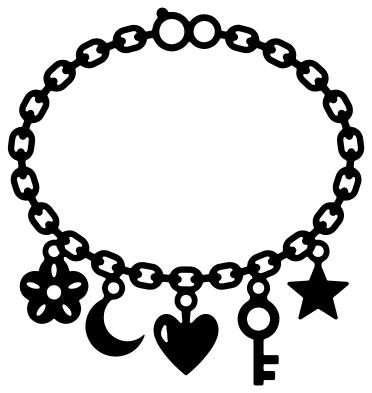 Charm bracelet with five charms Solid · one piece
-
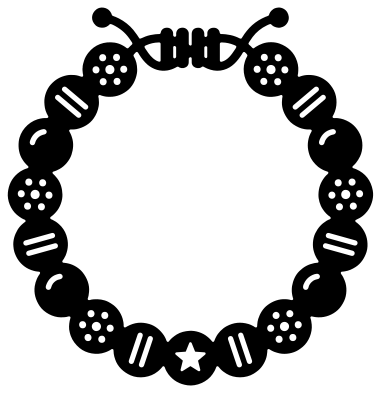 Beaded bracelet with a sliding knot Solid · one piece
-
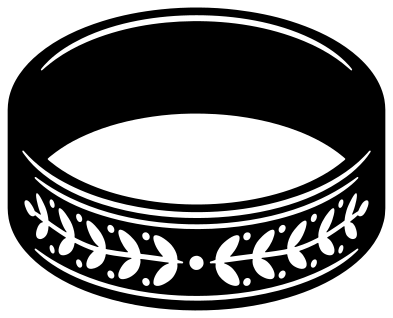 Bangle bracelet with leaves and dots Solid · one piece
-
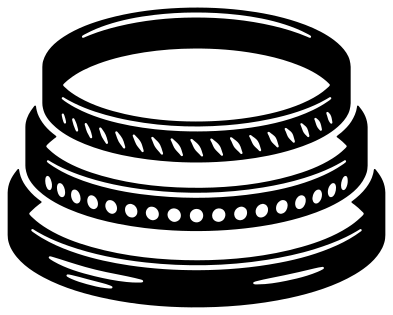 Stack of three bangle bracelets Solid · 3 pieces
-
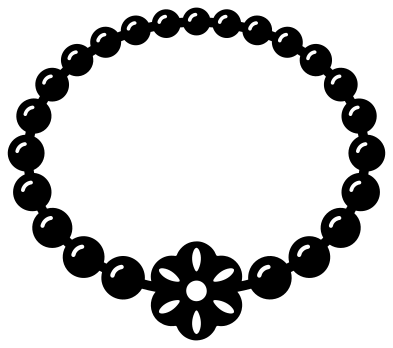 Pearl bracelet with a flower clasp Solid · one piece
-
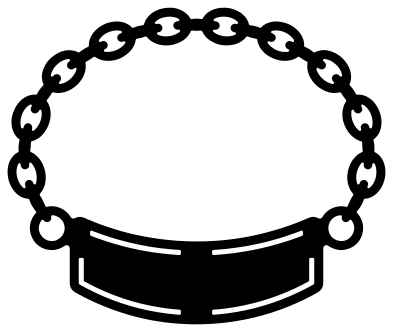 Identity bracelet with a blank plate Solid · one piece
-
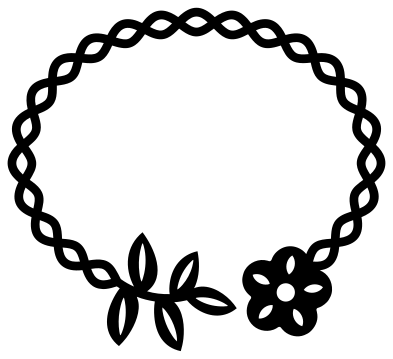 Twisted cuff with leaves and a blossom Solid · one piece
-
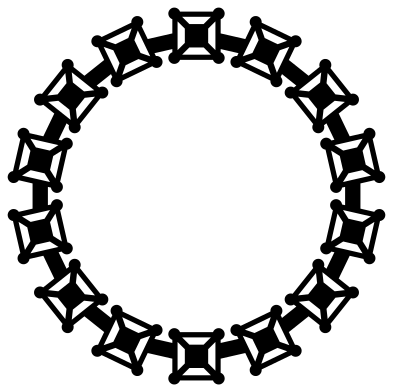 Tennis bracelet with square stones Solid · one piece
-
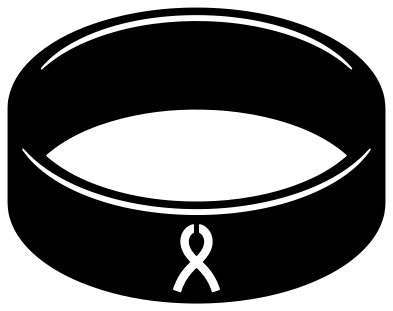 Awareness bracelet with a ribbon Solid · one piece
-
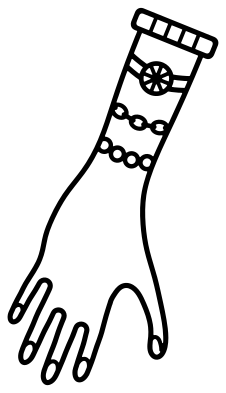 Bracelet stack on a wrist, in line Outline · one piece
-
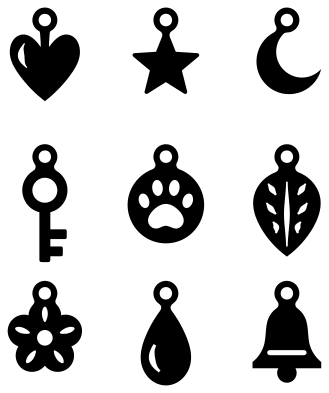 Nine charms for a bracelet Solid · 9 pieces
-
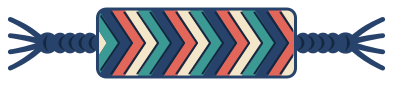 Friendship bracelet with chevrons in colour Layered · 41 pieces
-
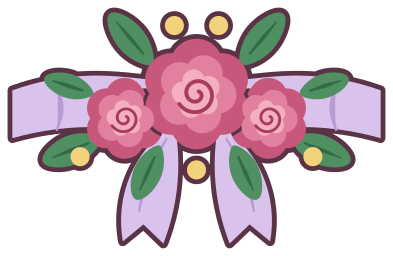 Wrist corsage bracelet with roses in colour Layered · 39 pieces
-
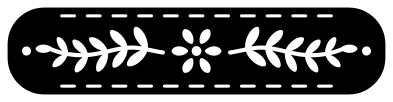 Leather cuff bracelet with leaves Solid · one piece
-
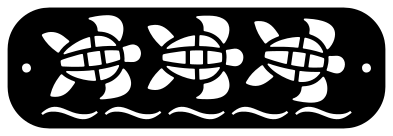 Sea turtle leather cuff bracelet Solid · one piece
-
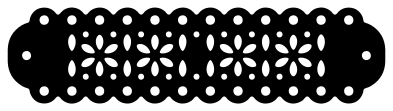 Scalloped lace cuff bracelet Solid · one piece
-
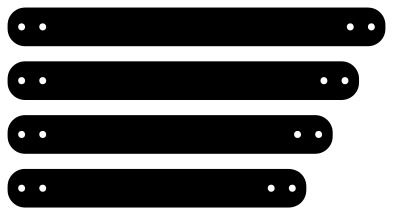 Leather bracelet straps in four sizes Solid · 4 pieces
-
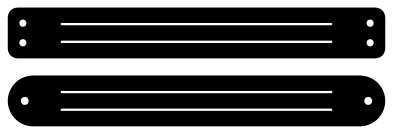 Mystery braid leather bracelet, two ends Solid · 2 pieces
-
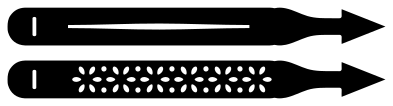 Leather bracelet that closes with an arrow Solid · 2 pieces
-
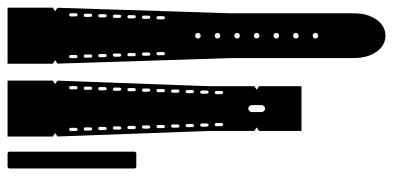 Leather watch strap bracelet in two parts Solid · 3 pieces
-
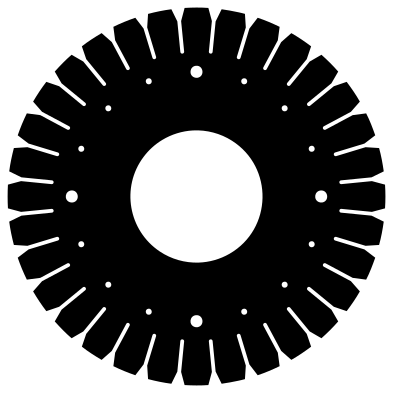 Kumihimo disk for braided bracelets Solid · one piece
-
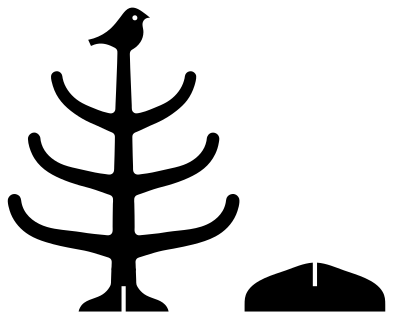 Bracelet stand shaped like a tree Solid · 2 pieces
Measure the wrist, then the strap
Measure round the wrist with a strip of paper and add 45 mm for a strap that laps and snaps. The sheet of four plain straps is drawn that way: 215, 200, 185 and 170 mm of leather for wrists of about 170, 155, 140 and 125 mm, each with two holes at either end, so it closes in more than one place. The cuffs are 200 mm long and close on one snap.
All the holes for snaps are about 5 mm in the cuffs and 4 mm in the straps. Punch a scrap with your own snap first. Leather and cork stretch a little with wear, so cut on the small side.
Cutting leather and faux leather
Lay faux leather face down on the mat and mirror the drawing; lay real leather face up and do not. The bars between two openings are 2 mm or more in the cuffs when they are cut 200 mm wide, which suits leather of 1 to 1.6 mm. A laser leaves brown edges on leather: wipe them with a damp cloth, and never put vinyl in a laser.
The charm, bead, pearl and tennis bracelets and the single bangle are one piece each, for vinyl, card and veneer; the stack of bangles is three. They are drawings and do not bend round a wrist.
How to open the files
- Cricut Design Space: choose Upload, pick the SVG, and add it to the canvas. Set the width you want; the shape is already welded.
- Silhouette Studio: Designer Edition and above open the SVG. The free Basic Edition does not, so open the DXF instead.
- LightBurn, xTool Creative Space and Glowforge: import the SVG, then set the layer to cut, score or engrave.
- Inkscape, Illustrator and Affinity: open the SVG. It is a plain filled path, so you can recolour it, add a stroke or combine it with your own work.
- Printing or sublimation: use the PNG, which has a transparent background.
Each design page lists the file’s narrowest part at seven sizes, so you can tell whether it will survive at the size you plan to cut.
Questions
How do I braid the mystery braid when both ends are closed?
Plait the three strands from one end as usual. They twist at the far end as you go. When they are tight, pass that end of the bracelet through the gap between two strands until the twist is undone, then plait on. Two passes fill the strap.
How does the bracelet without a fastener close?
Fold the arrow lengthwise, push it through the slot at the other end and let it open. Cut the sheet 220 mm wide: the slot is 11 mm, the arrow is 20 mm across and the neck behind it is 9.7 mm, so it slides but does not slip out.
Which way up does the kumihimo disk go?
Either way. It opens at 100 mm with thirty-two notches and a 35 mm hole. Cut it in foam board or thick card and start with threads either side of the four large dots, which mark the quarters.
 Camera SVG
 Guitar SVG
 Music note SVG
 Stethoscope SVG
 Tooth SVG
 Light bulb SVG