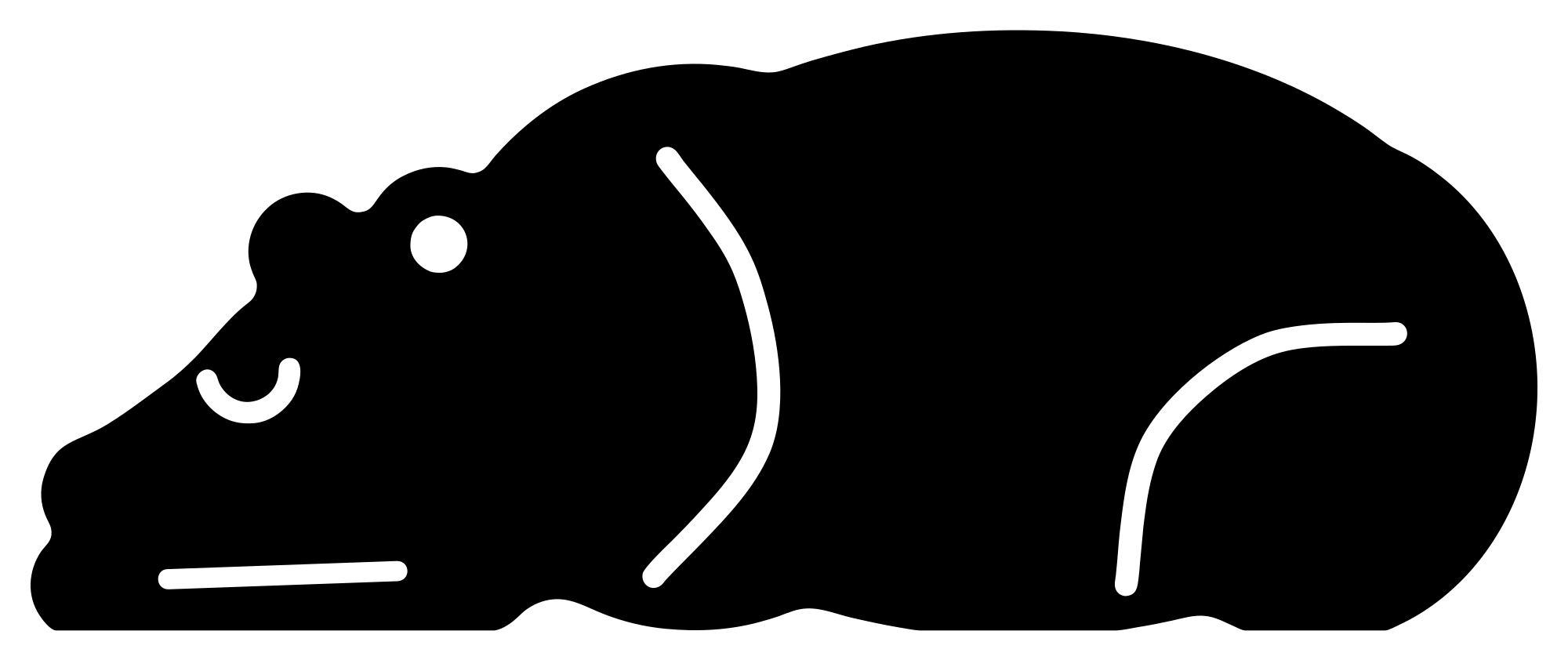
Sleeping bear SVG
Which one? SVG for Cricut and lasers, DXF for the free Silhouette Studio, PNG to print.
Free for personal and commercial use, no sign-up. What you can do with it.
A bear asleep on its front with its chin on its paws and its eye shut. Low and wide, so it sits well along the bottom of a sign or above a name.
What is in the file
| Size | 100 × 40 mm (3.94 × 1.57 in), scales to any size |
|---|---|
| Pieces | One piece: it holds together when cut |
| Outlines to cut | 6: 1 outer edge and 5 cut-outs |
| Cut length | 445 mm at this size |
| Narrowest part | 1 mm at this size |
| Nodes | 130 curve and line segments |
Measured from the file. PNG: 2,000 × 842 pixels, transparent. About the three file types.
Will it cut at your size?
Scaling a design scales its thinnest part too. Here is this one at seven sizes, from 1 to 12 inches on its longer side, with how many copies fit a 12 × 12 inch sheet or mat.
| Size, width × height | Narrowest part | Cut length | Fit on a 12 in sheet | Rule of thumb |
|---|---|---|---|---|
| 1 × 0.4 in (25 × 10 mm) | 0.25 mm | 113 mm | 200 | Too fine for most machines |
| 2 × 0.8 in (51 × 20 mm) | 0.51 mm | 226 mm | 60 | Fine detail: vinyl and paper only, weed with care |
| 3 × 1.19 in (76 × 30 mm) | 0.76 mm | 339 mm | 24 | Fine detail: vinyl and paper only, weed with care |
| 4 × 1.59 in (102 × 40 mm) | 1 mm | 452 mm | 12 | Vinyl, card and thin sheet |
| 6 × 2.39 in (152 × 61 mm) | 1.5 mm | 678 mm | 4 | Vinyl, card and thin sheet |
| 8 × 3.18 in (203 × 81 mm) | 2 mm | 904 mm | 3 | Vinyl, card and thin sheet |
| 12 × 4.78 in (305 × 121 mm) | 3 mm | 1,356 mm | 2 | Any material, including 3 mm wood and acrylic |
The narrowest part is the thinnest neck or wall beside a cut-out; sharp tips are not counted. For wood and acrylic, keep it at least as wide as the sheet is thick. How to open the file in Cricut, Silhouette and laser software.
 Baby bear cub
 Bear family
 Cute bear face
 Floral bear with a flower crown
 Teddy bear
 Mandala bear
 Geometric bear head
 Bear with trees