Free SVG backgrounds and background patterns
Free SVG backgrounds: tiles that repeat without a seam, sheets that hold together and layered pictures in colour, from topographic lines, terrazzo and art deco fans to waves, hills and a circuit board. Every one is plain vector shape, so it stays sharp on a phone, a card front or a wall.
22 designs. Free for personal and commercial use, no sign-up. What you can do with them.
Or choose one below for its PNG, DXF and cutting sizes.
-
 Layered wave background in six blues Layered · 6 pieces
-
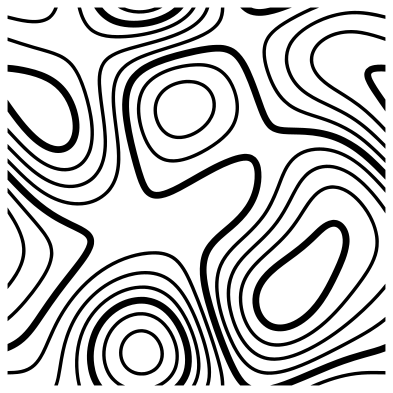 Topographic map background Outline · 31 pieces
-
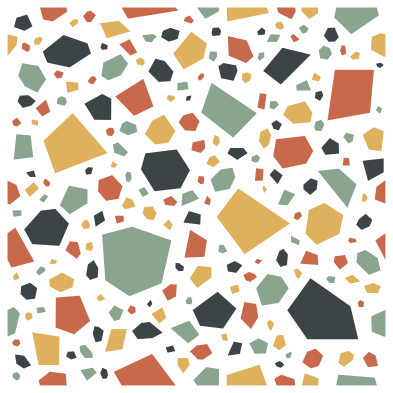 Terrazzo background in four colours Layered · 203 pieces
-
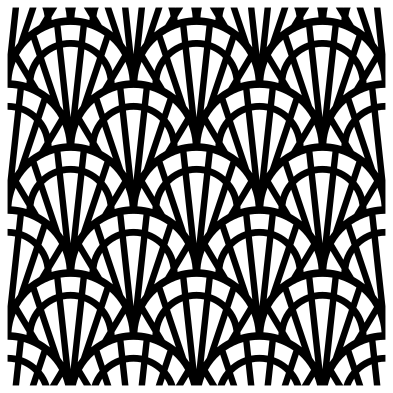 Art deco fan background Solid · one piece
-
 Memphis background in four colours Layered · 94 pieces
-
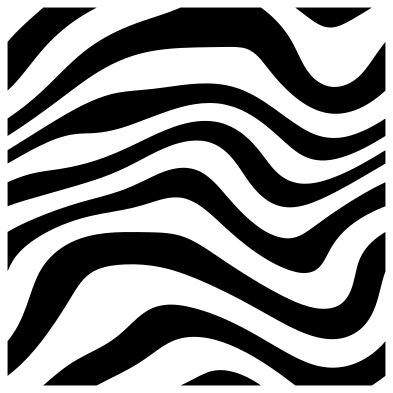 Liquid marble background Solid · 9 pieces
-
 Mid-century geometric background Layered · 51 pieces
-
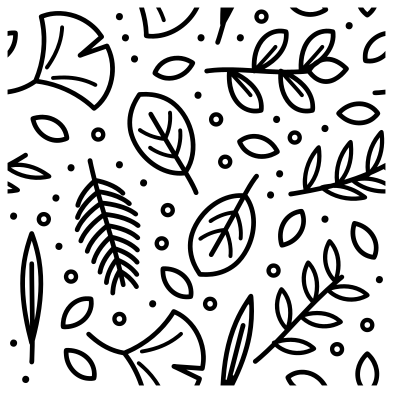 Background of pen-drawn leaves Outline · 71 pieces
-
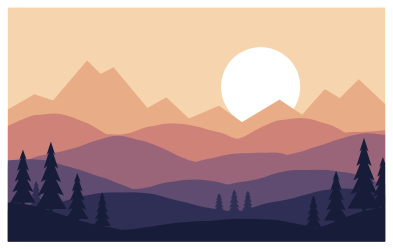 Misty hills background at dusk Layered · 7 pieces
-
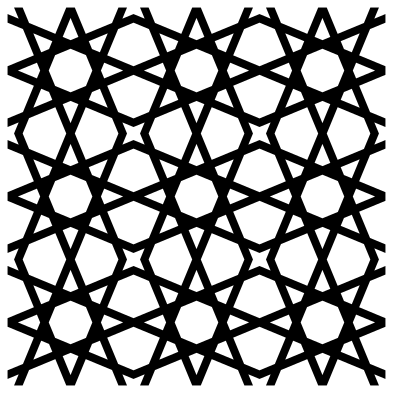 Geometric star background Solid · one piece
-
 Groovy retro background with bands and a sun Layered · 6 pieces
-
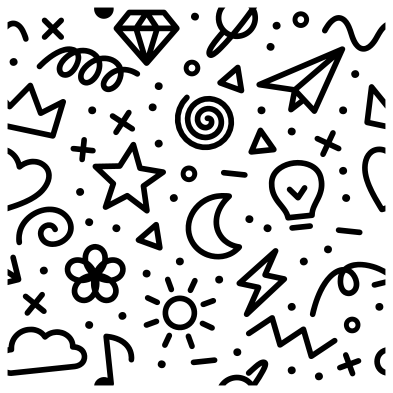 Doodle background Outline · 87 pieces
-
 Circuit board background Solid · 98 pieces
-
 Soft shapes background with a blank middle Layered · 10 pieces
-
 Scroll cloud background Solid · 34 pieces
-
 Op art background of bending lines Solid · 19 pieces
-
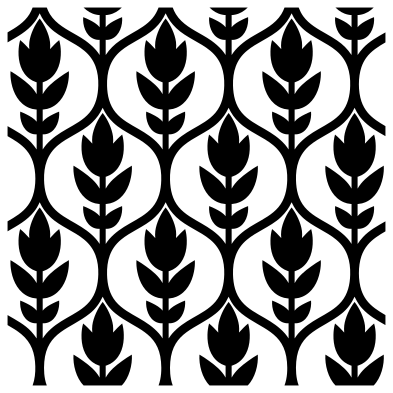 Ogee lattice background Solid · 4 pieces
-
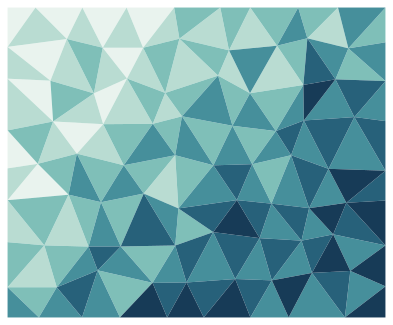 Low poly background in six tones Layered · 144 pieces
-
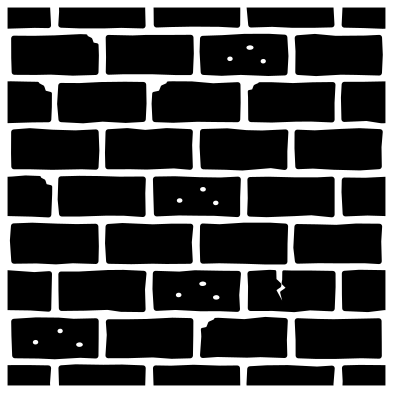 Brick wall background Solid · 41 pieces
-
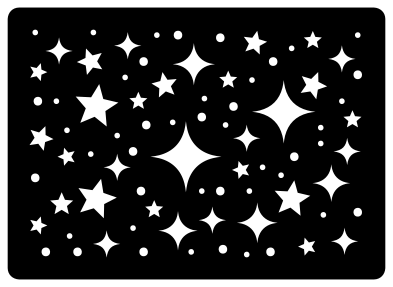 Night sky background stencil Solid · one piece
-
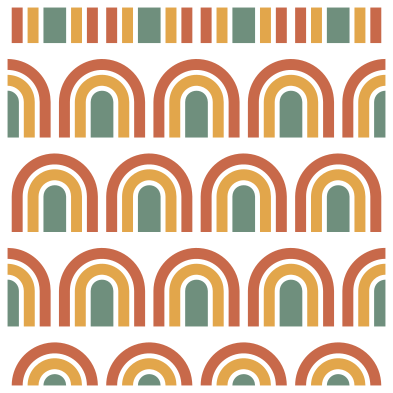 Boho arch background Layered · 74 pieces
-
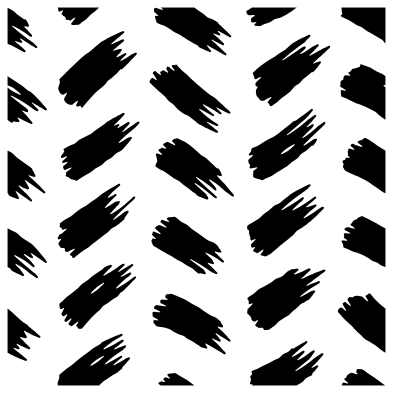 Brush mark background Solid · 29 pieces
Tiles, sheets and pictures
Sixteen of these backgrounds are square tiles. Whatever runs off the right edge carries on at the left, and the same from bottom to top, so copies set edge to edge cover any area without a visible join. The waves repeat sideways only. The low poly triangles, the hills, the retro bands and the soft shapes are single pictures, wider than they are tall, and the night sky is a stencil sheet.
The art deco fans, the geometric stars and the night sky each hold together in one piece, so they can be cut from card, wood or stencil film. The rest are loose pieces or layers: fine for vinyl, print and screens, but they need transfer tape or a backing sheet to keep their places.
Using a tile on a web page
Every file has a margin of 2 mm round the drawing, which would show as a thin gap between copies. To repeat a tile on a page, open the file in a text editor and change viewBox="0 0 104 104" to viewBox="2 2 100 100", then give width and height the size you want one tile to be, such as 240px. Used as a CSS background-image it then repeats by itself. To change the colour of a one-colour tile, edit the fill once.
In Inkscape, use Object, Pattern, Objects to Pattern, and then fill any shape with it. In cutting software, duplicate the tile and place the copies exactly 100 mm apart at the original size, then weld them so that the halves at the edges become whole.
Cutting and weeding
Loose patterns weed slowly, so check the number of pieces on the design’s page before you choose a size. The liquid bands, the bars and the brush marks are the quickest. In layered designs the first layer listed goes down first. Where a layer has an opening, such as the sun in the dusk sky, the sheet behind shows through it.
How to open the files
- Cricut Design Space: choose Upload, pick the SVG, and add it to the canvas. Set the width you want; the shape is already welded.
- Silhouette Studio: Designer Edition and above open the SVG. The free Basic Edition does not, so open the DXF instead.
- LightBurn, xTool Creative Space and Glowforge: import the SVG, then set the layer to cut, score or engrave.
- Inkscape, Illustrator and Affinity: open the SVG. It is a plain filled path, so you can recolour it, add a stroke or combine it with your own work.
- Printing or sublimation: use the PNG, which has a transparent background.
Each design page lists the file’s narrowest part at seven sizes, so you can tell whether it will survive at the size you plan to cut.
Questions
Do the seamless backgrounds really join?
Yes. Each tile is drawn on a square that wraps round, and its edges have been compared every tenth of a millimetre, left with right and top with bottom: on a tile of 100 mm the curves meet to within 0.02 mm. Keep copies level and exactly one tile apart.
How do I use one of these as a background image in CSS?
Change the viewBox of the file from 0 0 104 104 to 2 2 100 100 so that the margin goes, set width and height in pixels, save it, and write background-image: url(tile.svg) in your style sheet. Tiles repeat across and down by default.
Which backgrounds can I cut as one sheet of card?
The art deco fans, the geometric stars and the night sky stencil are single pieces. The soft shapes and the dusk hills stack as full sheets or strips of card in layers. The tiles made of loose pieces are for vinyl, printing and screens.
 Halftone patterns
 Spiral vectors
 Leopard print
 Cow print
 Zebra print
 Mermaid scales