Free baby silhouette SVG files
Babies as they really are: a head a quarter of the length, a round back, short bent limbs and a nappy that sticks out. Crawling, sitting, asleep, on the moon or in a stork’s bill, each is drawn from nothing as one calm outline with a few tapered cuts.
20 designs. Free for personal and commercial use, no sign-up. What you can do with them.
Or choose one below for its PNG, DXF and cutting sizes.
-
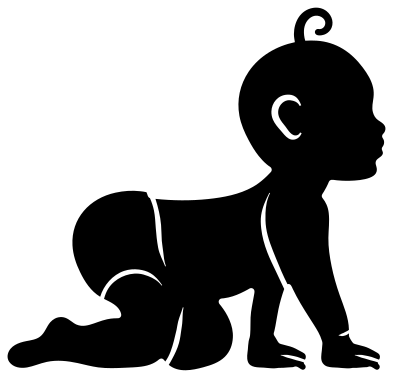 Crawling baby silhouette Solid · one piece
-
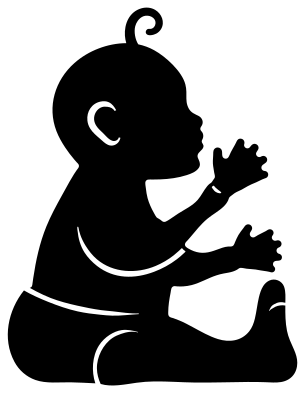 Sitting baby silhouette with arms out Solid · one piece
-
 Baby silhouette on its back, foot in hand Solid · one piece
-
 Sleeping baby silhouette on a cloud Solid · one piece
-
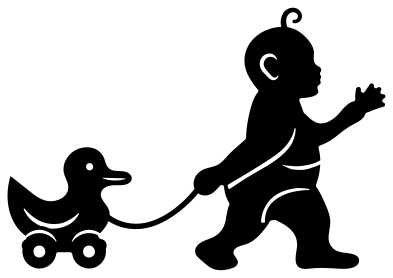 Walking baby silhouette with a pull-along duck Solid · one piece
-
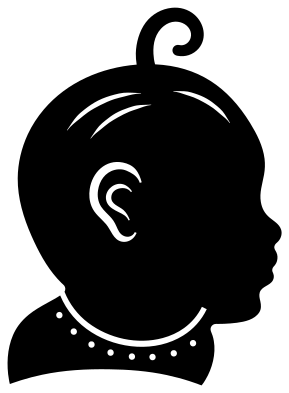 Baby head silhouette from the side Solid · one piece
-
 Mother and baby silhouette nose to nose Solid · one piece
-
 Baby hand in a grown hand Solid · one piece
-
 Baby silhouette on the moon Solid · one piece
-
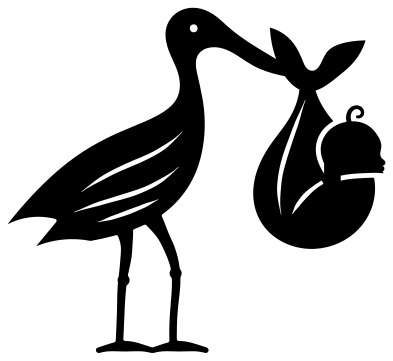 Stork with a baby in a bundle Solid · one piece
-
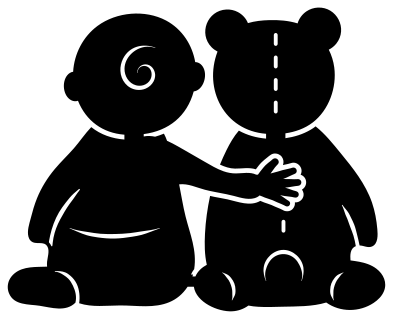 Baby with an arm round a teddy bear Solid · one piece
-
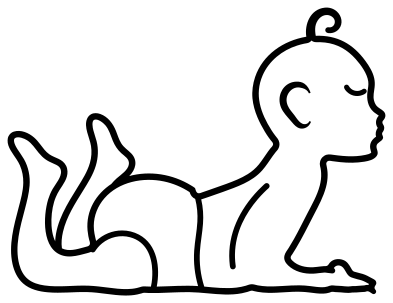 Baby outline lying on its tummy Outline · 4 pieces
-
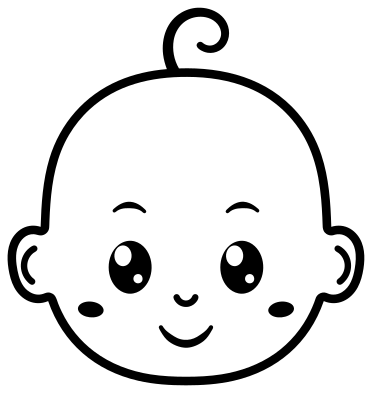 Baby face with one curl Outline · 11 pieces
-
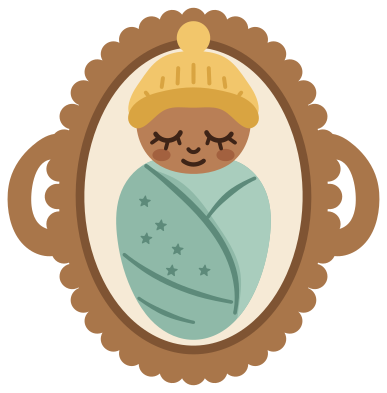 Layered sleeping baby in a basket Layered · 28 pieces
-
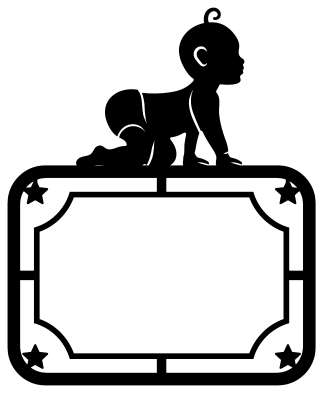 Baby monogram frame Solid · one piece
-
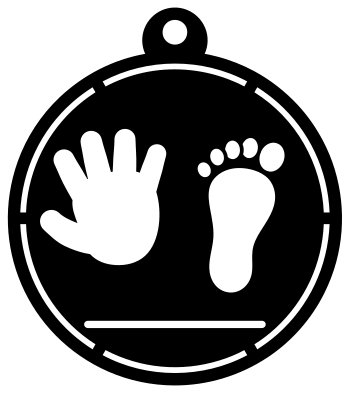 Baby hand and footprint keepsake tag Solid · one piece
-
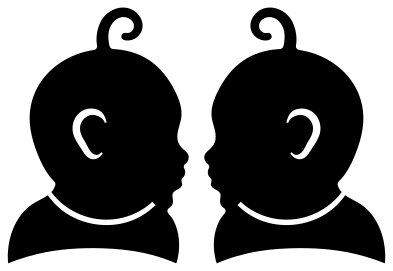 Twin baby silhouettes nose to nose Solid · 2 pieces
-
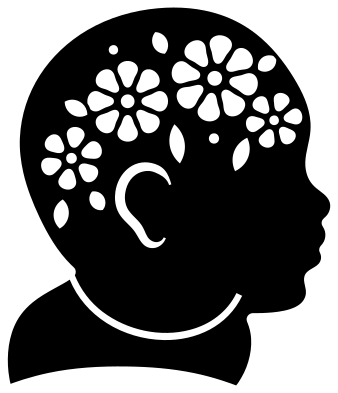 Baby silhouette with a crown of flowers Solid · one piece
-
 Round baby icon with a scalloped edge Solid · one piece
-
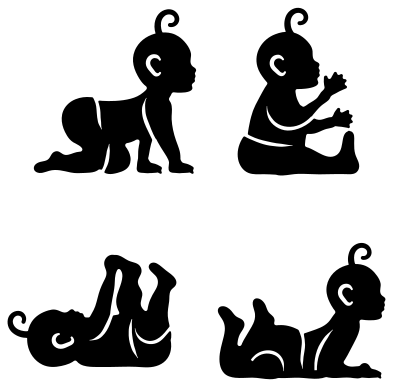 Set of four baby silhouettes Solid · 5 pieces
Cutting a baby silhouette
The figures are solid shapes with a handful of cuts that tell the nappy, the ear and the near arm, so they weed quickly and hold together as one piece. The fingers and the curl of hair are the finest parts. At 100 mm across they cut well from vinyl, card and 3 mm wood; below about 60 mm choose the badge, the twins or the head from the side, which have no small fingers.
For a nursery wall, cut the crawling, sitting or walking baby at 400 to 600 mm from matt vinyl. For a card, a shower banner or a bottle label, 60 to 90 mm is right. The four poses of the set have wider cuts for their smaller size, so they can follow one another along a first birthday chart.
Faces, names and colours
A silhouette shows no features, so one design serves every baby: cut it in the colour you like. The line face and the layered basket do show a face; in the basket every feature is a darker sheet than the skin, so you can change the skin, hair and blanket to match the child. The monogram frame leaves its middle empty for an initial, and the keepsake tag has a line for a name or a date.
How to open the files
- Cricut Design Space: choose Upload, pick the SVG, and add it to the canvas. Set the width you want; the shape is already welded.
- Silhouette Studio: Designer Edition and above open the SVG. The free Basic Edition does not, so open the DXF instead.
- LightBurn, xTool Creative Space and Glowforge: import the SVG, then set the layer to cut, score or engrave.
- Inkscape, Illustrator and Affinity: open the SVG. It is a plain filled path, so you can recolour it, add a stroke or combine it with your own work.
- Printing or sublimation: use the PNG, which has a transparent background.
Each design page lists the file’s narrowest part at seven sizes, so you can tell whether it will survive at the size you plan to cut.
Questions
Which baby silhouette suits a small sticker or a bottle label?
The round icon, the twins and the head from the side. They have the boldest shapes and stay clear at 40 mm. Poses with open hands need about 80 mm.
Can I put a name with the silhouette?
Yes. The monogram frame is empty inside, the keepsake tag has a line to write on, and the cloud under the sleeping baby takes a name in place of its stars if you fill them in.
How do I make a first-year chart?
Cut the set of four and lay it out in the order in which most babies learn to move: on the back, on the tummy, sitting and crawling. The walking baby with the duck ends the row.
 Crown SVG
 Banner SVG
 Bow SVG
 Gift tag SVG
 Pillow box SVG
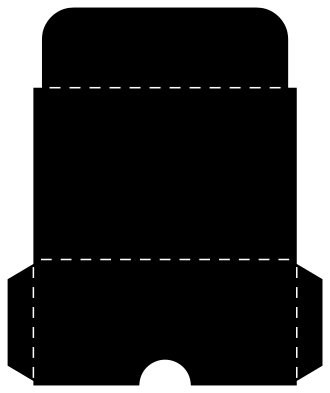 Gift card holder SVG