Free awareness ribbon SVG files
Free awareness ribbon SVG files: the looped ribbon plain, in outline, in two colours and in layers, and with a heart, wings, a butterfly and a feather. No names or logos, so each one can be cut in the colour of any cause.
11 designs. Free for personal and commercial use, no sign-up. What you can do with them.
-
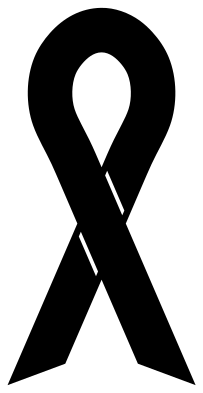 Awareness ribbon Solid · one piece
 -
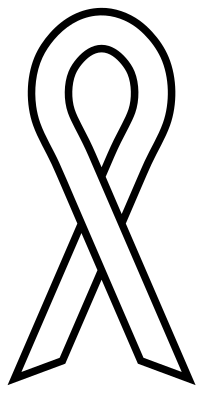 Awareness ribbon outline Outline · one piece
 -
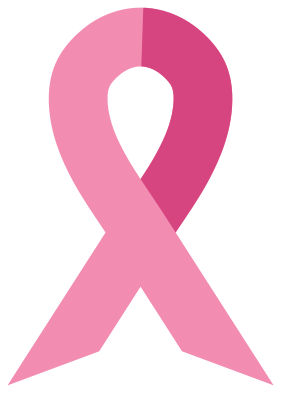 Pink breast cancer awareness ribbon Layered · 3 pieces
 -
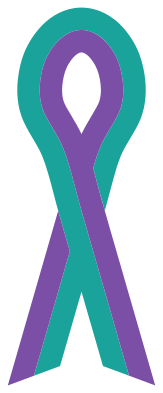 Two-colour awareness ribbon Layered · 3 pieces
 -
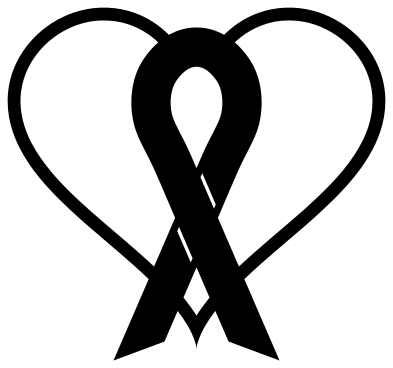 Awareness ribbon in a heart Solid · one piece
 -
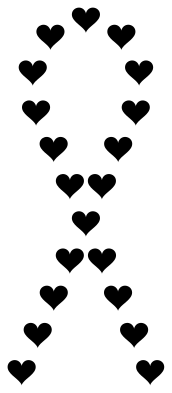 Awareness ribbon made of hearts Solid · 20 pieces
 -
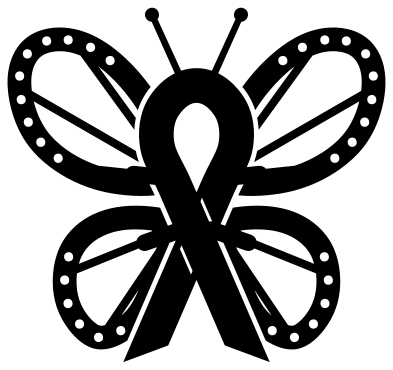 Butterfly awareness ribbon Solid · one piece
 -
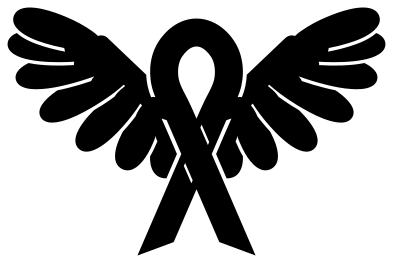 Awareness ribbon with wings Solid · one piece
 -
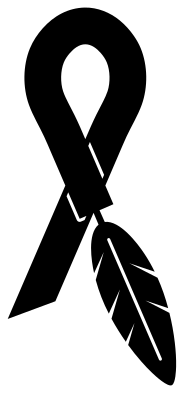 Awareness ribbon with a feather tail Solid · one piece
 -
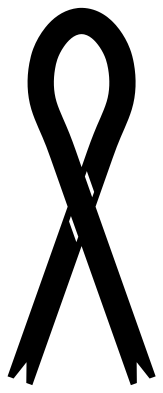 Slim awareness ribbon with notched tails Solid · one piece
 -
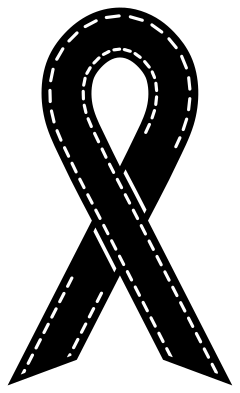 Stitched awareness ribbon Solid · one piece
One shape, many causes
The looped ribbon means different things by colour: pink for breast cancer, red for HIV and heart disease, teal for ovarian cancer, gold for childhood cancer, purple for pancreatic cancer and for Alzheimer’s, and lavender for all cancers together. The files here are colourless on purpose. Pick the vinyl, card or paint that matches your cause, and use the two-colour ribbon where a cause has a pair.
Every ribbon is drawn from the same strip: a loop at the top and two tails that cross about two thirds of the way down, with the ends cut on a slant on most of them. The plain ribbon is about 50 mm wide when it is 100 mm tall, and the strip itself is 12 mm across at that size.
Cutting and sizing
The plain, slim and outline ribbons have no small parts and cut cleanly down to about 30 mm tall, which is lapel size. The stitched ribbon, the butterfly and the winged ribbon carry finer detail and are better at 120 mm or more. For shirts, a ribbon 60 to 80 mm tall on the left chest is the usual size.
On the single-colour ribbons the fold is shown by two short slits at the crossing. Weed them out on vinyl, or leave them as score lines on card.
How to open the files
- Cricut Design Space: choose Upload, pick the SVG, and add it to the canvas. Set the width you want; the shape is already welded.
- Silhouette Studio: Designer Edition and above open the SVG. The free Basic Edition does not, so open the DXF instead.
- LightBurn, xTool Creative Space and Glowforge: import the SVG, then set the layer to cut, score or engrave.
- Inkscape, Illustrator and Affinity: open the SVG. It is a plain filled path, so you can recolour it, add a stroke or combine it with your own work.
- Printing or sublimation: use the PNG, which has a transparent background.
Each design page lists the file’s narrowest part at seven sizes, so you can tell whether it will survive at the size you plan to cut.
Questions
Which tail goes on top?
There is no rule. Here the right tail lies over the left. If you need it the other way, mirror the design in your cutting software: the ribbon is symmetrical apart from the fold lines, so nothing else changes.
How do I make a ribbon in two colours?
Use the two-colour ribbon, which is split along its length into two layers that sit side by side. Cut one layer in each colour and lay them edge to edge.
Can I add a name or a date?
Yes. Set the text beside the tails or curve it under the ribbon in your cutting software. On the ribbon in a heart there is clear space either side of the loop for a name and a year.
 Cross SVG
  Paw print SVG
  Shamrock SVG
  Anchor SVG
  Compass SVG
  Gear SVG