Free airplane SVG files
Free airplane SVG files: an airliner from the side and from above, a silhouette, an outline, a private jet, a fighter, a biplane, a vintage plane head on, a banner tow with a blank banner, a paper airplane and a propeller. No airline markings.
16 designs. Free for personal and commercial use, no sign-up. What you can do with them.
-
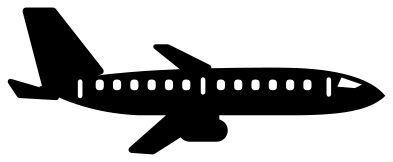 Airplane from the side Solid · one piece
 -
 Plane from above Solid · one piece
 -
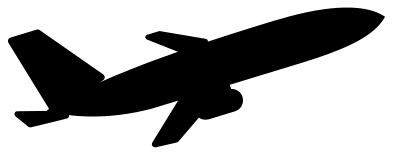 Airplane silhouette taking off Solid · one piece
 -
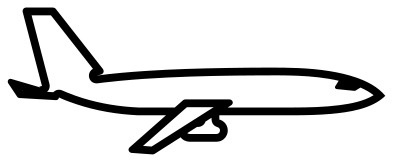 Airplane outline Outline · one piece
 -
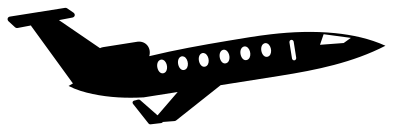 Private jet airplane Solid · one piece
 -
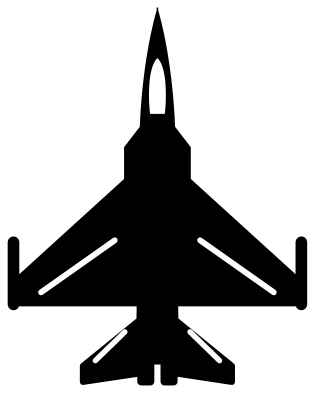 Fighter jet airplane from above Solid · one piece
 -
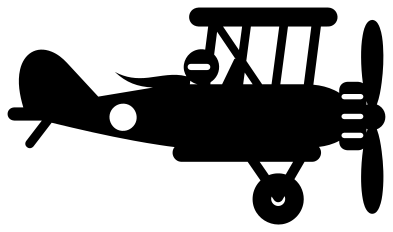 Biplane airplane with a pilot Solid · one piece
 -
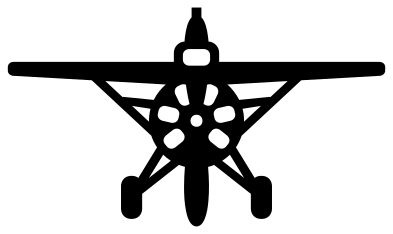 Vintage airplane from the front Solid · one piece
 -
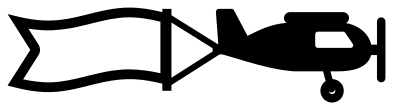 Airplane towing a blank banner Solid · one piece
 -
 Airplane drawing a heart Solid · one piece
 -
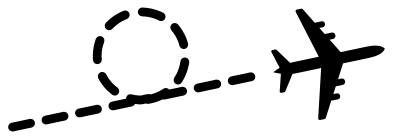 Airplane with a looping dashed trail Solid · 13 pieces
 -
 Airplane flying round the world Solid · one piece
 -
 Airplane icon from the front Solid · one piece
 -
 Paper airplane Solid · one piece
 -
 Cute airplane with a propeller Solid · one piece
 -
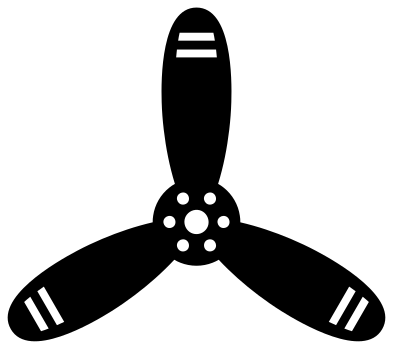 Airplane propeller with three blades Solid · one piece
Side, top or head on
An aeroplane changes shape completely with the view, so pick the view first. From the side it is a long thin shape, two to three times as wide as it is tall, which suits a banner, a mug or the top of a card. From above it is nearly square and fills a circle or a coaster well. Head on it is very wide and low, good above a name on a bedroom door.
The cabin windows on the airliner are about 2 mm wide when the plane is 100 mm long. They cut cleanly in vinyl at that size but are slow to weed, and they close up in wood. The airplane silhouette and the plane from above have no windows at all and work at any size, down to a 25 mm sticker.
Trails that hold together
A plane with a trail behind it is a favourite for travel themes, but a dotted trail is a row of loose dashes. The airplane drawing a heart and the airplane flying round the world use an unbroken line welded to the plane, so each lifts as one piece. The dashed trail is here too for those who want it: cut it in vinyl and move it with transfer tape so the dashes keep their places.
How to open the files
- Cricut Design Space: choose Upload, pick the SVG, and add it to the canvas. Set the width you want; the shape is already welded.
- Silhouette Studio: Designer Edition and above open the SVG. The free Basic Edition does not, so open the DXF instead.
- LightBurn, xTool Creative Space and Glowforge: import the SVG, then set the layer to cut, score or engrave.
- Inkscape, Illustrator and Affinity: open the SVG. It is a plain filled path, so you can recolour it, add a stroke or combine it with your own work.
- Printing or sublimation: use the PNG, which has a transparent background.
Each design page lists the file’s narrowest part at seven sizes, so you can tell whether it will survive at the size you plan to cut.
Questions
Can I put a name on the banner?
Yes. The banner behind the plane is an open frame about 32 mm wide and 14 mm tall inside when the file is 100 mm wide. Type the name in your cutting software, fit it inside the frame and weld the letters to the frame where they touch, or cut them from a second colour.
Which airplane is best for a child’s room?
The cute airplane with a propeller for small children, and the biplane with a pilot for older ones. Both are bold shapes with few small cuts. Cut either at 250 mm or more for a wall, and add the plane from above in a few sizes as a flight of smaller ones.
How do I make the plane fly the other way?
Mirror it in your cutting software. None of the planes carries lettering or a registration, so a mirrored plane is as correct as the original. The planes seen from above can simply be turned to point in any direction.
 Camera SVG
  Guitar SVG
  Music note SVG
  Stethoscope SVG
  Tooth SVG
  Light bulb SVG