Free user icon SVG files
Free user icon SVG files: a head and shoulders in solid, outline, circle, ring and tile, groups and standing people, users with a plus, a tick, a padlock and a shield, login and logout, avatars with curls, a bun, a headscarf, a beard and headphones, and nine people in colour.
22 designs. Free for personal and commercial use, no sign-up. What you can do with them.
Or choose one below for its PNG, DXF and cutting sizes.
-
 User icon of a head and shoulders Solid · 2 pieces
-
 User icon outline with round ends Outline · 2 pieces
-
 User icon cut out of a solid circle Solid · one piece
-
 User icon in an open circle Solid · 2 pieces
-
 User icon tile with a long shadow Layered · 4 pieces
-
 Group user icon with three people Solid · 6 pieces
-
 Standing people user icon: two adults and a child Solid · 6 pieces
-
 Add user icon with a plus Solid · 3 pieces
-
 Approved user icon with a tick Solid · 3 pieces
-
 Locked user icon with a padlock Solid · 3 pieces
-
 User icon on a shield Solid · one piece
-
 User icon on a name card Solid · one piece
-
 Login user icon: an arrow into a doorway Solid · 2 pieces
-
 Logout user icon: an arrow out of a door Solid · 4 pieces
-
 User icon with curly hair Solid · one piece
-
 User icon with a top bun Solid · 2 pieces
-
 User icon with a headscarf Solid · one piece
-
 User icon with a beard Solid · one piece
-
 User icon with headphones Solid · 2 pieces
-
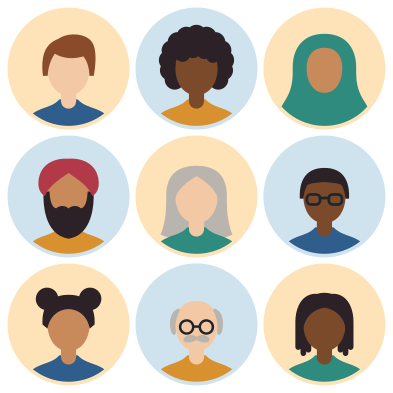 User icon set of nine people in colour Layered · 45 pieces
-
 Pixel user icon Solid · 2 pieces
-
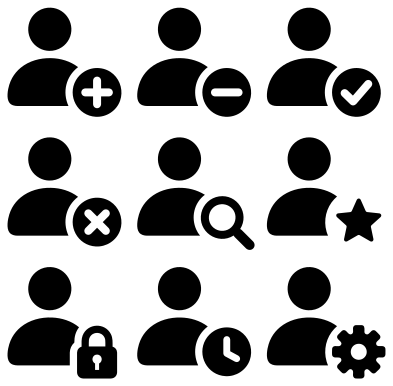 Set of nine account user icons Solid · 27 pieces
One person, drawn once
A user icon is the least that still says person: a circle for the head and a rounded shape for the shoulders, with a clear gap between them. The gap matters more than the outline. At 16 pixels on a screen or 10 mm on a label it is what keeps the two from running together, so it is wide here: about a third of the radius of the head. The plain icons of this set use one head and one pair of shoulders, so the solid, the outline and the ones in a circle sit side by side without one looking heavier than the rest.
The avatars have hair, a scarf or a beard and no eyes, nose or mouth. A face without features belongs to nobody in particular, works at any size and can be cut in one colour of vinyl. In the layered set of nine the skin, the hair and the clothes are separate colours, so you can change them to suit your own team or class.
Using them on a page, a door or a bottle
On a website, put the SVG straight into the page and set the fill to currentColor: the solid icons then take the colour of the text beside them. Every icon here is drawn with plain filled shapes, so a line icon keeps its weight when it is scaled.
In vinyl, icons of two or three loose pieces are easiest to move with transfer tape in one go. The disc, the shield, the card and the headscarf are single pieces and can go on without it. The small details, such as the keyhole in the padlock, are best cut at 60 mm or larger.
How to open the files
- Cricut Design Space: choose Upload, pick the SVG, and add it to the canvas. Set the width you want; the shape is already welded.
- Silhouette Studio: Designer Edition and above open the SVG. The free Basic Edition does not, so open the DXF instead.
- LightBurn, xTool Creative Space and Glowforge: import the SVG, then set the layer to cut, score or engrave.
- Inkscape, Illustrator and Affinity: open the SVG. It is a plain filled path, so you can recolour it, add a stroke or combine it with your own work.
- Printing or sublimation: use the PNG, which has a transparent background.
Each design page lists the file’s narrowest part at seven sizes, so you can tell whether it will survive at the size you plan to cut.
Questions
How small can I cut a user icon?
The solid head and shoulders have no thin parts at all, so they cut cleanly at 8 mm. The outline keeps a line of 1.6 mm down to 20 mm across. Cut the set of nine and the padlock at 60 mm or more, because their smallest parts are near 2 mm at 100 mm.
Can I change the hair and skin colours of the people?
Yes. In the set of nine each layer is one colour, named for what it is: skin, hair, clothes, discs. Recolour a layer in your design program, or cut each from the card or vinyl you have.
What does the arrow with a bracket mean?
An arrow that points into a bracket means signing in. An arrow that leaves an open door means signing out. They are cut as a pair often enough that both are here at the same size.
 Cross SVG
 Paw print SVG
 Shamrock SVG
 Anchor SVG
 Compass SVG
 Gear SVG