Free plus sign SVG files
Free plus sign SVG files: square, round, thin and outlined, in a circle, a ring and a hexagon, made of dots, leaves, flowers and stitches, quilted, brushed, in 3D and with echo lines, a plus or minus, an equals sign to go with it, an add to basket button and a set of nine.
22 designs. Free for personal and commercial use, no sign-up. What you can do with them.
Or choose one below for its PNG, DXF and cutting sizes.
-
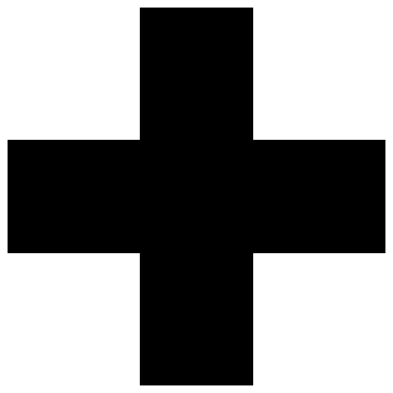 Plus sign with square ends Solid · one piece
-
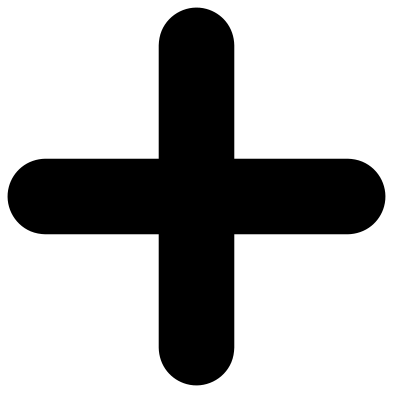 Plus sign with round ends Solid · one piece
-
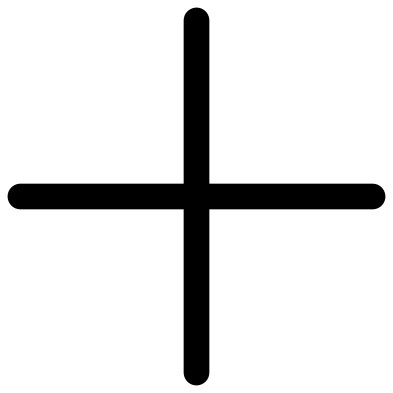 Thin plus sign Solid · one piece
-
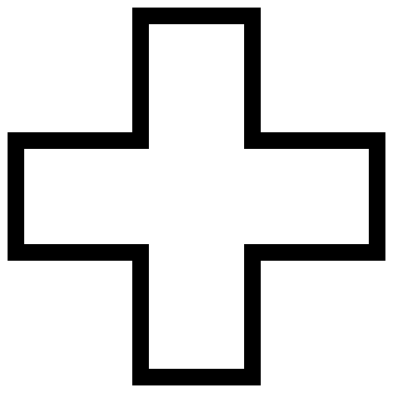 Plus sign outline Outline · one piece
-
 Plus sign cut out of a solid circle Solid · one piece
-
 Plus sign in an open circle Solid · 2 pieces
-
 Plus sign in a hexagon Solid · one piece
-
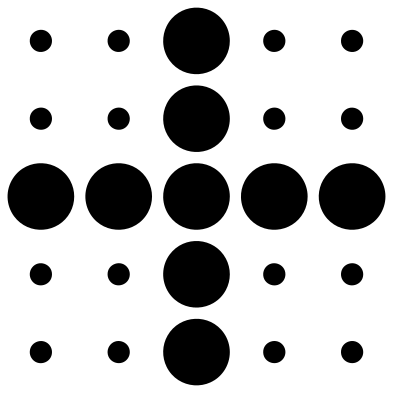 Plus sign made of dots Solid · 25 pieces
-
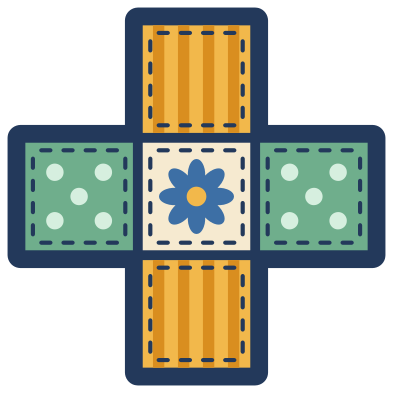 Quilted plus sign in patchwork Layered · 106 pieces
-
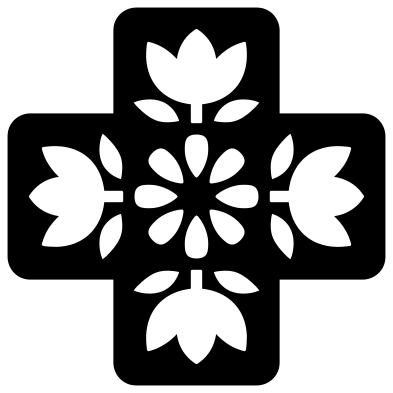 Floral plus sign Solid · one piece
-
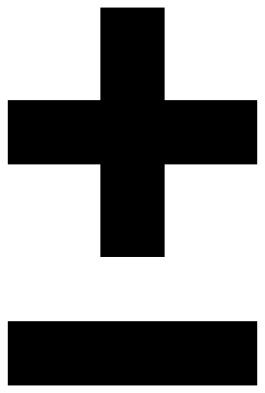 Plus or minus sign Solid · 2 pieces
-
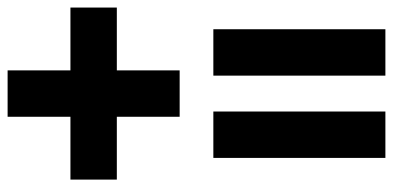 Plus sign and equals sign Solid · 3 pieces
-
 Plus sign, half solid and half open Solid · one piece
-
 Brush stroke plus sign Solid · one piece
-
 Block plus sign in 3D Layered · 11 pieces
-
 Wall pattern of plus signs Solid · 25 pieces
-
 Retro plus sign with echo lines Layered · 5 pieces
-
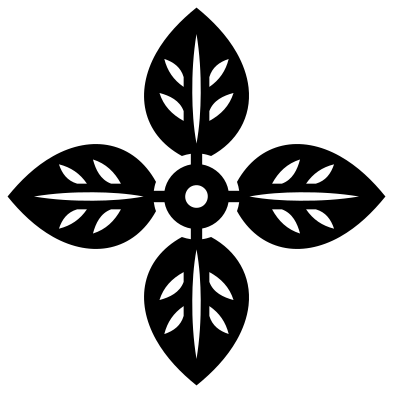 Plus sign of four leaves Solid · one piece
-
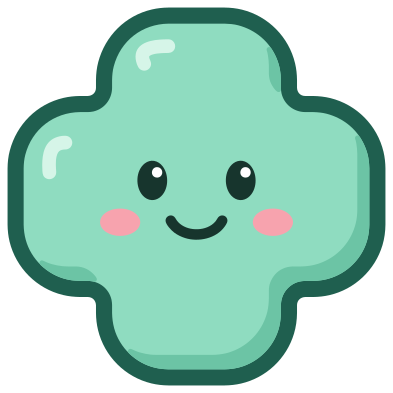 Cute plus sign with a smile Layered · 14 pieces
-
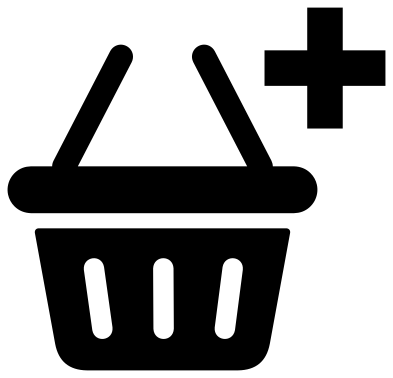 Add to basket plus sign Solid · 3 pieces
-
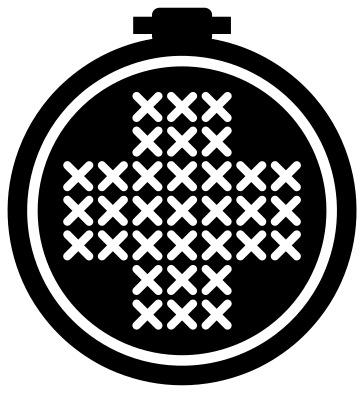 Cross stitch plus sign in a hoop Solid · 2 pieces
-
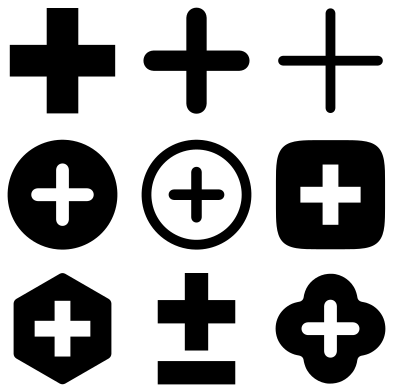 Set of nine plus signs Solid · 11 pieces
Two bars and where they cross
A plus is two bars of one length that cross in the middle, and its character comes from how thick they are. The square one here is three tenths as thick as it is wide, which makes it a block; the round one is a fifth, which makes it a button; the thin one is a fifteenth, which makes it a line. All three have the same length in both directions, so they can be turned a quarter without any change.
A bold plus of one colour can also be read as a sign of first aid. These are not that sign: none of them is a red cross on white, which is a protected emblem and not a decoration. If you recolour them, choose any other pair of colours and there will be no doubt.
For adding, sewing and playing
On a page, use the round plus or the disc as the button that adds something, and give the button a name that says what it adds. In a classroom, the plus and the equals sign are of one weight, so the pair makes a sum together with numbers of the same height.
The quilted plus follows a real quilt block of five squares: cut the patches from fabric 60 mm square and the block comes out near 210 mm with its border. The plus made of dots is a plan for drilling or for pegs, with its dots about 21 mm apart at full size.
How to open the files
- Cricut Design Space: choose Upload, pick the SVG, and add it to the canvas. Set the width you want; the shape is already welded.
- Silhouette Studio: Designer Edition and above open the SVG. The free Basic Edition does not, so open the DXF instead.
- LightBurn, xTool Creative Space and Glowforge: import the SVG, then set the layer to cut, score or engrave.
- Inkscape, Illustrator and Affinity: open the SVG. It is a plain filled path, so you can recolour it, add a stroke or combine it with your own work.
- Printing or sublimation: use the PNG, which has a transparent background.
Each design page lists the file’s narrowest part at seven sizes, so you can tell whether it will survive at the size you plan to cut.
Questions
Is this the same as the Red Cross emblem?
No. The red cross on a white ground is a protected emblem that only certain bodies may use. These are plain plus signs in black or in other colours, meant for adding, for mathematics and for decoration. Please do not cut them in red on white.
How small can I cut a plus?
The solid ones have no inside at all. The square plus cuts well at 4 mm and the round one at 6 mm, so they work as planner stickers. Cut the floral plus and the hoop at 60 mm or more, because the cut-outs in them are 2 to 3 mm wide at 100 mm.
Which plus goes with the minus?
Use the plus or minus design and take the two parts away from each other: the bar is the minus, with the same length and weight as the plus.
 Cross SVG
 Paw print SVG
 Shamrock SVG
 Anchor SVG
 Compass SVG
 Gear SVG