Free giraffe SVG files
Free giraffe SVG files: standing and walking giraffes with patched coats, plain silhouettes, a calf with its mother, heads in profile and faces from the front. Each one is drawn by code and welded into a single clean piece.
15 designs. Free for personal and commercial use, no sign-up. What you can do with them.
-
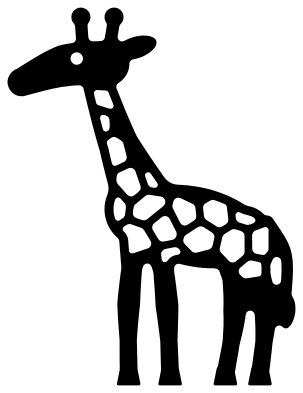 Standing giraffe with patches Solid · one piece
 -
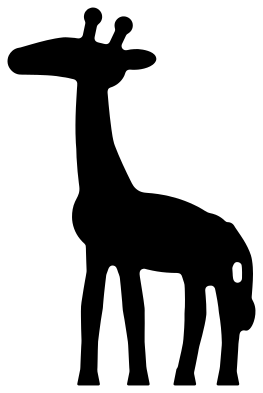 Giraffe silhouette Solid · one piece
 -
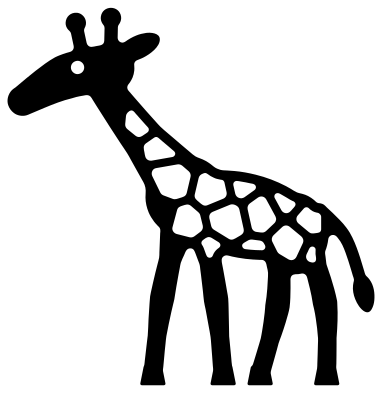 Walking giraffe Solid · one piece
 -
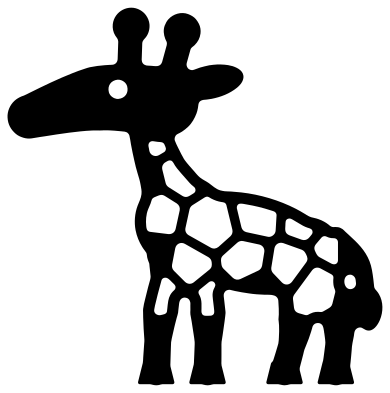 Baby giraffe Solid · one piece
 -
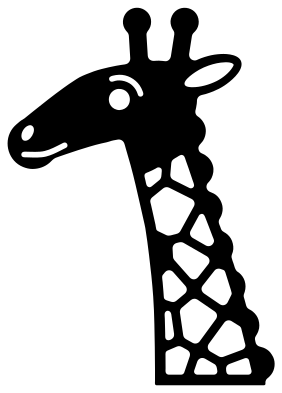 Giraffe head and neck Solid · one piece
 -
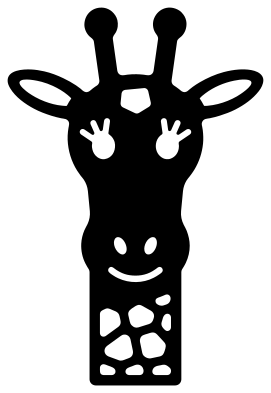 Giraffe face Solid · one piece
 -
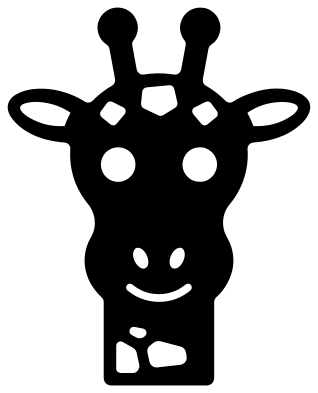 Cute giraffe face Solid · one piece
 -
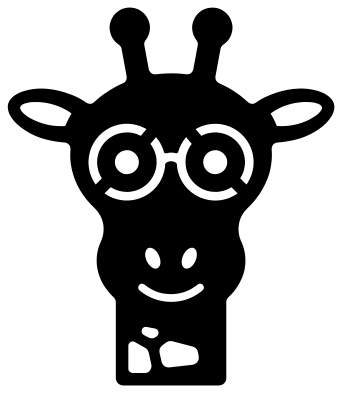 Giraffe with glasses Solid · one piece
 -
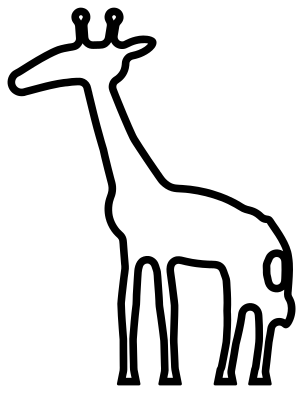 Giraffe outline Outline · one piece
 -
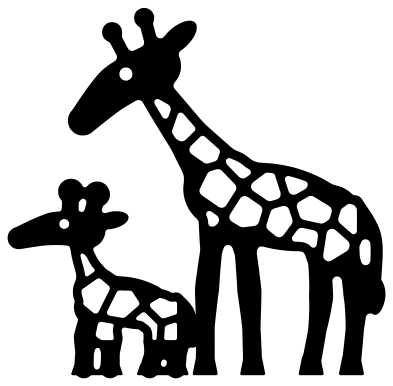 Mother and baby giraffe Solid · one piece
 -
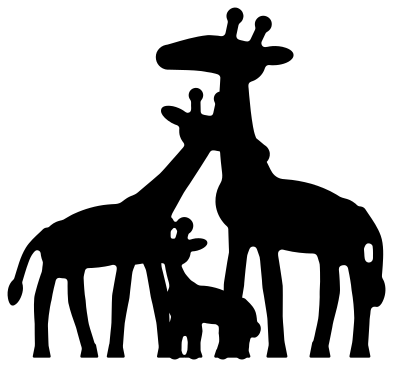 Giraffe family silhouette Solid · one piece
 -
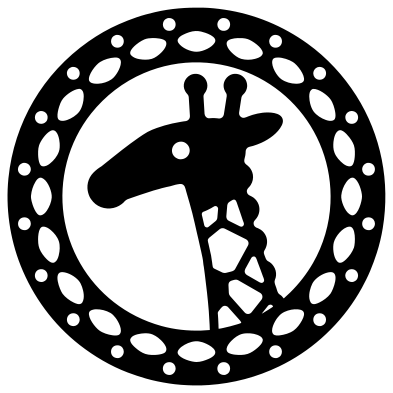 Giraffe mandala medallion Solid · one piece
 -
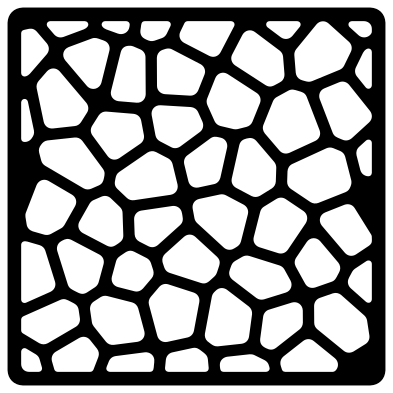 Giraffe print panel Solid · one piece
 -
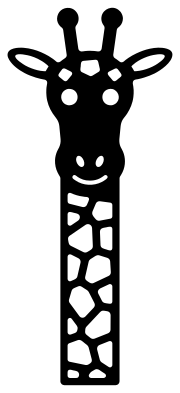 Tall giraffe on a long neck Solid · one piece
 -
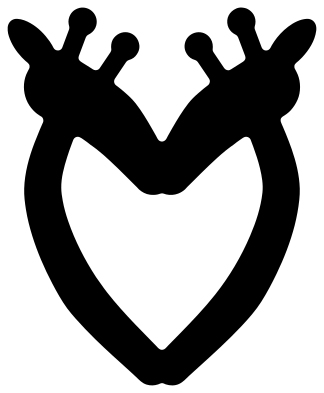 Two giraffes making a heart Solid · one piece
How the patches are cut, and how small you can go
A giraffe is recognised by its coat, so on most of these files the patches are holes and the lines between them are what is left. Those bars are about 2 mm wide when the giraffe is 100 mm tall, and they join up like a net, which is why each giraffe still lifts as one piece. In vinyl and card that cuts cleanly down to about 70 mm tall. Below that, or in 3 mm plywood, use the giraffe silhouette or the family silhouette, which have no patches cut into them.
The legs are the other thing to watch. They are about 4.5 mm wide at 100 mm tall, and the tail and the two horns are about 3 mm. For a laser-cut giraffe that has to stand up to handling, cut it at 150 mm or taller, or pick the head and neck, the faces or the medallion, where nothing slim sticks out.
Two colours from one cut
Cut a patched giraffe from tan or yellow card and glue it to a brown backing, and the brown shows through every patch. For the other way round, a pale giraffe with pale lines, cut it from brown and back it with cream. The giraffe print panel works the same way: it is a square of coat that you can lay behind a name, or clip to a letter or a heart in your cutting software.
How to open the files
- Cricut Design Space: choose Upload, pick the SVG, and add it to the canvas. Set the width you want; the shape is already welded.
- Silhouette Studio: Designer Edition and above open the SVG. The free Basic Edition does not, so open the DXF instead.
- LightBurn, xTool Creative Space and Glowforge: import the SVG, then set the layer to cut, score or engrave.
- Inkscape, Illustrator and Affinity: open the SVG. It is a plain filled path, so you can recolour it, add a stroke or combine it with your own work.
- Printing or sublimation: use the PNG, which has a transparent background.
Each design page lists the file’s narrowest part at seven sizes, so you can tell whether it will survive at the size you plan to cut.
Questions
Why do the patches differ from one giraffe to the next?
Each coat is worked out from a scatter of points, with one patch grown around every point, which is close to how the pattern forms on a real giraffe. A different scatter is used for each design, so no two coats match, but the bars between patches keep the same width all over.
Can I weed the patches out of vinyl without tearing the bars?
Yes, if you weed the patches rather than the giraffe. Leave the giraffe on its backing, lift each patch out with a pin or a weeding hook, and only then apply transfer tape. A standing giraffe has a few dozen patches, so allow a few minutes.
Which giraffe suits a height chart or a bookmark?
The tall giraffe on a long neck. It is more than twice as tall as it is wide, with the face at the top and patches all the way down. Stretch only the neck in your software if you need it longer, so the face keeps its shape.
 Owl SVG
  Bird SVG
  Cat SVG
  Dog SVG
  Elephant SVG
  Fish SVG