Free bigfoot SVG files
Free bigfoot SVG files: the walking silhouette with and without its shaggy edge, a friendly bigfoot waving, bigfoot in a ring of pines, across a full moon, on a crossing sign and in a Santa hat, plus footprints. Each is drawn by code as clean closed shapes.
12 designs. Free for personal and commercial use, no sign-up. What you can do with them.
-
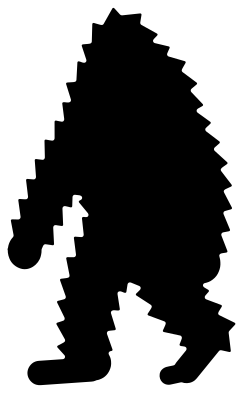 Bigfoot walking silhouette Solid · one piece
 -
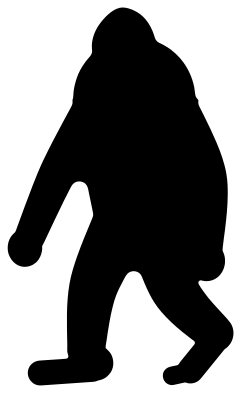 Simple bigfoot silhouette with a smooth edge Solid · one piece
 -
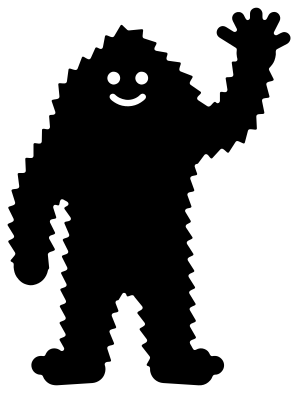 Friendly bigfoot waving Solid · one piece
 -
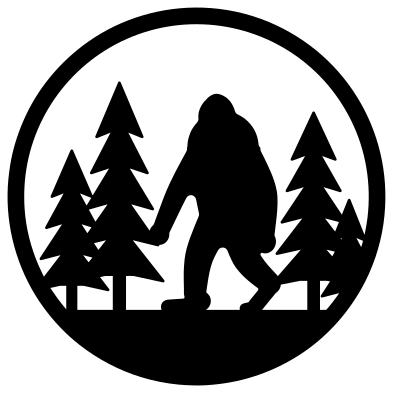 Bigfoot in a forest ring Solid · one piece
 -
 Bigfoot crossing a full moon Solid · one piece
 -
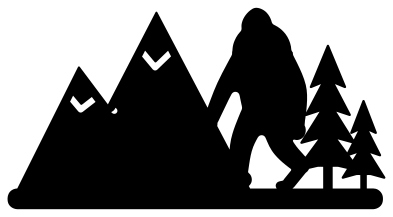 Bigfoot in the mountains Solid · one piece
 -
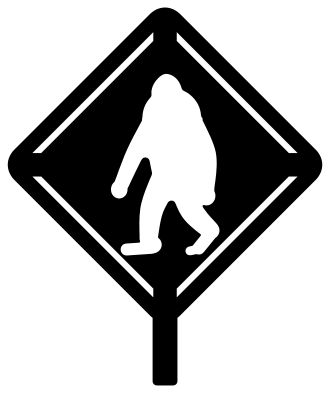 Bigfoot crossing sign Solid · one piece
 -
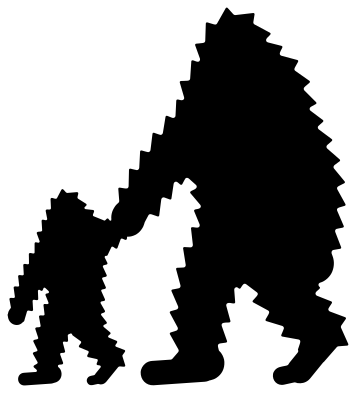 Bigfoot and little bigfoot hand in hand Solid · one piece
 -
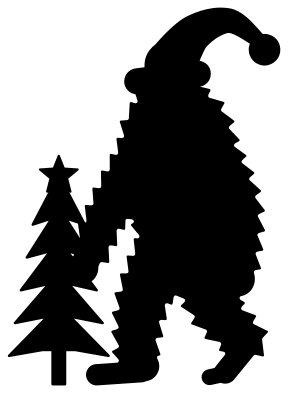 Christmas bigfoot with a tree Solid · one piece
 -
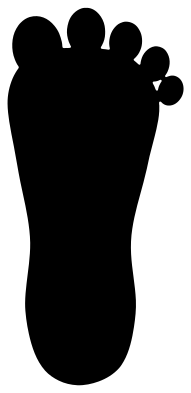 Bigfoot footprint Solid · one piece
 -
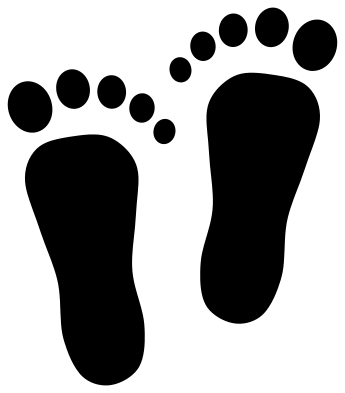 Bigfoot tracks, left and right Solid · 12 pieces
 -
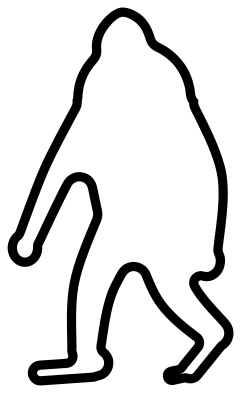 Bigfoot outline Outline · one piece
Shaggy or smooth
Bigfoot is known by one shape: a tall figure in mid stride, arms hanging almost to the knee, head set straight on the shoulders. The walking silhouette here has a coat of short tufts run round its whole outline, each about 2.5 mm high at 100 mm. That looks right on a shirt or a window at 100 mm and above. Below about 70 mm the tufts become too small to weed cleanly, so there is a second file with a smooth edge for small decals, wood, felt and foam.
The scenes use the smooth walker at about 60 percent of full size, standing on a strip of ground or inside a ring so that the trees, the figure and the frame cut as one piece.
Footprints and trails
The single footprint has its toes welded to the sole, so it lifts as one piece and suits stickers and wooden signs. The tracks file keeps the toes loose, as they are in a real print: use transfer tape to keep them in place on vinyl. For a trail across a floor or up a wall, cut the pair several times at 250 mm or more and set them about one and a half foot lengths apart, turning each a little.
How to open the files
- Cricut Design Space: choose Upload, pick the SVG, and add it to the canvas. Set the width you want; the shape is already welded.
- Silhouette Studio: Designer Edition and above open the SVG. The free Basic Edition does not, so open the DXF instead.
- LightBurn, xTool Creative Space and Glowforge: import the SVG, then set the layer to cut, score or engrave.
- Inkscape, Illustrator and Affinity: open the SVG. It is a plain filled path, so you can recolour it, add a stroke or combine it with your own work.
- Printing or sublimation: use the PNG, which has a transparent background.
Each design page lists the file’s narrowest part at seven sizes, so you can tell whether it will survive at the size you plan to cut.
Questions
Is bigfoot the same as sasquatch?
Yes. Sasquatch is the older name, taken from a Salish word, and bigfoot is the name the newspapers gave the creature in 1958. Both mean the same tall, hairy figure of North American folklore, so these files suit either word.
Which bigfoot should I use on a car window?
Use the simple bigfoot silhouette with a smooth edge at about 100 to 150 mm tall, in white or silver outdoor vinyl. The shaggy version also works at 150 mm and above, but its tufts take longer to weed and are the first parts to lift in a car wash.
How do I use the full moon design?
It is a disc with the figures cut out of it, so the colour of the surface becomes bigfoot and the trees. Cut it from yellow, white or glow vinyl and apply it to something dark: a tinted window, a black mug or a painted board.
 Owl SVG
  Bird SVG
  Cat SVG
  Dog SVG
  Elephant SVG
  Fish SVG