Free New Year baby SVG files
Free New Year baby SVG files: the baby in a top hat and a sash with no year on it, leaning on an hourglass, behind a clock at midnight, ringing a bell, with balloons, crawling, asleep on the moon and looking out of a top hat, a frame, a badge and a bauble for a baby born in January, and the old year and the new one walking hand in hand.
23 designs. Free for personal and commercial use, no sign-up. What you can do with them.
Or choose one below for its PNG, DXF and cutting sizes.
-
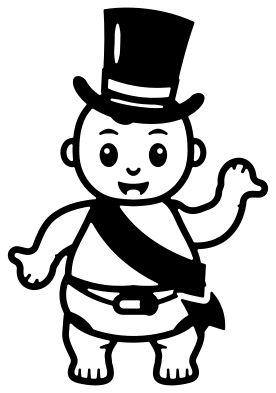 New Year baby waving in a top hat Solid · 7 pieces
-
 New Year baby face with a top hat and bow tie Solid · 7 pieces
-
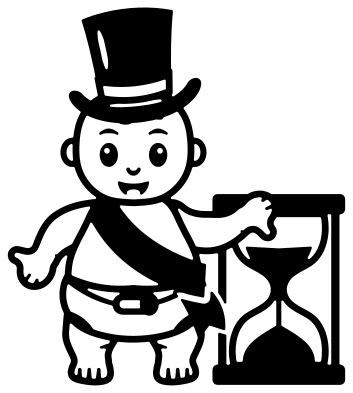 New Year baby leaning on an hourglass Solid · 7 pieces
-
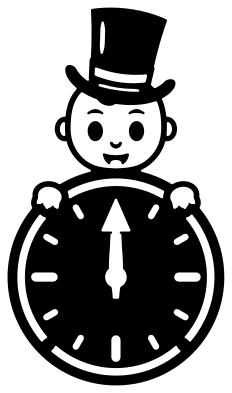 New Year baby behind a clock at midnight Solid · 7 pieces
-
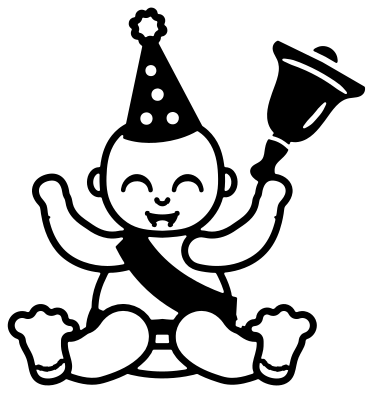 New Year baby ringing in the year with a bell Solid · 7 pieces
-
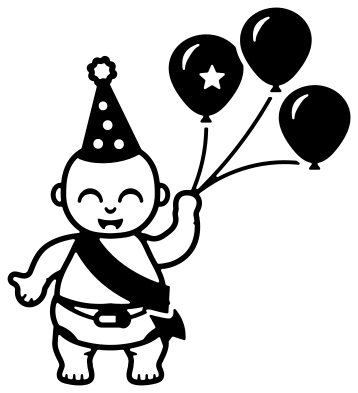 New Year baby with three balloons Solid · 8 pieces
-
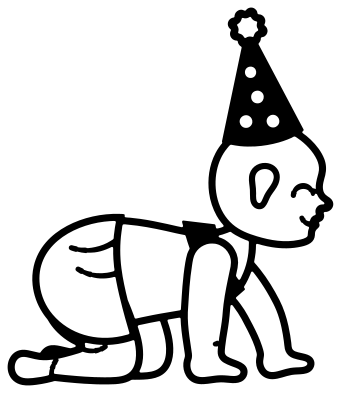 Crawling New Year baby in a party hat Solid · 2 pieces
-
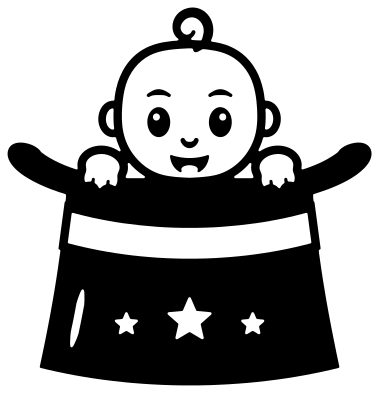 New Year baby peeking out of a top hat Solid · 7 pieces
-
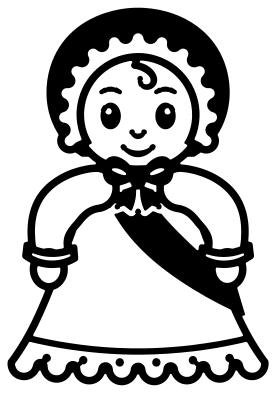 New Year baby in a bonnet and long gown Solid · 9 pieces
-
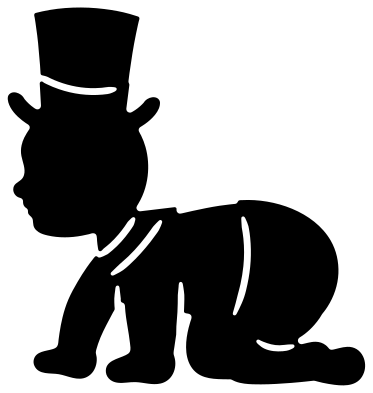 Crawling New Year baby silhouette in a top hat Solid · one piece
-
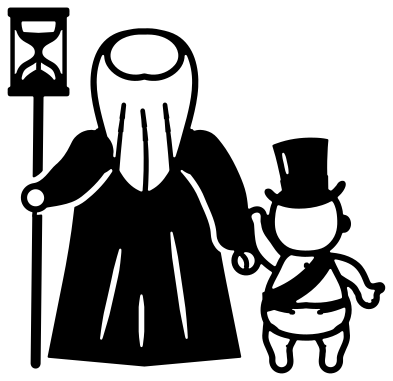 Old year and New Year baby hand in hand Solid · 2 pieces
-
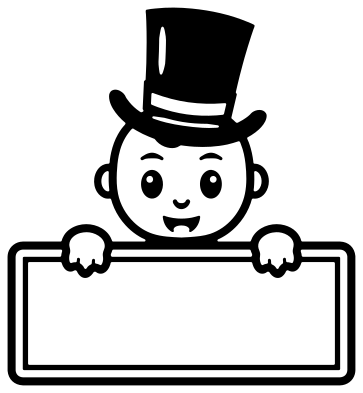 New Year baby holding a blank sign Solid · 7 pieces
-
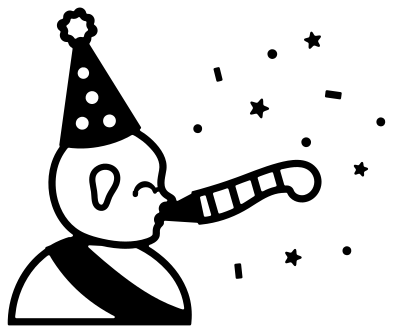 New Year baby blowing a paper horn Solid · 14 pieces
-
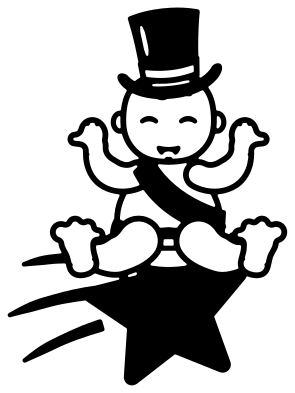 New Year baby riding a star Solid · 5 pieces
-
 New Year baby clock frame with a top hat Solid · one piece
-
 New Year baby badge with a blank ribbon Solid · 13 pieces
-
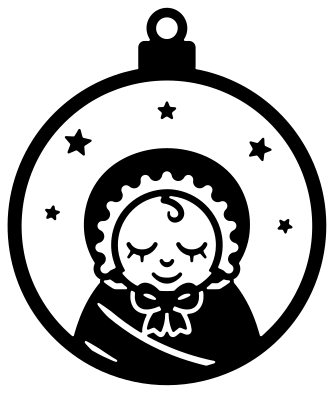 New Year baby bauble Solid · 10 pieces
-
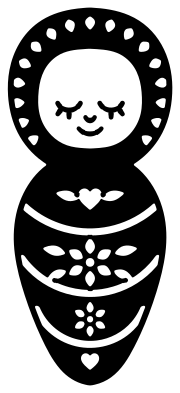 Folk art swaddled New Year baby Solid · 5 pieces
-
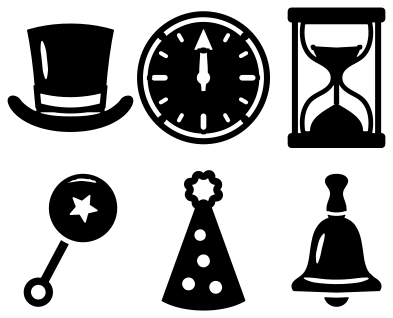 Set of six things for a New Year baby Solid · 9 pieces
-
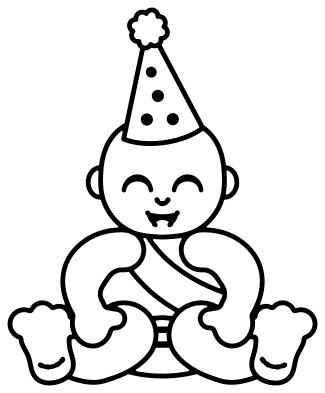 New Year baby line drawing Outline · 11 pieces
-
 Layered New Year baby with a red sash Layered · 24 pieces
-
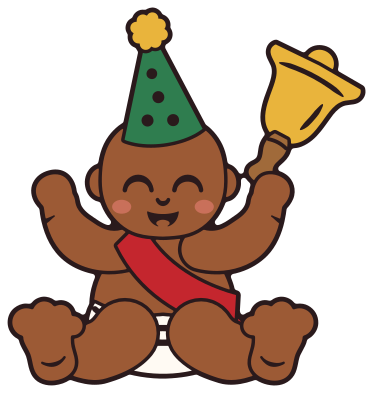 Layered New Year baby with a gold bell Layered · 27 pieces
-
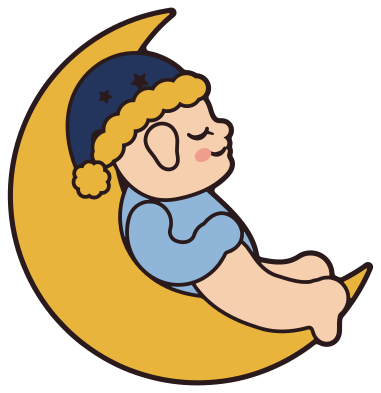 Layered New Year baby asleep on a gold moon Layered · 16 pieces
What to make with them
The baby with the sash is the old sign of a year that is just beginning, and it suits anything made for the last night of December: invitations, cupcake picks, a banner for the mantelpiece, photo props. The sash, the sign, the ribbon of the badge and the ribbon of the clock frame are all empty, so the same file can be used again every year. For a child born in the first days of January, cut the frame at about 200 mm for a photograph, or the bauble in thin wood with the name burned or written on the back.
Cutting notes
In the one-colour designs the skin, the nappy and the hat band are open with a line round them, and the hat and the sash are solid. Eyes, noses and mouths are small pieces of their own in most of them: lift the whole design with transfer tape and they come along in the right places. In card or wood, glue them down with the figure as a guide. To put a year on the solid sash, type it in your cutting software, turn it by about 30 degrees and subtract it from the design, or cut it in a light vinyl and lay it on top. Cut the whole figures at 100 mm tall or more. The layered designs have one sheet for each colour over a single dark backing.
How to open the files
- Cricut Design Space: choose Upload, pick the SVG, and add it to the canvas. Set the width you want; the shape is already welded.
- Silhouette Studio: Designer Edition and above open the SVG. The free Basic Edition does not, so open the DXF instead.
- LightBurn, xTool Creative Space and Glowforge: import the SVG, then set the layer to cut, score or engrave.
- Inkscape, Illustrator and Affinity: open the SVG. It is a plain filled path, so you can recolour it, add a stroke or combine it with your own work.
- Printing or sublimation: use the PNG, which has a transparent background.
Each design page lists the file’s narrowest part at seven sizes, so you can tell whether it will survive at the size you plan to cut.
Questions
How do I add the year to the sash?
Open the file in your cutting software, type the year in a bold face about as tall as half the width of the sash, rotate it to follow the sash and place it over the chest. Subtract it for a cut-out year, or cut it as a separate layer in a light colour. Nothing else in the drawing has to change next December.
Why does the New Year wear a nappy and a top hat?
The old year has been drawn as an old man with an hourglass, and the new one as a baby, since the nineteenth century, and newspapers and postcards added the sash and the top hat for the party at midnight. The hat shows that it is a night out, and the nappy shows how young the year is.
Which design suits a birth announcement?
The sign has the largest empty space, enough for a name, a date and a weight. The clock frame takes a round photograph or an initial in the ring and a name on the ribbon. The sleeping baby on the moon needs no words at all.
 Turkey SVG
 Easter egg SVG
 Firework SVG
 Mardi Gras mask SVG
 Valentine card SVG
 Mother’s Day card SVG