Free Nevada SVG files: state outline, silhouette and more
The state of Nevada (NV) as 10 cut files: the plain silhouette and outline, the state cut out of a heart, a disc and a tile, a split version for a name, and more. Each is drawn from the official boundary and measured.
10 designs. Free for personal and commercial use, no sign-up. What you can do with them.
-
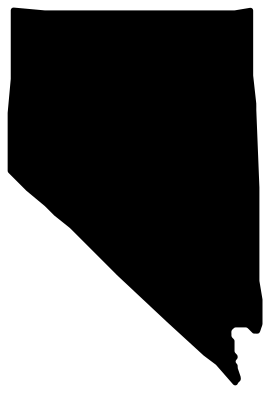 Nevada state silhouette Solid · one piece
 -
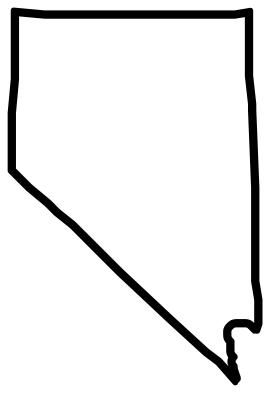 Nevada state outline Outline · one piece
 -
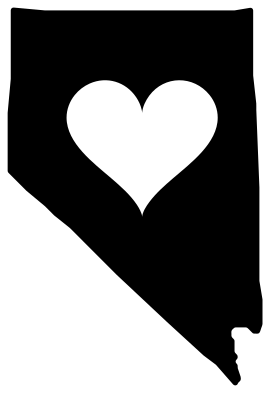 Nevada with a heart cut out Solid · one piece
 -
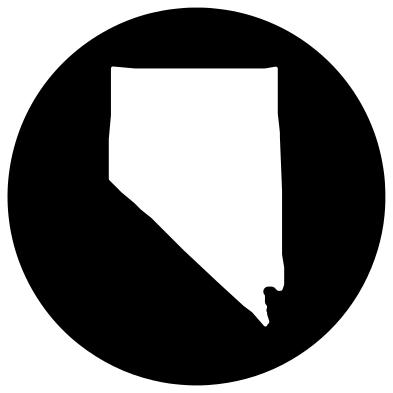 Nevada cut from a disc Solid · one piece
 -
 Nevada cut from a square tile Solid · one piece
 -
 Nevada cut from a heart Solid · one piece
 -
 Nevada with its name beneath Solid · 7 pieces
 -
 Split Nevada for a name Solid · 2 pieces
 -
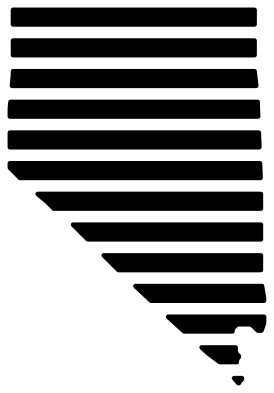 Nevada in stripes Solid · 13 pieces
 -
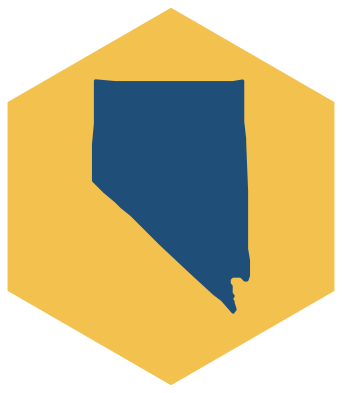 Layered Nevada on a hexagon Layered · 2 pieces
The shape of Nevada
At the library’s standard size Nevada is 67 mm wide and 100 mm tall. It is a single piece. The outline is the Census Bureau’s cartographic boundary for the state, drawn on a conformal conic projection centred on Nevada, so its proportions match a printed map of the state and not a map of the whole country, on which northern states look stretched.
To make it cuttable, islands under about half a percent of the state’s area are left out, and inlets and spits narrower than 1.4 mm at this size are closed or removed. The border itself is not smoothed: straight surveyed lines stay straight and rivers keep their bends.
Making something with Nevada
The broadest part of Nevada, where a heart or a word fits best, is 61 mm across at this size; the heart design is placed there. To mark a town, add a small heart or star in your cutting software; Carson City, the capital, is the usual choice.
For a car window cut the outline or the silhouette 100 to 130 mm tall in permanent vinyl. For a wooden sign, the tile and disc are one piece and work as paint stencils. The split version takes a name in any typeface about 12 mm tall.
How to open the files
- Cricut Design Space: choose Upload, pick the SVG, and add it to the canvas. Set the width you want; the shape is already welded.
- Silhouette Studio: Designer Edition and above open the SVG. The free Basic Edition does not, so open the DXF instead.
- LightBurn, xTool Creative Space and Glowforge: import the SVG, then set the layer to cut, score or engrave.
- Inkscape, Illustrator and Affinity: open the SVG. It is a plain filled path, so you can recolour it, add a stroke or combine it with your own work.
- Printing or sublimation: use the PNG, which has a transparent background.
Each design page lists the file’s narrowest part at seven sizes, so you can tell whether it will survive at the size you plan to cut.
Questions
How accurate is the Nevada outline?
It is the US Census Bureau’s cartographic boundary, which is public domain, simplified only as far as cutting needs: nothing wider than 1.4 mm at 100 mm is changed. It is a shape for craft work, not a survey.
Can I get the other states?
Forty-eight of them, each with its own set in the same designs; see the state outlines page. Rhode Island and Delaware are held back: they are so small that the boundary file used here draws them too coarsely.
Can I add a heart over my town?
Yes. Download the silhouette, place a small heart from the heart set where the town is, and use Slice or Subtract in your cutting software to cut it out.
 Alabama SVG
  Alaska SVG
  Arizona SVG
  Arkansas SVG
  California SVG
  Colorado SVG