Harbour shadow box SVG
A fishing town on the headland, a yacht and a small boat out in the bay, a three-masted schooner coming in past a sloop at anchor, and a pelican on a post, an anchor, a crab and a lamp on the quay. 6 sheets of card, cut and stacked with a gap between each, make the picture. The files are free, and every part of the scene can be moved, swapped or resized below before you download.
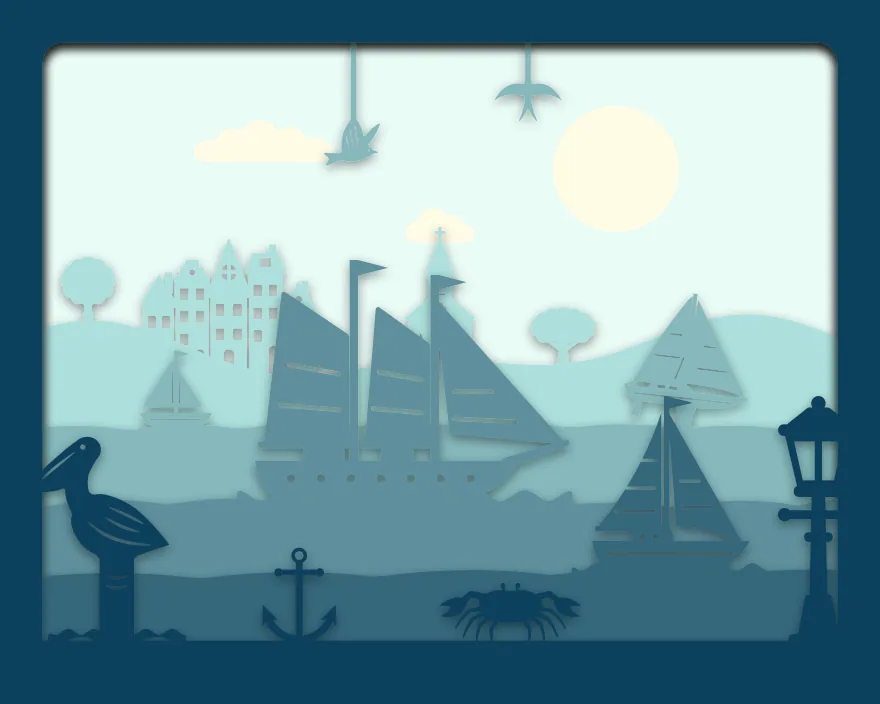
6 sheets at 10 × 8 in, landscape, zipped, with a note on putting them together.
Free for personal and commercial use, no sign-up. What you can do with it.
The 6 sheets
Sheet 1 is the back and sheet 6 is the front. Each one is a single piece with the same frame round its edge, so they line up when stacked. The colours shown are the “Sea” set; cut them in any card you like. Cut sheet 6, “Quay”, the slowest: at 0.7 mm it has the thinnest part in the scene, and sheet 6, “Quay”, fills the most of the view, 27% of it.
| Sheet | What is on it | Narrowest part | Seen from the front |
|---|---|---|---|
| 1. Sun and clouds | A whole sheet with holes for: Plain disc, Long flat cloud and Classic puffy cloud | over 2 mm | 31% |
| 2. Town on the headland | Rolling ground, with: Village row of five houses, Church with a steeple, Round tree silhouette and Oak tree with a broad crown | 1.2 mm | 9% |
| 3. Boats in the bay | Waves, with: Yacht sailboat heeling over, Simple sail boat for children, Flying bird with raised wings and Swallow in flight | 1.1 mm | 7% |
| 4. Schooner | Waves, with: Schooner sailboat with two masts | 1.8 mm | 13% |
| 5. Sloop | Waves, with: Sailboat under full sail | 1.6 mm | 9% |
| 6. Quay | Flat ground, with: Pelican on a dock piling, Classic anchor, Lantern on a lamp post and Crab silhouette | 0.7 mm | 27% |
Measured from the files at 10 × 8 in, landscape. The narrowest part is the thinnest neck of card that holds anything on; sharp tips are not counted. “Seen from the front” is the share of the picture that sheet fills once the sheets in front of it are in place.
Will it cut at your size?
The download is 10 × 8 in, landscape. The scene maker above makes the same scene at any of these sizes; the thinnest part scales with it.
| Frame opening | Each sheet | Narrowest part | Depth needed | Fits a 12 × 12 in mat | Rule of thumb |
|---|---|---|---|---|---|
| 10 × 8 in, landscape | 254 × 203.2 mm | 0.7 mm | 20 mm | Yes | Fine detail: sharp blade, slow speed |
Depth needed allows 3 mm of foam between sheets and 5 mm for the card itself and the backing.
Making this one
The schooner carries the scene, so cut its sheet a clear step darker than the bay behind it. The finest cutting is in the two small boats on the third sheet, at a little under 1 mm. Navy, white and one red sheet give a seaside look; blues from pale to dark give a calm evening.
- Cut all 6 sheets from 160 to 220 gsm card at the same size.
- Lay them out in order, sheet 1 at the back.
- Put strips of 3 mm foam tape round the border of sheet 1 and press sheet 2 onto it with the edges level. Carry on to sheet 6.
- Fit the stack into a deep frame with the front sheet against the glass. For a light box, run a strip of warm white LEDs round the inside of the frame behind the stack.
The zip includes these steps as a text file, each sheet as its own SVG and all 6 side by side in one SVG. More on paper, frames and lights is on the shadow box page.
The parts, on their own
Everything in the scene comes from the free SVG library, where each has its own page and file:
- Long flat cloud
- Classic puffy cloud
- Village row of five houses
- Church with a steeple
- Round tree silhouette
- Oak tree with a broad crown
- Yacht sailboat heeling over
- Simple sail boat for children
- Flying bird with raised wings
- Swallow in flight
- Schooner sailboat with two masts
- Sailboat under full sail
- Pelican on a dock piling
- Classic anchor
- Lantern on a lamp post
- Crab silhouette
Questions
Can I add the name of a boat or a town?
Not in the maker yet. Cut the name from a lettering design in the library and glue it to the front border, or write it on the quay by hand.
Does it fit an upright frame?
It is drawn for a 10 by 8 inch frame on its side. Choose an upright size in the maker and move the boats closer together; the town and the quay keep their places.
Can I sell boxes I make with it?
Yes. Finished pieces are yours to sell. The files themselves may not be sold or shared; send people to this page. See the licence.
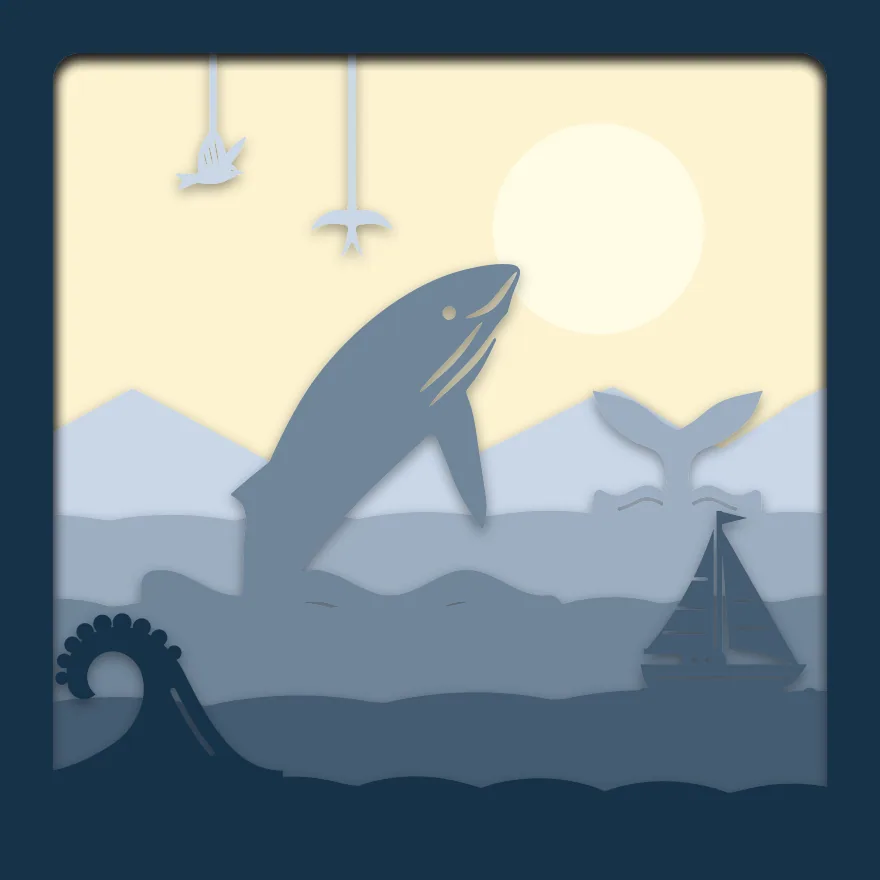 Breaching whale
 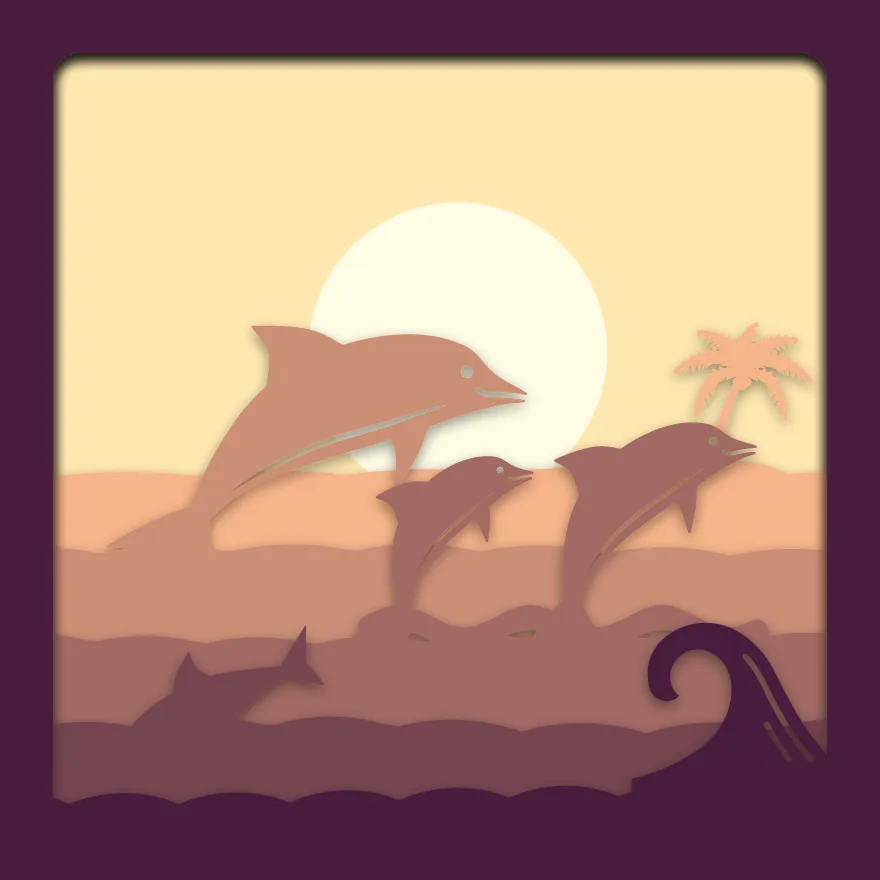 Dolphins at sunset
 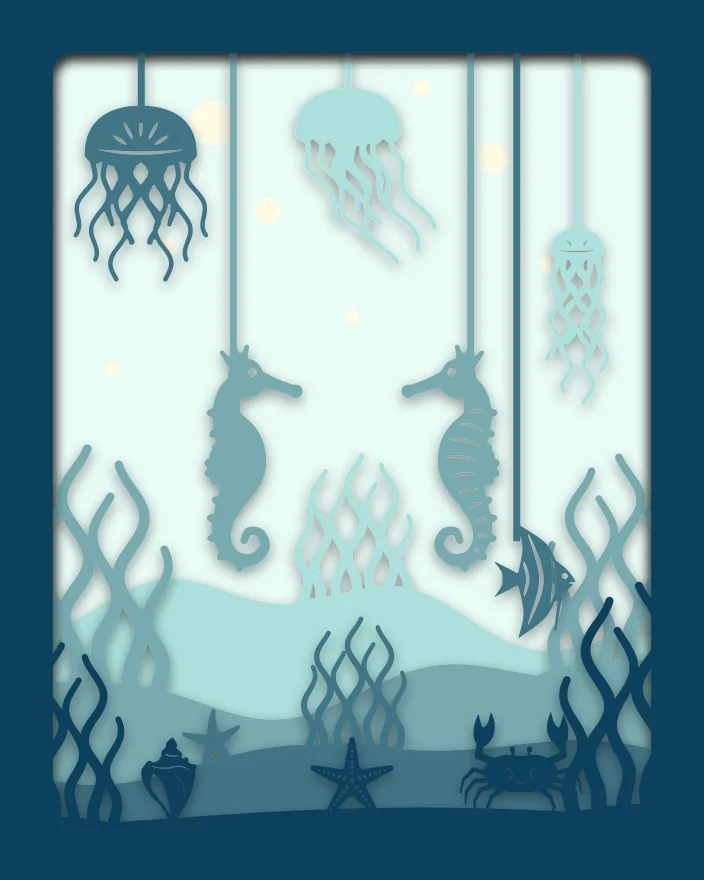 Seahorse reef
  Flamingo beach
  Surf beach
  Desert cactus