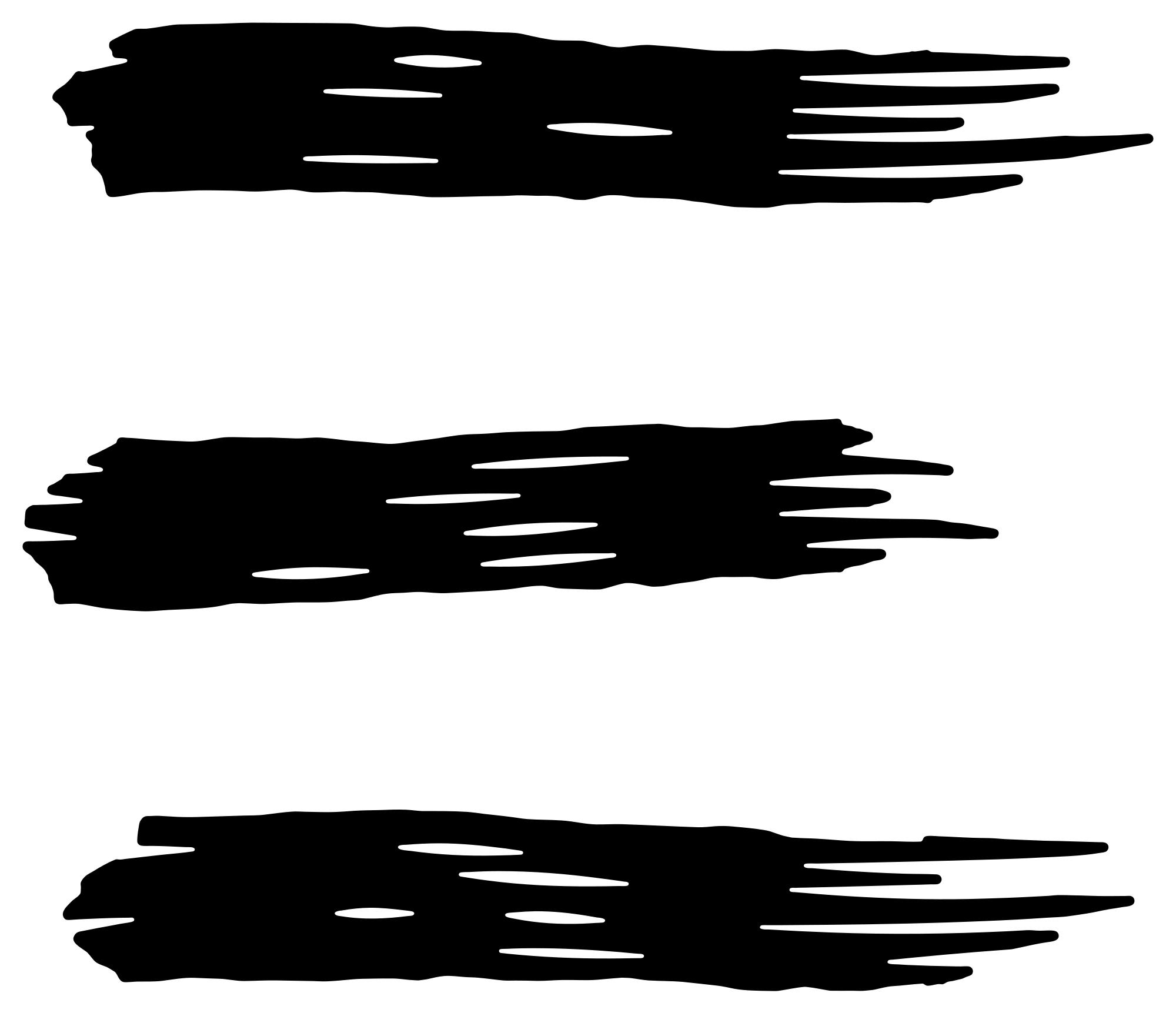
Brush stroke menu icon SVG
Which one? SVG for Cricut and lasers, DXF for the free Silhouette Studio, PNG to print.
Free for personal and commercial use, no sign-up. What you can do with it.
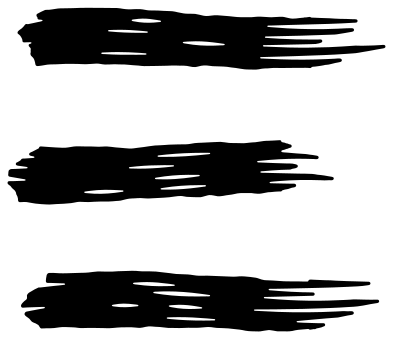
Three sweeps of a loaded brush, each rough where it sets off, streaked where the paint gives out and lifting in bristles of different lengths. Three pieces, for hand-made labels, art rooms and signs.
What is in the file
| Size | 100 × 86 mm (3.94 × 3.37 in), scales to any size |
|---|---|
| Pieces | 3 separate pieces |
| Outlines to cut | 17: 3 outer edges and 14 cut-outs |
| Cut length | 1,348 mm at this size |
| Narrowest part | 1.4 mm at this size |
| Nodes | 743 curve and line segments |
Measured from the file. PNG: 2,000 × 1,723 pixels, transparent. About the three file types.
Will it cut at your size?
Scaling a design scales its thinnest part too. Here is this one at seven sizes, from 1 to 12 inches on its longer side, with how many copies fit a 12 × 12 inch sheet or mat.
| Size, width × height | Narrowest part | Cut length | Fit on a 12 in sheet | Rule of thumb |
|---|---|---|---|---|
| 1 × 0.86 in (25 × 22 mm) | 0.36 mm | 342 mm | 110 | Too fine for most machines |
| 2 × 1.71 in (51 × 43 mm) | 0.71 mm | 685 mm | 30 | Fine detail: vinyl and paper only, weed with care |
| 3 × 2.57 in (76 × 65 mm) | 1.1 mm | 1,027 mm | 12 | Vinyl, card and thin sheet |
| 4 × 3.42 in (102 × 87 mm) | 1.4 mm | 1,370 mm | 6 | Vinyl, card and thin sheet |
| 6 × 5.14 in (152 × 130 mm) | 2.1 mm | 2,054 mm | 2 | Vinyl, card and thin sheet |
| 8 × 6.85 in (203 × 174 mm) | 2.8 mm | 2,739 mm | 1 | Vinyl, card and thin sheet |
| 12 × 10.27 in (305 × 261 mm) | 4.3 mm | 4,109 mm | 1 | Any material, including 3 mm wood and acrylic |
The narrowest part is the thinnest neck or wall beside a cut-out; sharp tips are not counted. For wood and acrylic, keep it at least as wide as the sheet is thick. How to open the file in Cricut, Silhouette and laser software.
More menu icon SVG files
-
 Pixel menu icon with a pointer Solid · 4 pieces
-
 Leafy menu icon of three stems Solid · 3 pieces
-
 Menu icon tile with a long shadow Layered · 5 pieces
-
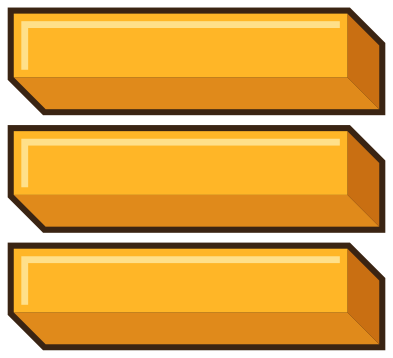 Block menu icon in 3D Layered · 15 pieces
-
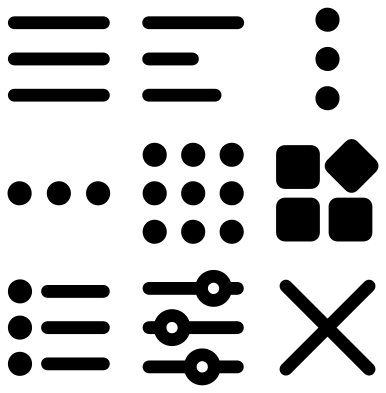 Set of nine menu icons Solid · 35 pieces
-
 Menu icon of three bars Solid · 3 pieces
-
 Menu icon button with square bars Solid · one piece
-
 Menu icon with bars of three lengths Solid · 3 pieces
← Burger menu icon in colour All 22 menu icons Pixel menu icon with a pointer →