Layered hibiscus anchor SVG

Which one? SVG for Cricut and lasers, DXF for the free Silhouette Studio, PNG to print.
Free for personal and commercial use, no sign-up. What you can do with it.

A blue anchor with two coral hibiscus blooms and broad green leaves across its shank. Flat colour layers for beach bags, towels and tumblers.
What is in the file
| Size | 73 × 100 mm (2.86 × 3.94 in), scales to any size |
|---|---|
| Pieces | 27 separate pieces |
| Outlines to cut | 43: 27 outer edges and 16 cut-outs |
| Cut length | 2,124 mm at this size |
| Narrowest part | 5.6 mm at this size |
| Nodes | 1,149 curve and line segments |
| Layers | 8: backing, colour, leaf, petal, petal 2, petal 3, centre and centre 2 |
Measured from the file. PNG: 1,475 × 2,000 pixels, transparent. About the three file types.
Will it cut at your size?
Scaling a design scales its thinnest part too. Here is this one at seven sizes, from 1 to 12 inches on its longer side, with how many copies fit a 12 × 12 inch sheet or mat.
| Size, width × height | Narrowest part | Cut length | Fit on a 12 in sheet | Rule of thumb |
|---|---|---|---|---|
| 0.73 × 1 in (18 × 25 mm) | 1.4 mm | 539 mm | 130 | Vinyl, card and thin sheet |
| 1.45 × 2 in (37 × 51 mm) | 2.8 mm | 1,079 mm | 35 | Vinyl, card and thin sheet |
| 2.18 × 3 in (55 × 76 mm) | 4.3 mm | 1,618 mm | 15 | Any material, including 3 mm wood and acrylic |
| 2.91 × 4 in (74 × 102 mm) | 5.7 mm | 2,158 mm | 6 | Any material, including 3 mm wood and acrylic |
| 4.36 × 6 in (111 × 152 mm) | 8.5 mm | 3,237 mm | 2 | Any material, including 3 mm wood and acrylic |
| 5.82 × 8 in (148 × 203 mm) | 11 mm | 4,316 mm | 2 | Any material, including 3 mm wood and acrylic |
| 8.72 × 12 in (222 × 305 mm) | 17 mm | 6,474 mm | 1 | Any material, including 3 mm wood and acrylic |
The narrowest part is the thinnest neck or wall beside a cut-out; sharp tips are not counted. For wood and acrylic, keep it at least as wide as the sheet is thick. How to open the file in Cricut, Silhouette and laser software.
More anchor SVG files
-
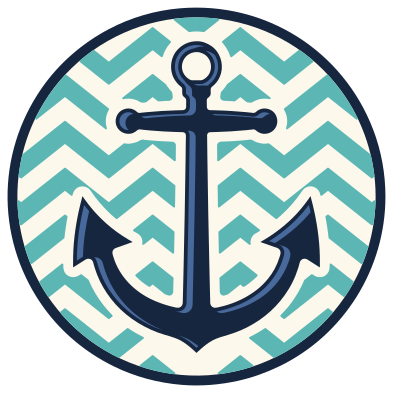 Layered chevron anchor Layered · 36 pieces
-
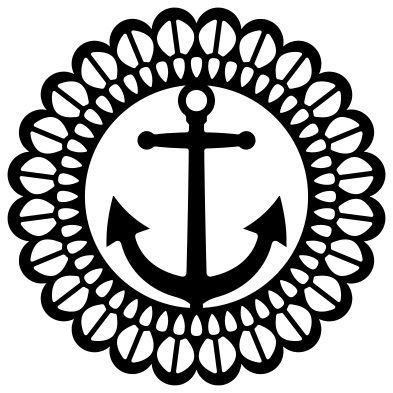 Anchor in a mandala ring Solid · one piece
-
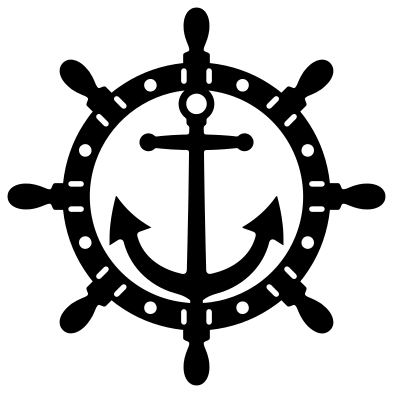 Anchor and ship wheel Solid · one piece
-
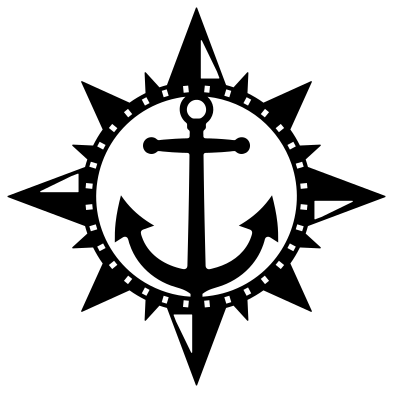 Nautical anchor in a compass Solid · one piece
-
 Anchor with two birds Solid · one piece
-
 Anchor and waves in a round badge Solid · one piece
-
 Anchor with a cross and a heart Solid · one piece
-
 Anchor and life ring Solid · one piece
← Anchor with flowers All 25 anchors Layered chevron anchor →