Santa’s sleigh shadow box SVG
Santa in his sleigh behind two leaping reindeer, high over a sleeping town on Christmas Eve, with the moon and a sky of stars above and snowy firs and a lamp post in front. 5 sheets of card, cut and stacked with a gap between each, make the picture. The files are free, and every part of the scene can be moved, swapped or resized below before you download.
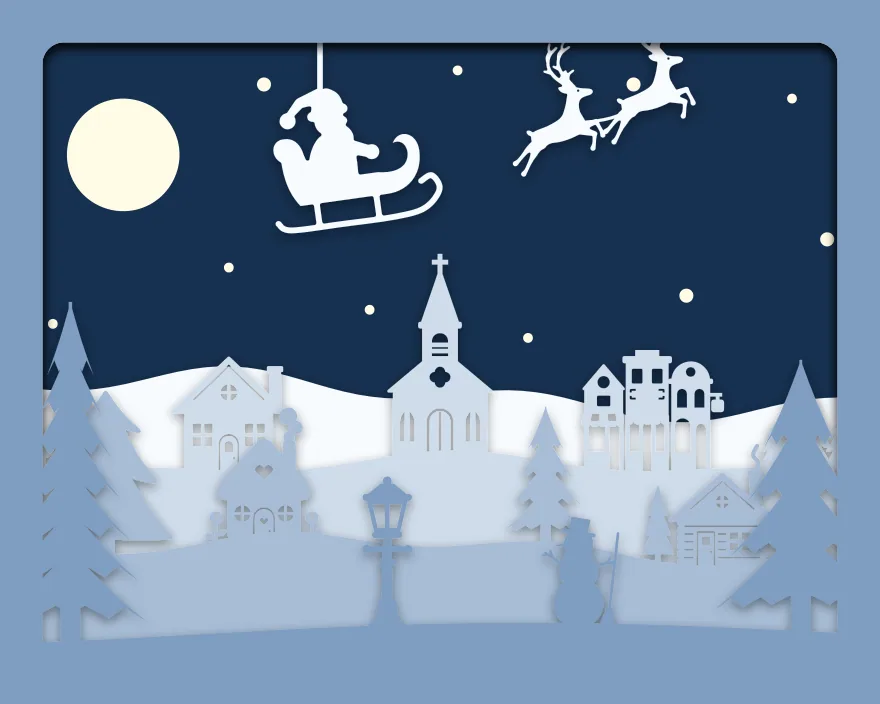
5 sheets at 10 × 8 in, landscape, zipped, with a note on putting them together.
Free for personal and commercial use, no sign-up. What you can do with it.
The 5 sheets
Sheet 1 is the back and sheet 5 is the front. Each one is a single piece with the same frame round its edge, so they line up when stacked. The colours shown are the “Snow” set; cut them in any card you like. Cut sheet 3, “Town”, the slowest: at 0.8 mm it has the thinnest part in the scene, and sheet 5, “Snowy firs”, fills the most of the view, 31% of it.
| Sheet | What is on it | Narrowest part | Seen from the front |
|---|---|---|---|
| 1. Moon and stars | A whole sheet with holes for: 11 × Plain disc | over 2 mm | 39% |
| 2. Sleigh and far hills | Rolling ground, with: Santa and sleigh and Pair of flying reindeer | 0.9 mm | 7% |
| 3. Town | Rolling ground, with: Church with a steeple, House with a chimney, Row of three storefronts, House silhouette and Three Christmas trees in a row | 0.8 mm | 10% |
| 4. Cottages and firs | Rolling ground, with: Cute house with a scalloped roof, Classic three-tier Christmas tree, Classic pine tree and Log cabin house in the pines | 0.8 mm | 12% |
| 5. Snowy firs | A gentle slope, with: Tall pine tree, Lantern on a lamp post, Classic pine tree and Snowman silhouette with a broom | 0.8 mm | 31% |
Measured from the files at 10 × 8 in, landscape. The narrowest part is the thinnest neck of card that holds anything on; sharp tips are not counted. “Seen from the front” is the share of the picture that sheet fills once the sheets in front of it are in place.
Will it cut at your size?
The download is 10 × 8 in, landscape. The scene maker above makes the same scene at any of these sizes; the thinnest part scales with it.
| Frame opening | Each sheet | Narrowest part | Depth needed | Fits a 12 × 12 in mat | Rule of thumb |
|---|---|---|---|---|---|
| 10 × 8 in, landscape | 254 × 203.2 mm | 0.8 mm | 17 mm | Yes | Fine detail: sharp blade, slow speed |
Depth needed allows 3 mm of foam between sheets and 5 mm for the card itself and the backing.
Making this one
The sleigh and the reindeer hang from the top of their sheet on two threads of card, like a mobile. The antlers and the reins are among the thinnest cuts in the box: cut that sheet first, slowly, and peel the waste card away from them rather than lifting them.
- Cut all 5 sheets from 160 to 220 gsm card at the same size.
- Lay them out in order, sheet 1 at the back.
- Put strips of 3 mm foam tape round the border of sheet 1 and press sheet 2 onto it with the edges level. Carry on to sheet 5.
- Fit the stack into a deep frame with the front sheet against the glass. For a light box, run a strip of warm white LEDs round the inside of the frame behind the stack.
The zip includes these steps as a text file, each sheet as its own SVG and all 5 side by side in one SVG. More on paper, frames and lights is on the shadow box page.
The parts, on their own
Everything in the scene comes from the free SVG library, where each has its own page and file:
- Santa and sleigh
- Pair of flying reindeer
- Church with a steeple
- House with a chimney
- Row of three storefronts
- House silhouette
- Three Christmas trees in a row
- Cute house with a scalloped roof
- Classic three-tier Christmas tree
- Classic pine tree
- Log cabin house in the pines
- Tall pine tree
- Lantern on a lamp post
- Snowman silhouette with a broom
Questions
Can I add more reindeer?
Yes. Select the sleigh sheet in the maker and add another pair from Animals, ahead of the first. Each pair hangs on its own thread.
Which colours work best?
Dark blue for the back sheet and white for the rest, so the sleigh is white against the night. With a light behind, the moon, the stars and the town windows glow.
Can I sell boxes I make with it?
Yes. Finished pieces are yours to sell. The files themselves may not be sold or shared; send people to this page. See the licence.
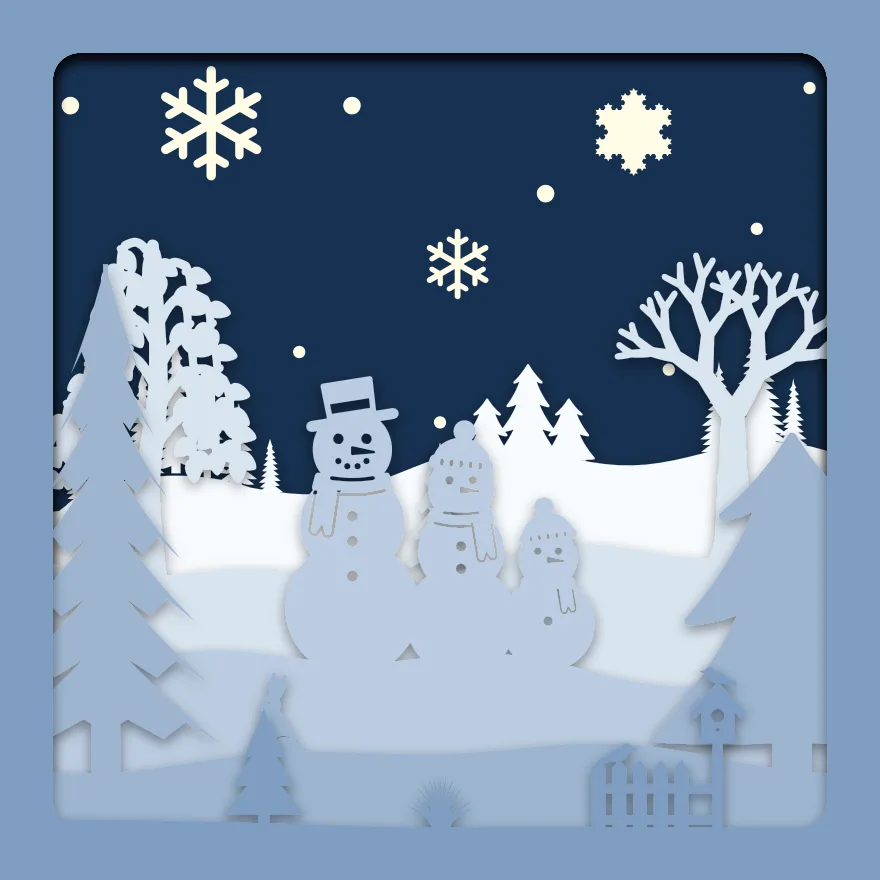 Snowman family
 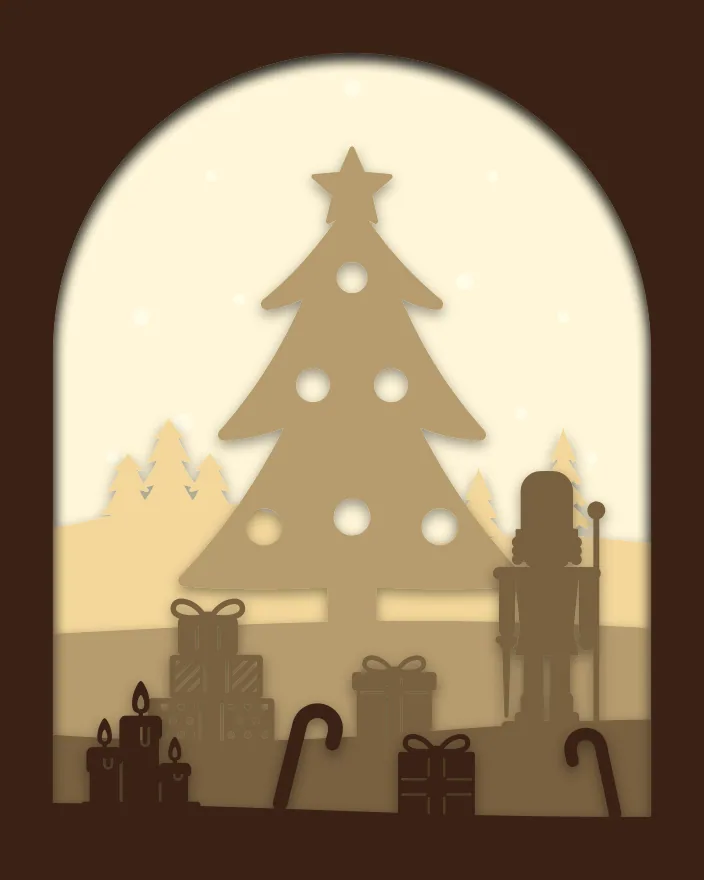 Christmas tree
 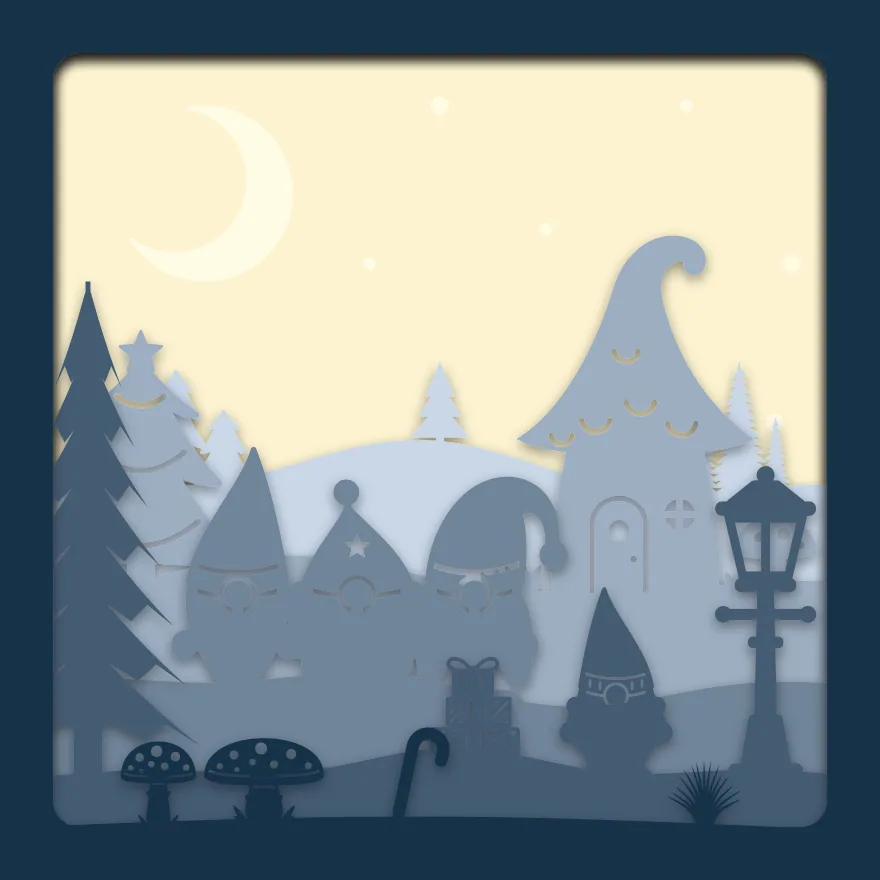 Christmas gnomes
  Easter meadow
  Valentine swans
  Christmas tree truck