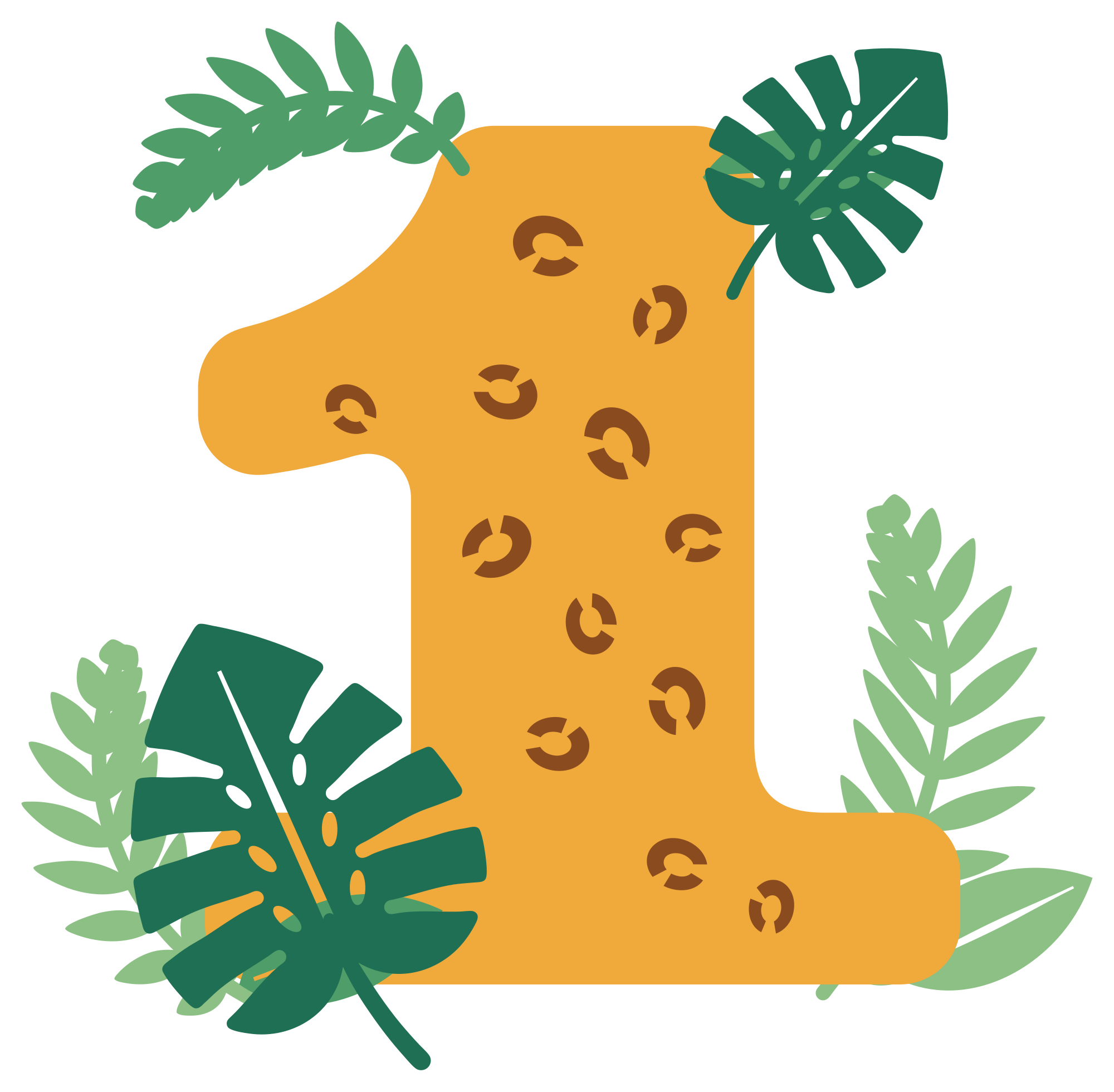
Wild number 1 with jungle leaves SVG
Which one? SVG for Cricut and lasers, DXF for the free Silhouette Studio, PNG to print.
Free for personal and commercial use, no sign-up. What you can do with it.
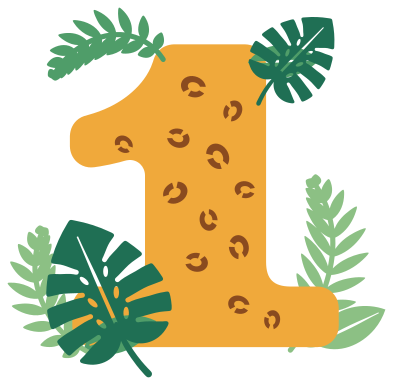
A golden figure with spots like a leopard’s, between cheese plant leaves, palm fronds and broad blades in three greens. Five layers, for a wild first birthday.
What is in the file
| Size | 100 × 98 mm (3.94 × 3.85 in), scales to any size |
|---|---|
| Pieces | 32 separate pieces |
| Outlines to cut | 63: 32 outer edges and 31 cut-outs |
| Cut length | 2,253 mm at this size |
| Narrowest part | 1 mm at this size |
| Nodes | 885 curve and line segments |
| Layers | 5: back leaves, numeral, spots, palm and monstera |
Measured from the file. PNG: 2,000 × 1,960 pixels, transparent. About the three file types.
Will it cut at your size?
Scaling a design scales its thinnest part too. Here is this one at seven sizes, from 1 to 12 inches on its longer side, with how many copies fit a 12 × 12 inch sheet or mat.
| Size, width × height | Narrowest part | Cut length | Fit on a 12 in sheet | Rule of thumb |
|---|---|---|---|---|
| 1 × 0.98 in (25 × 25 mm) | 0.25 mm | 572 mm | 100 | Too fine for most machines |
| 2 × 1.96 in (51 × 50 mm) | 0.51 mm | 1,145 mm | 25 | Fine detail: vinyl and paper only, weed with care |
| 3 × 2.94 in (76 × 75 mm) | 0.76 mm | 1,717 mm | 9 | Fine detail: vinyl and paper only, weed with care |
| 4 × 3.92 in (102 × 99 mm) | 1 mm | 2,289 mm | 4 | Vinyl, card and thin sheet |
| 6 × 5.87 in (152 × 149 mm) | 1.5 mm | 3,434 mm | 2 | Vinyl, card and thin sheet |
| 8 × 7.83 in (203 × 199 mm) | 2 mm | 4,578 mm | 1 | Vinyl, card and thin sheet |
| 12 × 11.75 in (305 × 298 mm) | 3 mm | 6,867 mm | 1 | Any material, including 3 mm wood and acrylic |
The narrowest part is the thinnest neck or wall beside a cut-out; sharp tips are not counted. For wood and acrylic, keep it at least as wide as the sheet is thick. How to open the file in Cricut, Silhouette and laser software.
More number 1 SVG files
-
 Unicorn number 1 Layered · 28 pieces
-
 Mermaid tail number 1 Layered · 39 pieces
-
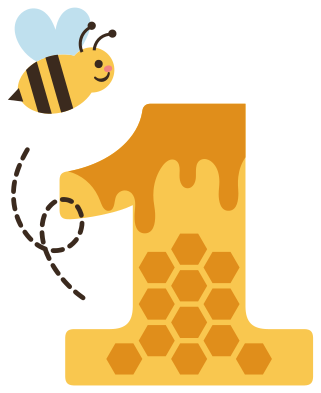 Bee and honey number 1 Layered · 42 pieces
-
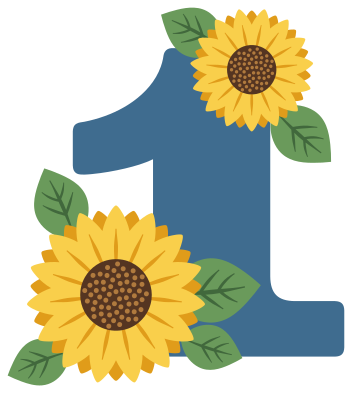 Sunflower number 1 Layered · 139 pieces
-
 Toy train with a number 1 Layered · 27 pieces
-
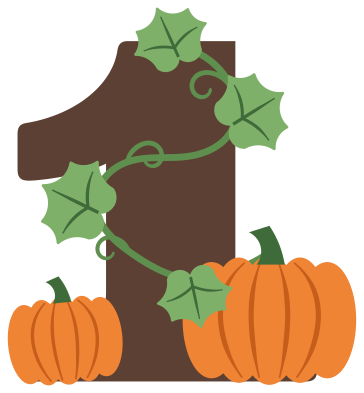 Pumpkin number 1 with a vine Layered · 22 pieces
-
 Stained glass number 1 with a sunrise Layered · 16 pieces
-
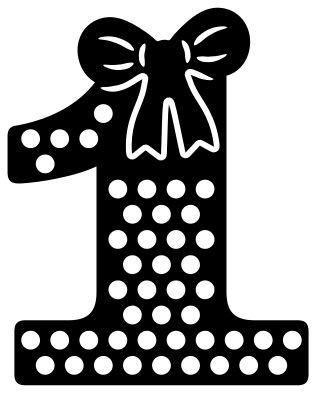 Polka dot number 1 with a bow Solid · one piece
← Dinosaur hugging a number 1 All 22 number 1 designs Unicorn number 1 →