Free letter O SVG files: monogram, split and stencil
The capital O as 18 cut files: the plain letter in eight typefaces, from script to blackletter, and ten monogram treatments, each welded and measured. Download any as SVG, PNG or DXF.
18 designs. Free for personal and commercial use, no sign-up. What you can do with them.
-
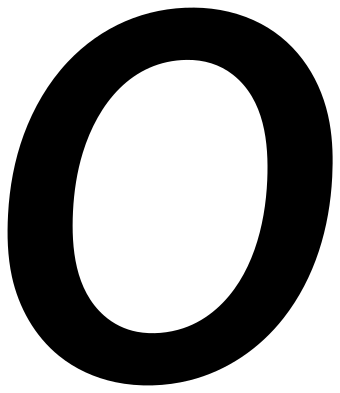 Letter O in Pacifico Solid · one piece
 -
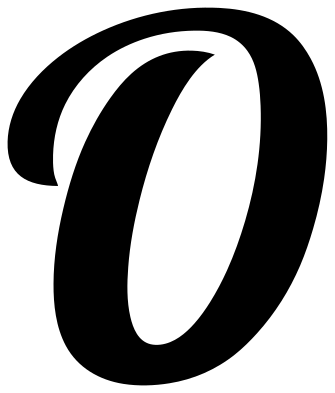 Letter O in Lobster Solid · one piece
 -
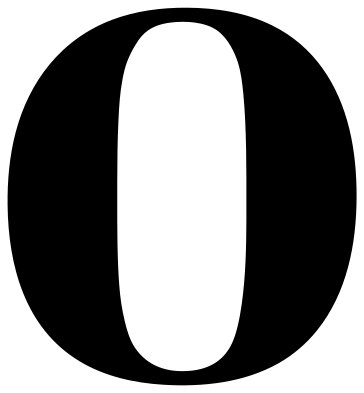 Letter O in Abril Fatface Solid · one piece
 -
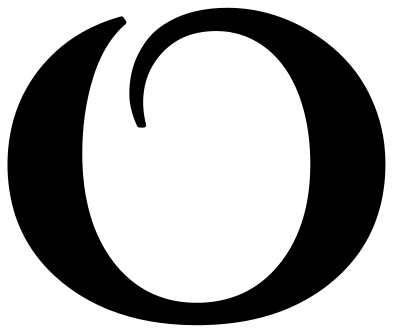 Letter O in Cinzel Decorative Solid · one piece
 -
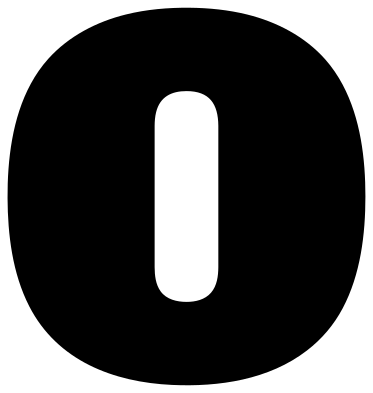 Letter O in Alfa Slab One Solid · one piece
 -
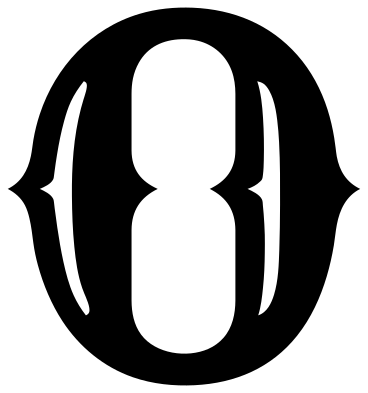 Letter O in Rye Solid · one piece
 -
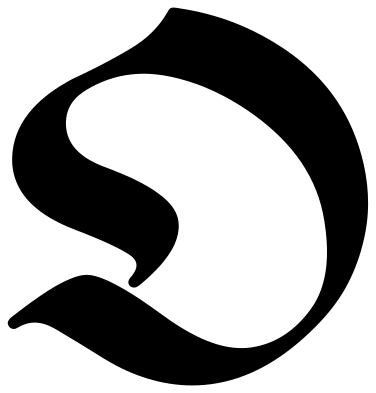 Letter O in UnifrakturMaguntia Solid · one piece
 -
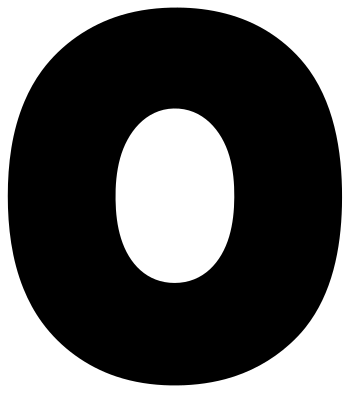 Letter O in Lilita One Solid · one piece
 -
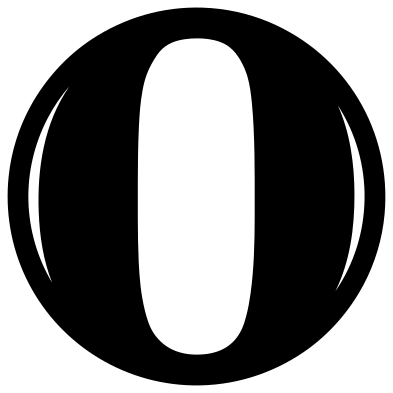 Letter O in a ring monogram Solid · one piece
 -
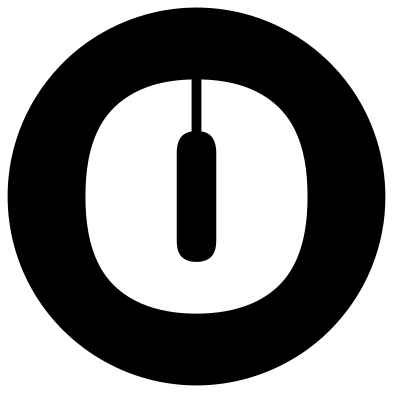 Letter O cut from a disc Solid · one piece
 -
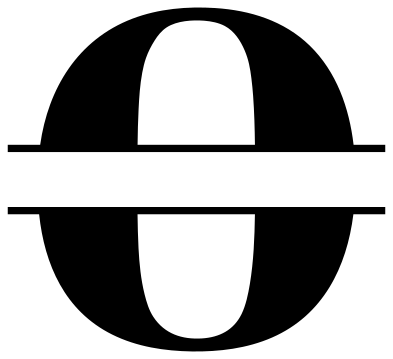 Split letter O for a name Solid · 2 pieces
 -
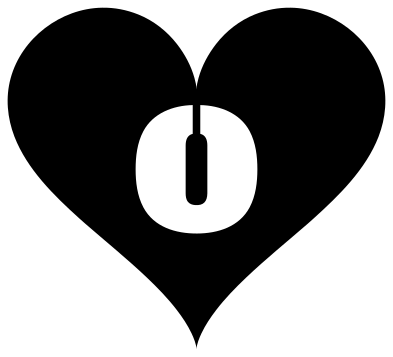 Letter O cut from a heart Solid · one piece
 -
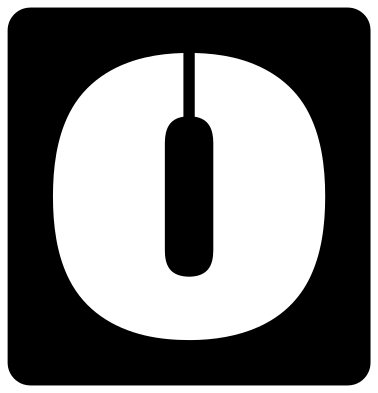 Letter O stencil plate Solid · one piece
 -
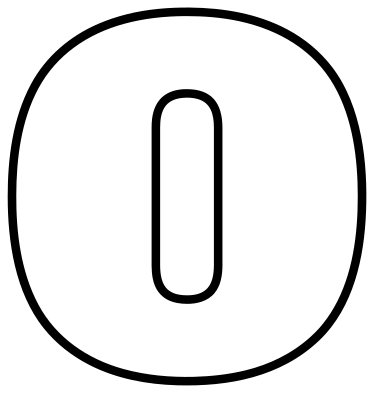 Letter O outline Outline · 2 pieces
 -
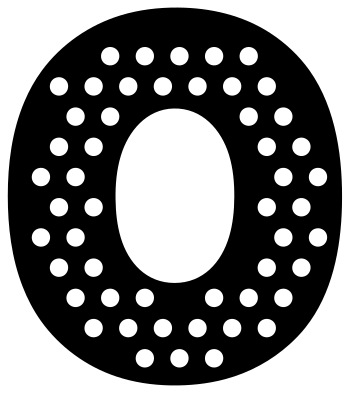 Polka dot letter O Solid · one piece
 -
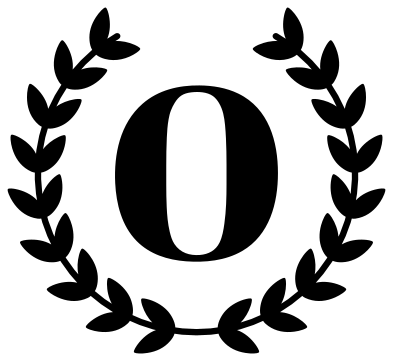 Letter O in a laurel wreath Solid · 2 pieces
 -
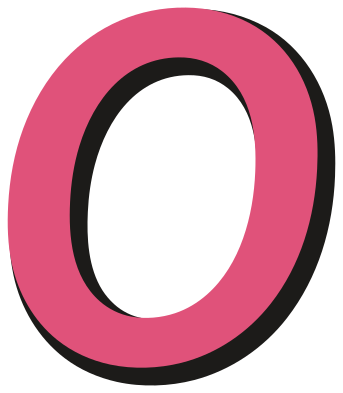 Letter O with a drop shadow Layered · 2 pieces
 -
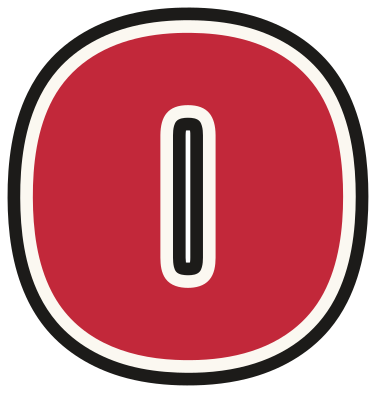 Varsity letter O Layered · 3 pieces
The O in each typeface
A letter’s closed counters decide how it cuts. The O has a closed counter in Pacifico, Abril Fatface, Alfa Slab One, Rye and Lilita One, cut as a hole in the letter, and none in Lobster, Cinzel Decorative and UnifrakturMaguntia. When a letter with a counter is cut out of something else, the counter’s middle would drop out, so the disc, heart and stencil designs add a narrow bridge to hold it.
Every plain letter is 100 mm tall. The split, ring and stencil designs are built from the same shapes, so a split O and a plain O cut at the same height match exactly.
Making a monogram
For a single-letter monogram, use the ring or the laurel wreath. For a name, use the split letter: add the name in your cutting software, size it to sit in the 16 mm gap, and attach it. For a three-letter monogram, download the plain letters in one typeface, make the middle one about a third taller, and weld the three.
How to open the files
- Cricut Design Space: choose Upload, pick the SVG, and add it to the canvas. Set the width you want; the shape is already welded.
- Silhouette Studio: Designer Edition and above open the SVG. The free Basic Edition does not, so open the DXF instead.
- LightBurn, xTool Creative Space and Glowforge: import the SVG, then set the layer to cut, score or engrave.
- Inkscape, Illustrator and Affinity: open the SVG. It is a plain filled path, so you can recolour it, add a stroke or combine it with your own work.
- Printing or sublimation: use the PNG, which has a transparent background.
Each design page lists the file’s narrowest part at seven sizes, so you can tell whether it will survive at the size you plan to cut.
Questions
Is there a lower-case o?
Not yet. These sets are capitals, which is what a monogram uses.
Which letter O is best for a stencil?
The stencil plate, which is ready to use. Of the plain letters, Lobster, Cinzel Decorative and UnifrakturMaguntia have no counter and can be cut out as they are.
Which typefaces are these?
Pacifico, Lobster, Abril Fatface, Cinzel Decorative, Alfa Slab One, Rye, UnifrakturMaguntia and Lilita One: open-licensed typefaces, used here as artwork. Each design page names the one it uses.
 Letter A
  Letter B
  Letter C
  Letter D
  Letter E
  Letter F