Elephants at the river shadow box SVG
An elephant with her trunk raised on the bank of a river and her calf wading in front of her: a huge sun behind them, palms on the far shore, the mother on the bank, the calf in the water, and a palm, bulrushes and a lotus in flower at the front. 6 sheets of card, cut and stacked with a gap between each, make the picture. The files are free, and every part of the scene can be moved, swapped or resized below before you download.
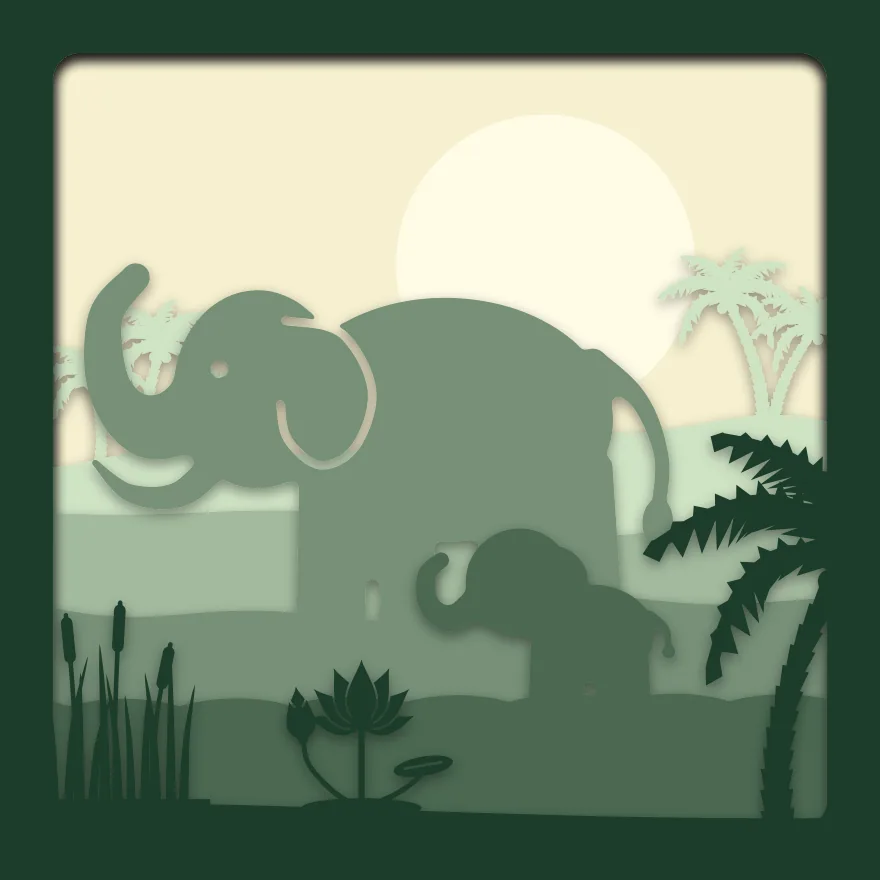
6 sheets at 8 × 8 in, zipped, with a note on putting them together.
Free for personal and commercial use, no sign-up. What you can do with it.
The 6 sheets
Sheet 1 is the back and sheet 6 is the front. Each one is a single piece with the same frame round its edge, so they line up when stacked. The colours shown are the “Forest green” set; cut them in any card you like. Cut sheet 6, “Palm, bulrushes and lotus”, the slowest: at 0.7 mm it has the thinnest part in the scene, and sheet 6, “Palm, bulrushes and lotus”, fills the most of the view, 29% of it.
| Sheet | What is on it | Narrowest part | Seen from the front |
|---|---|---|---|
| 1. Sun | A whole sheet with holes for: Plain disc | over 2 mm | 22% |
| 2. Far palms | Rolling ground, with: Three palm trees and Double palm tree | 1.1 mm | 5% |
| 3. Far bank | Rolling ground | over 2 mm | 5% |
| 4. Elephant on the bank | Rolling ground, with: Elephant with its trunk up | over 2 mm | 21% |
| 5. Calf in the river | Waves, with: Baby elephant silhouette | 1.7 mm | 12% |
| 6. Palm, bulrushes and lotus | A gentle slope, with: Palm tree with coconuts, Pond grass with cattails and Lotus with bud and pads | 0.7 mm | 29% |
Measured from the files at 8 × 8 in. The narrowest part is the thinnest neck of card that holds anything on; sharp tips are not counted. “Seen from the front” is the share of the picture that sheet fills once the sheets in front of it are in place.
Will it cut at your size?
The download is 8 × 8 in. The scene maker above makes the same scene at any of these sizes; the thinnest part scales with it.
| Frame opening | Each sheet | Narrowest part | Depth needed | Fits a 12 × 12 in mat | Rule of thumb |
|---|---|---|---|---|---|
| 6 × 6 in | 152.4 × 152.4 mm | 0.5 mm | 20 mm | Yes | Too fine: choose a larger size |
| 20 × 20 cm | 200 × 200 mm | 0.7 mm | 20 mm | Yes | Fine detail: sharp blade, slow speed |
| 8 × 8 in | 203.2 × 203.2 mm | 0.7 mm | 20 mm | Yes | Fine detail: sharp blade, slow speed |
| 23 × 23 cm | 230 × 230 mm | 0.8 mm | 20 mm | Yes | Fine detail: sharp blade, slow speed |
| 25 × 25 cm | 250 × 250 mm | 0.9 mm | 20 mm | Yes | Fine detail: sharp blade, slow speed |
Depth needed allows 3 mm of foam between sheets and 5 mm for the card itself and the backing.
Making this one
The sun is one large hole in the back sheet, placed so that the back of the mother stands against it: put a light, or a sheet of yellow paper, behind it. Both elephants are bold shapes: the mother has nothing under 2 mm at 8 inches and the calf nothing under 1.7 mm. The far palms, at about 1.1 mm, and the front sheet with the bulrushes and the lotus, at about 0.7 mm, are the fine cutting. Nothing hangs on a thread.
- Cut all 6 sheets from 160 to 220 gsm card at the same size.
- Lay them out in order, sheet 1 at the back.
- Put strips of 3 mm foam tape round the border of sheet 1 and press sheet 2 onto it with the edges level. Carry on to sheet 6.
- Fit the stack into a deep frame with the front sheet against the glass. For a light box, run a strip of warm white LEDs round the inside of the frame behind the stack.
The zip includes these steps as a text file, each sheet as its own SVG and all 6 side by side in one SVG. More on paper, frames and lights is on the shadow box page.
The parts, on their own
Everything in the scene comes from the free SVG library, where each has its own page and file:
Questions
How is this different from the Elephant herd scene?
This is a square scene of a mother and her calf at the water, close up, with the mother lifting her trunk. The Elephant herd scene is a wide one for a landscape frame, with a line of elephants crossing the plain in front of the sun.
Can I turn the elephants to face the other way?
Yes. Select each one in the maker and choose Flip. Move the palm to the other side as well, so that it does not stand in front of the raised trunk.
Can I sell boxes I make with it?
Yes. Finished pieces are yours to sell. The files themselves may not be sold or shared; send people to this page. See the licence.
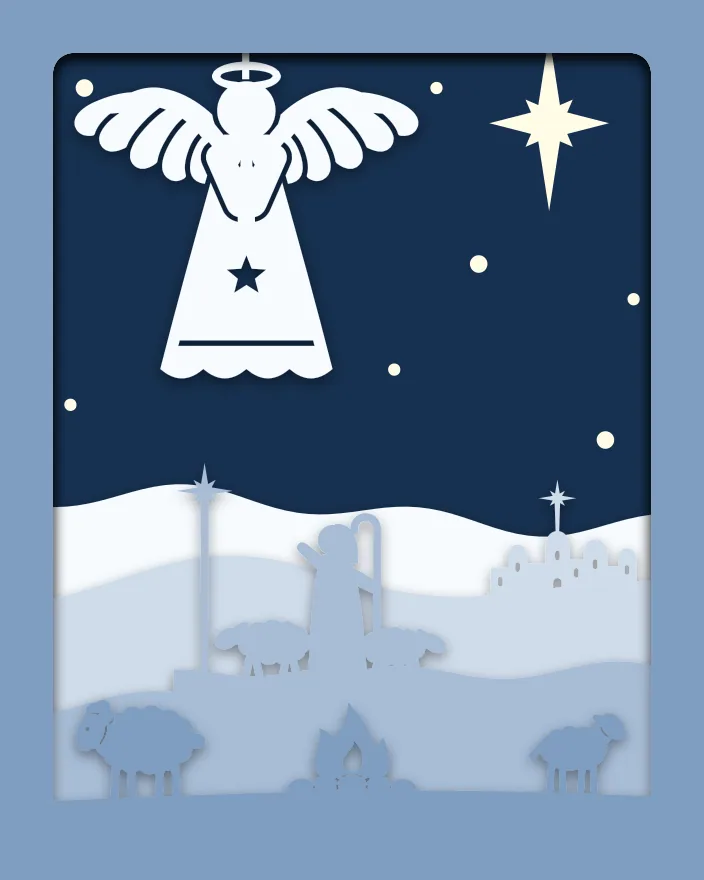 Angel and shepherd
 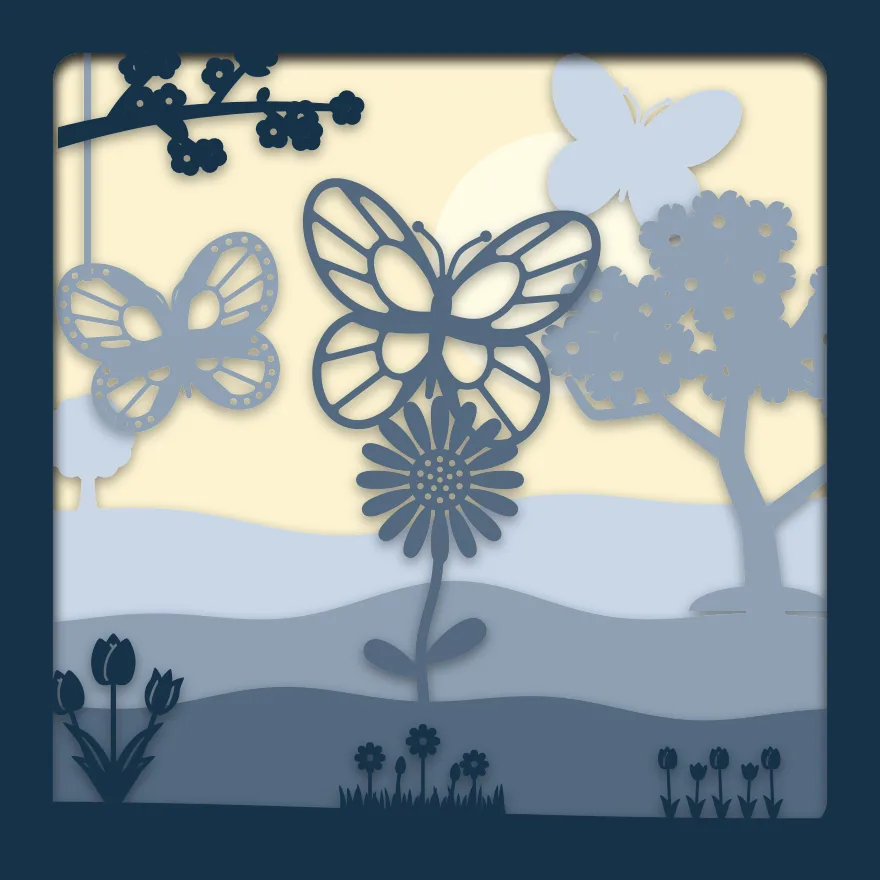 Butterflies and blossom
 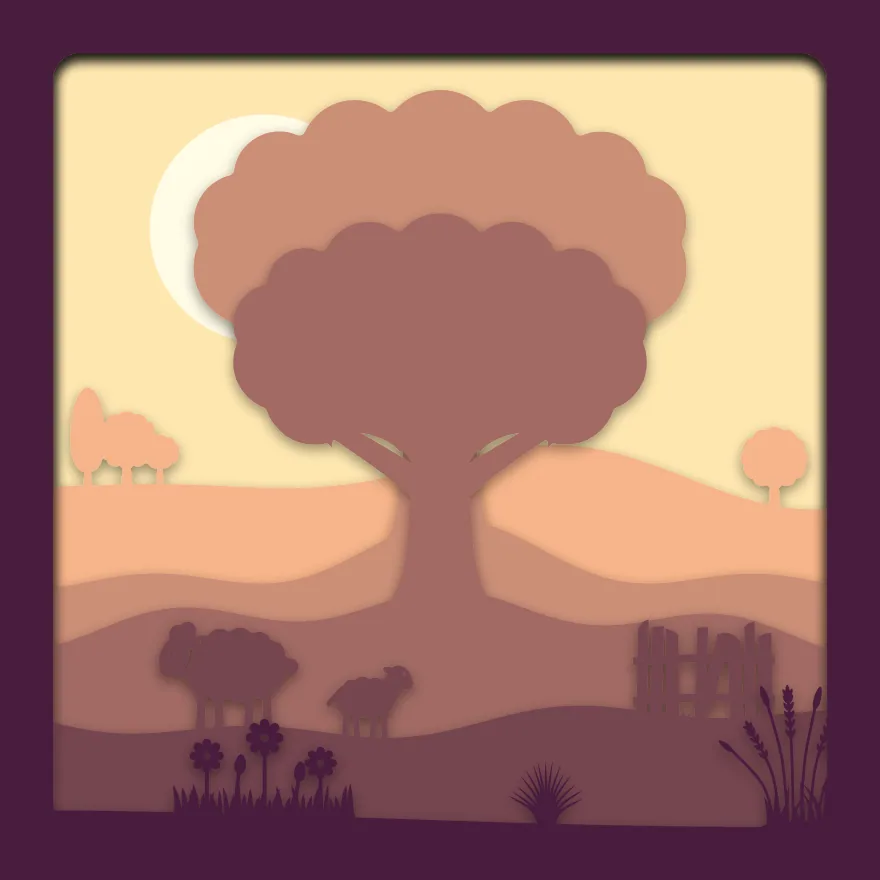 Old oak on the hill
  Tortoise in the garden
  Horse and evening star
  Eclipse over the hills