Astronaut on the moon shadow box SVG
A sky of stars with a ringed planet and a striped giant, an astronaut floating above the far craters, a rocket and a small robot on the ridge, and a second astronaut waving beside a flag at the front. 5 sheets of card, cut and stacked with a gap between each, make the picture. The files are free, and every part of the scene can be moved, swapped or resized below before you download.
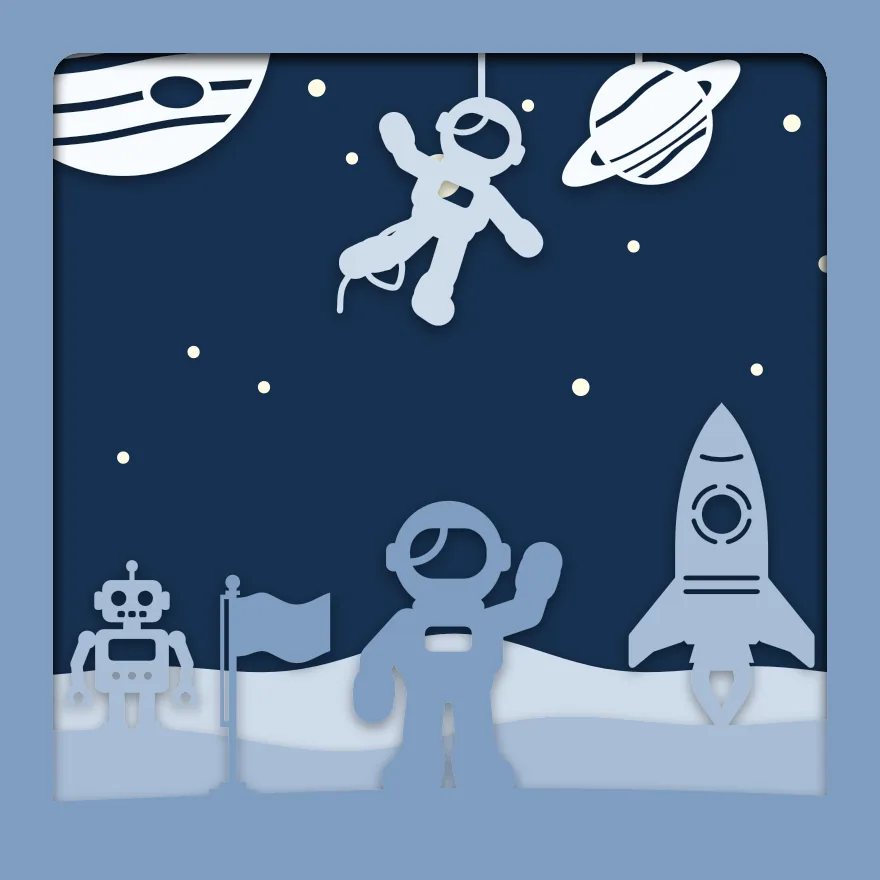
5 sheets at 8 × 8 in, zipped, with a note on putting them together.
Free for personal and commercial use, no sign-up. What you can do with it.
The 5 sheets
Sheet 1 is the back and sheet 5 is the front. Each one is a single piece with the same frame round its edge, so they line up when stacked. The colours shown are the “Snow” set; cut them in any card you like. Cut sheet 4, “Rocket and robot”, the slowest: at 1.2 mm it has the thinnest part in the scene, and sheet 5, “Astronaut and flag”, fills the most of the view, 31% of it.
| Sheet | What is on it | Narrowest part | Seen from the front |
|---|---|---|---|
| 1. Stars | A whole sheet with holes for: 13 × Plain disc | over 2 mm | 48% |
| 2. Planets | Frame only, with: Gas giant planet with bands and a spot and Ringed planet like Saturn | 1.3 mm | 4% |
| 3. Far craters and floating astronaut | Rolling ground, with: Astronaut floating in space | 1.7 mm | 7% |
| 4. Rocket and robot | Rolling ground, with: Rocket with fins and a flame and Toy robot | 1.2 mm | 10% |
| 5. Astronaut and flag | A gentle slope, with: Waving spaceman and Flagpole with a small flag | 1.8 mm | 31% |
Measured from the files at 8 × 8 in. The narrowest part is the thinnest neck of card that holds anything on; sharp tips are not counted. “Seen from the front” is the share of the picture that sheet fills once the sheets in front of it are in place.
Will it cut at your size?
The download is 8 × 8 in. The scene maker above makes the same scene at any of these sizes; the thinnest part scales with it.
| Frame opening | Each sheet | Narrowest part | Depth needed | Fits a 12 × 12 in mat | Rule of thumb |
|---|---|---|---|---|---|
| 6 × 6 in | 152.4 × 152.4 mm | 0.9 mm | 17 mm | Yes | Fine detail: sharp blade, slow speed |
| 20 × 20 cm | 200 × 200 mm | 1.2 mm | 17 mm | Yes | Cuts easily |
| 8 × 8 in | 203.2 × 203.2 mm | 1.2 mm | 17 mm | Yes | Cuts easily |
| 23 × 23 cm | 230 × 230 mm | 1.4 mm | 17 mm | Yes | Cuts easily |
| 25 × 25 cm | 250 × 250 mm | 1.5 mm | 17 mm | Yes | Cuts easily |
Depth needed allows 3 mm of foam between sheets and 5 mm for the card itself and the backing.
Making this one
The Snow colours suit it: a dark blue back sheet with the stars cut through it, and white and pale blue card for the moon. The floating astronaut and the ringed planet hang on threads, so lift the second and third sheets from the mat slowly.
- Cut all 5 sheets from 160 to 220 gsm card at the same size.
- Lay them out in order, sheet 1 at the back.
- Put strips of 3 mm foam tape round the border of sheet 1 and press sheet 2 onto it with the edges level. Carry on to sheet 5.
- Fit the stack into a deep frame with the front sheet against the glass. For a light box, run a strip of warm white LEDs round the inside of the frame behind the stack.
The zip includes these steps as a text file, each sheet as its own SVG and all 5 side by side in one SVG. More on paper, frames and lights is on the shadow box page.
The parts, on their own
Everything in the scene comes from the free SVG library, where each has its own page and file:
Questions
How do the stars shine?
Each star is a hole in the back sheet. Put a string of micro lights behind it, or stand the box where daylight falls on its back, and the holes light up.
Can I leave the robot out?
Yes. Select it in the maker and choose Remove, or choose Swap and put a second rocket or a flag in its place.
Can I sell boxes I make with it?
Yes. Finished pieces are yours to sell. The files themselves may not be sold or shared; send people to this page. See the licence.
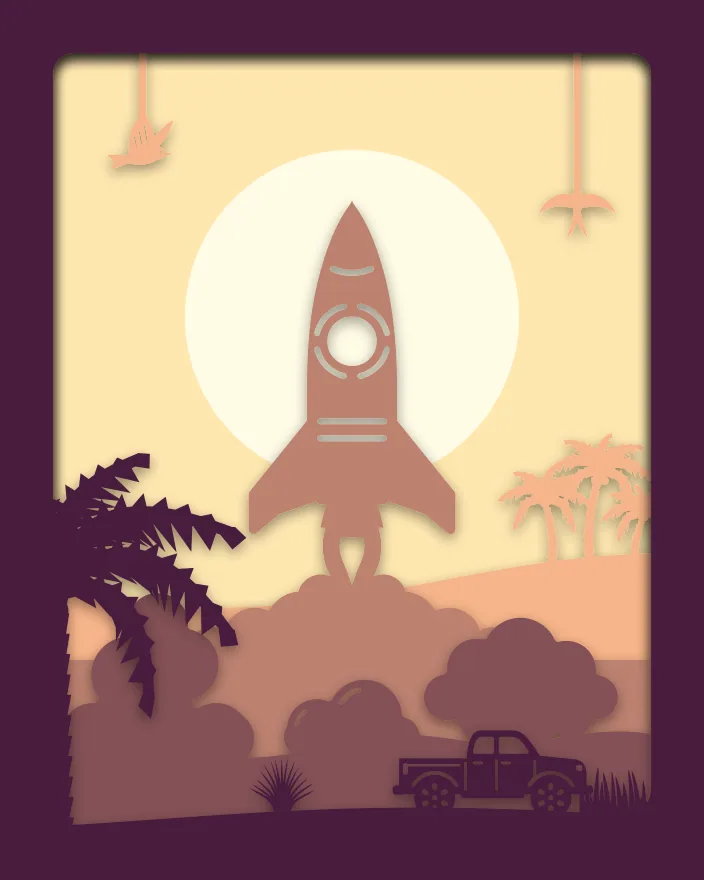 Rocket launch
 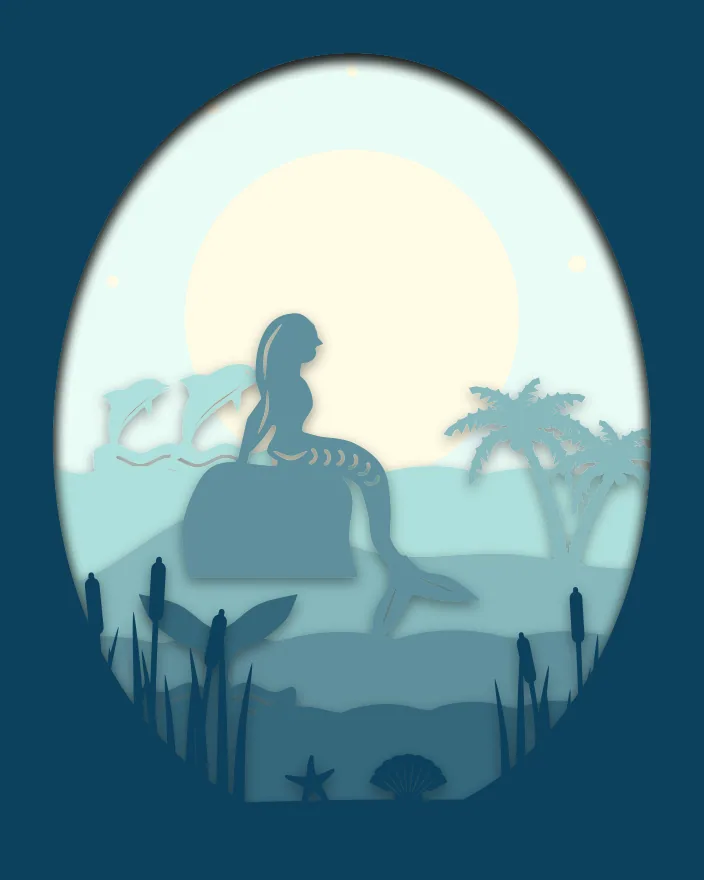 Mermaid lagoon
 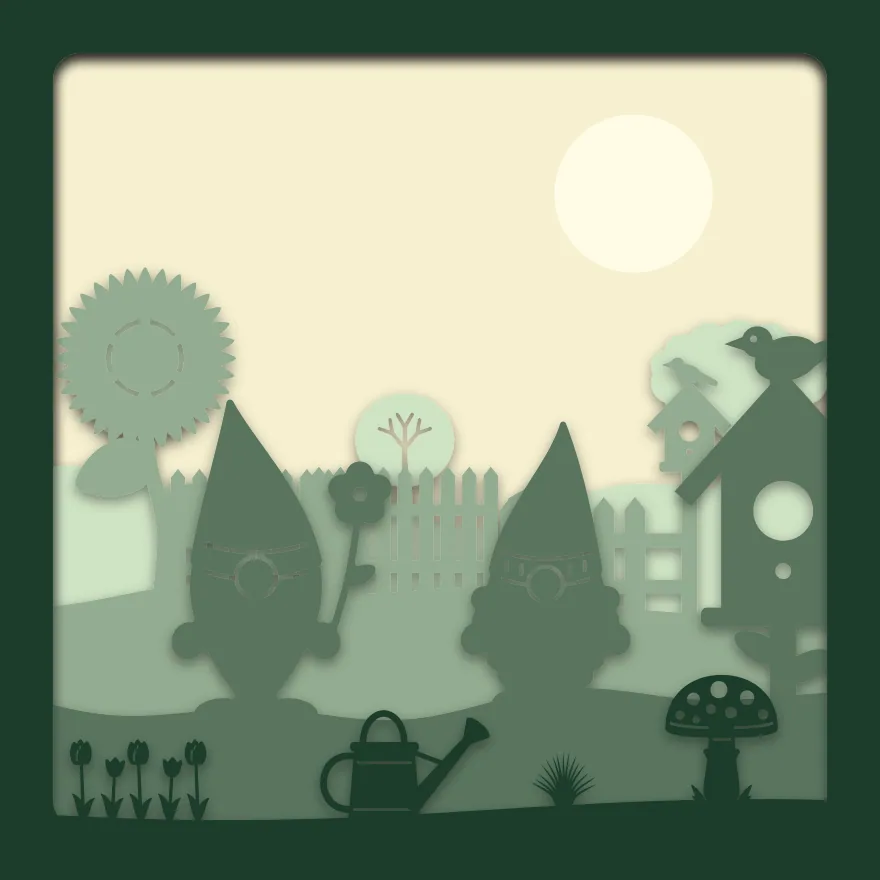 Gnome garden
  Moon and stars nursery
  Ballet dancers
  Dog in the park